:no_upscale())
:no_upscale())
:no_upscale())
12 best home care scheduling software options compared
:no_upscale())
On this page
A late callout is a useful test of home care scheduling software. Can a coordinator change the visit, can the replacement see the current assignment, and can the office find the completed record afterward? The answers help show which tools fit the visits your agency runs.
This guide compares 12 options across home care settings, with attention to cover, travel, care records, and billing. Use it to narrow your shortlist, then ask each vendor to show what happens when a visit like one your team handles needs to change.
Why agencies look for home care scheduling software
A change to one visit leaves you checking who can take it, whether they can reach the client, and whether they have accepted.
In a spreadsheet, the original caregiver still appears on the rota while you call replacements. Someone else checking that rota cannot tell whether to contact the client or wait for cover to be confirmed.
A replacement must be able to provide the client's service and reach the home from the previous stop. An empty calendar slot tells you little about either requirement.
You then need to see a reply. Until a qualified worker accepts and the current schedule reflects the change, the visit still needs attention.
After care, the actual arrival time and completed work often differ from the plan. The next caregiver needs that update, and the office needs an accurate record for invoicing or a payer claim. A scheduler that stops at the rota leaves staff to reconcile those details elsewhere.
12 best home care scheduling software options
Start with your country, care model and who pays for each visit. Personal care schedules differ from skilled nursing schedules, which connect visits to clinical records.
US Medicaid workflows need state-specific electronic visit verification (EVV), which records when, where and by whom care was delivered. Australia's NDIS funds disability support, while the SCHADS award sets relevant employment conditions.
Confirm local availability and payer connections before shortlisting. A product's Australian travel rules or US Medicaid connections may not apply to your agency.
1. Silverwise
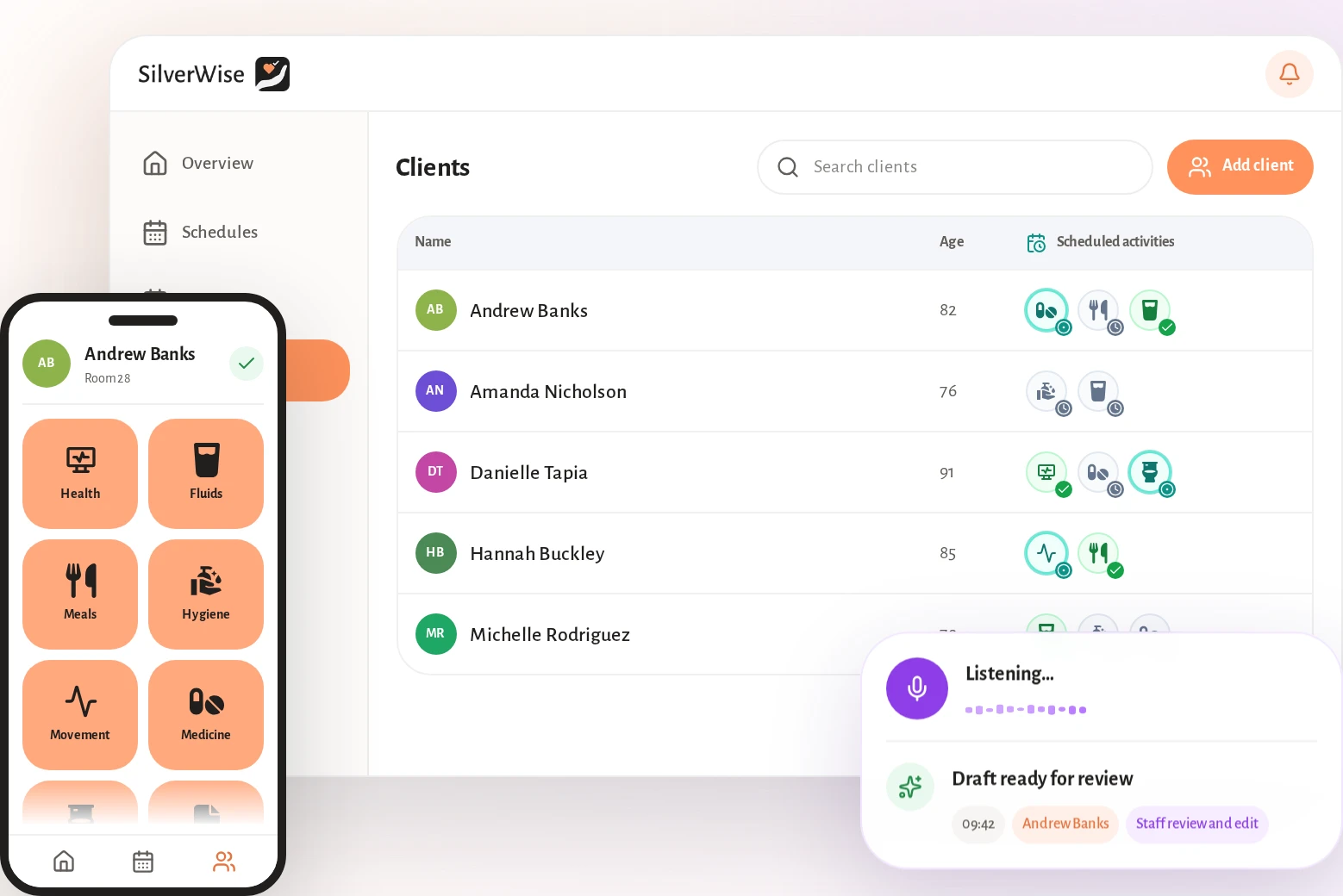
Silverwise connects assigned services, schedules, routes, visit records, field updates and invoice preparation in one platform. Coordinators, caregivers and office staff use the same information as a visit moves from planning to completed care.
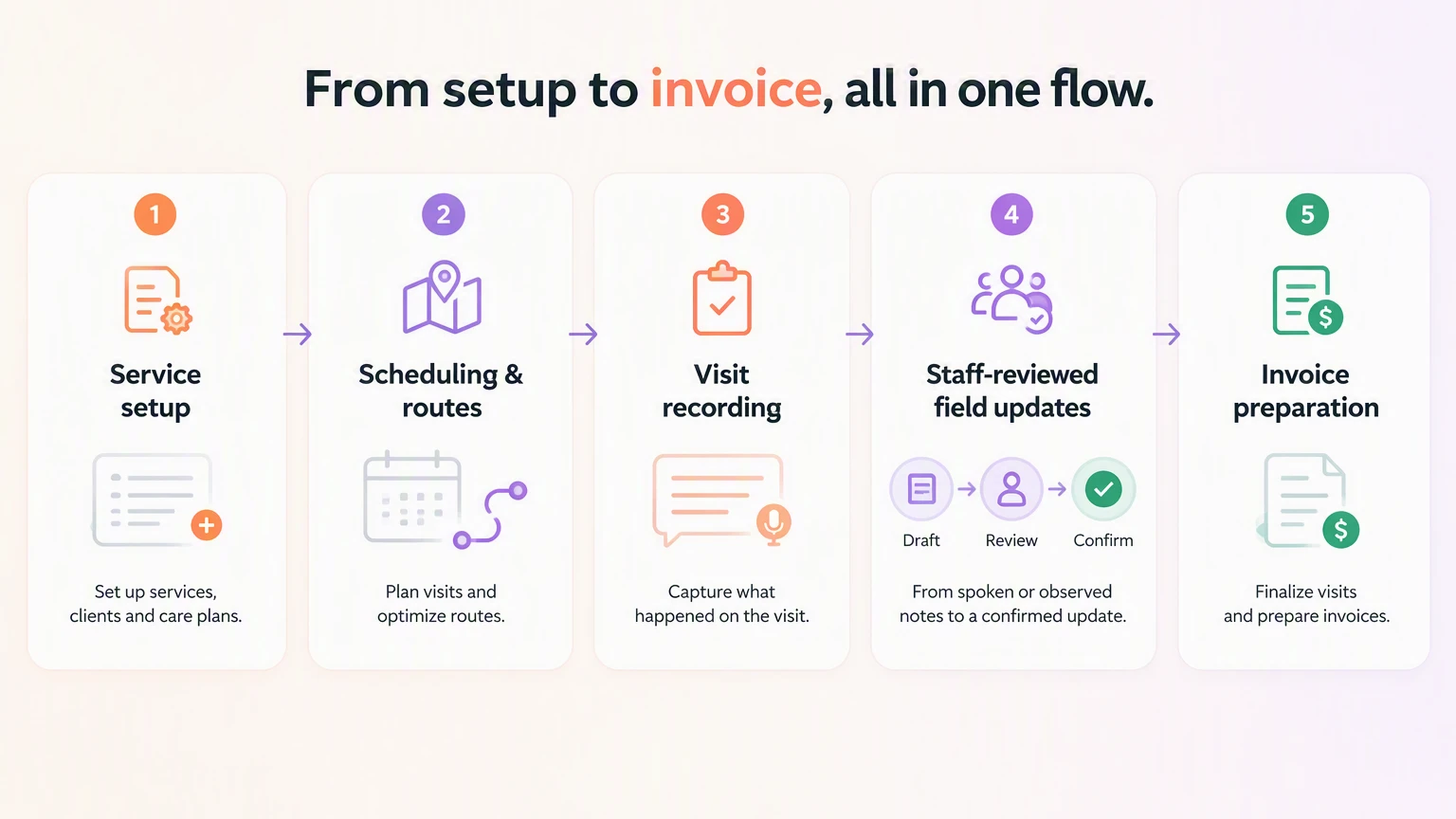
Set up services and client assignments
Your team defines service terms, prices and signature requirements in Silverwise, then assigns the services to clients. Those details give coordinators a clear starting point for planning visits.
Before scheduling, a coordinator checks which services the client receives and what the caregiver needs to record. Your team agrees who can provide the work and which departments need the information.
Plan recurring schedules and visit routes
Silverwise builds staff rotas from shift templates and recurring rules. When a worker calls out, a manager can change the current shift and share the updated schedule.
The shared schedule tracks working hours, holidays, night hours and overtime. Authorized office staff can check those figures when preparing payroll inputs.
A replacement on a home care route may need to travel between clients. The coordinator can check route and visit information before sharing the revised schedule with staff.
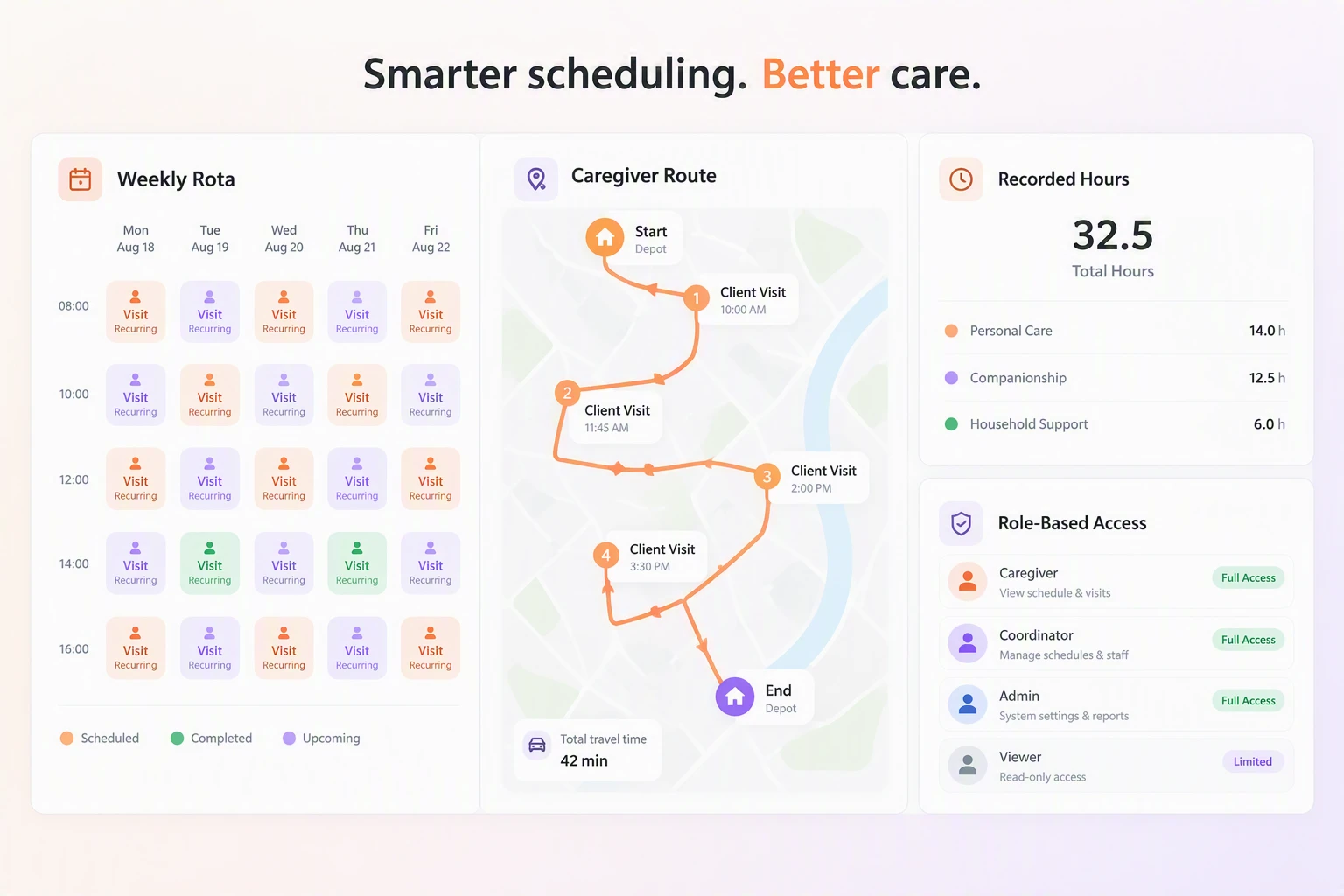
Record visits with the right access
During a visit, the caregiver records time and completed care in Silverwise. The office can then check what happened against the client's assigned services.
Staff can record recurring care as daily actions when the work is done. Your team agrees which actions fit its services so caregivers record them consistently.
Client information can be limited to employees on an active shift, with permissions agreed during setup. Off-shift staff can still check their personal calendars and notices.
Field updates and follow-up alerts
A caregiver can dictate a visit update and review the editable draft before confirming it. Silverwise saves the confirmed record so the office and the next caregiver can check what changed.
Say a client needs a follow-up visit after an unexpected change. The caregiver can dictate the observation, correct the draft, and confirm the note so the office can check what needs arranging.
When a planned care action remains incomplete, an overdue-care reminder alerts the appropriate staff. The team checks the record and decides what follow-up is needed.
Turn completed work into invoice lines
Recorded time and care become invoice lines in Silverwise. The office can review those lines against the client's assigned services when preparing an invoice.
For a visit that ended early or included a different service, the office checks the completed record before finalizing the bill. This review keeps the invoice tied to the work recorded.
The Silverwise home care demonstration pairs service setup and prices with a visit record and invoice draft.
Optional stock and document oversight
When recorded care uses supplies linked to stock, Silverwise deducts those items. Providers can use this alongside the visit workflow when they need shared supply records.
Client and staff files stay in the shared system with agreed access permissions. Expiry reminders help the relevant team follow up before a required document expires.
Pricing approach
Silverwise does not publish plan prices or package names. To find out what it would cost for your agency, you can discuss your care setting and the modules you need in a personalized consultation.
2. CareSmartz360's Smart Scheduler
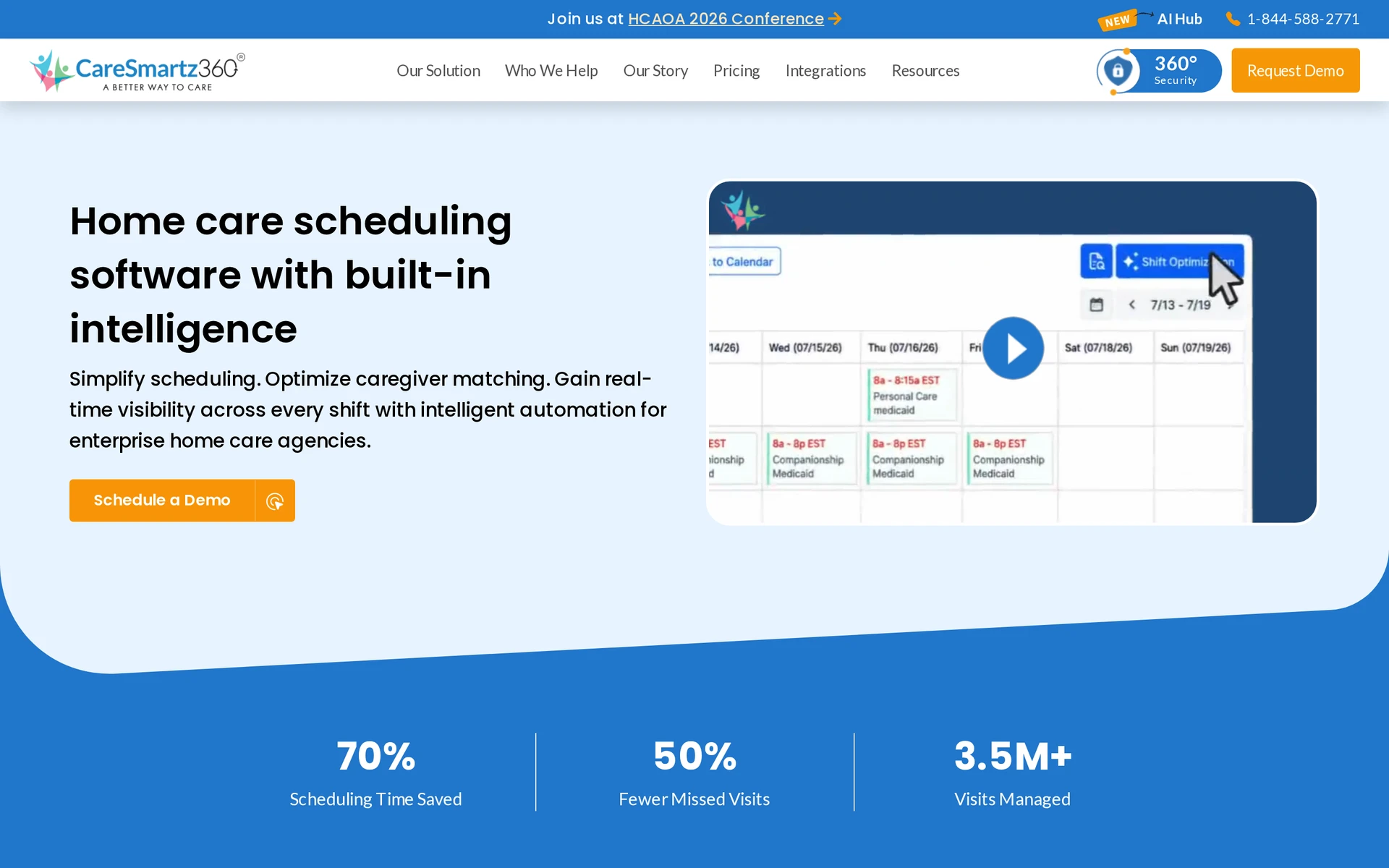
CareSmartz360 helps a coordinator seek cover for an open home care visit. The useful question is whether a suggested caregiver is suitable and has actually accepted before the calendar shows the visit as filled.
Scheduling automation and caregiver matching
When a caregiver calls out, Smart Scheduler ranks other caregivers by availability, skills, and preferences. The coordinator reviews that list, sends an offer, and waits for a response before confirming cover.
The AI Voice Bot calls caregivers ahead of scheduled shifts to confirm availability. Responses update the schedule, and a transcript is logged for the agency to review.
Calendar view and staff updates
CareSmartz360 shows coverage and changes in a color-coded calendar. For a visit changed while staff are working, ask how the new assignment appears on the caregiver's phone and whether the coordinator can see that the caregiver responded.
What to check in a coverage demo
Decline an open-visit offer in the demo and check what happens next. Ask where a coordinator sees that cover is still needed, then review how scheduled-shift Voice Bot responses change the calendar.
Pricing approach
CareSmartz360 pricing is quoted rather than listed at a public rate. Ask for a Smart Scheduler quote based on your active-client volume, and have the vendor specify what is included for branches, Voice Bot use and setup.
3. HCHB Smart Scheduling by Homecare Homebase
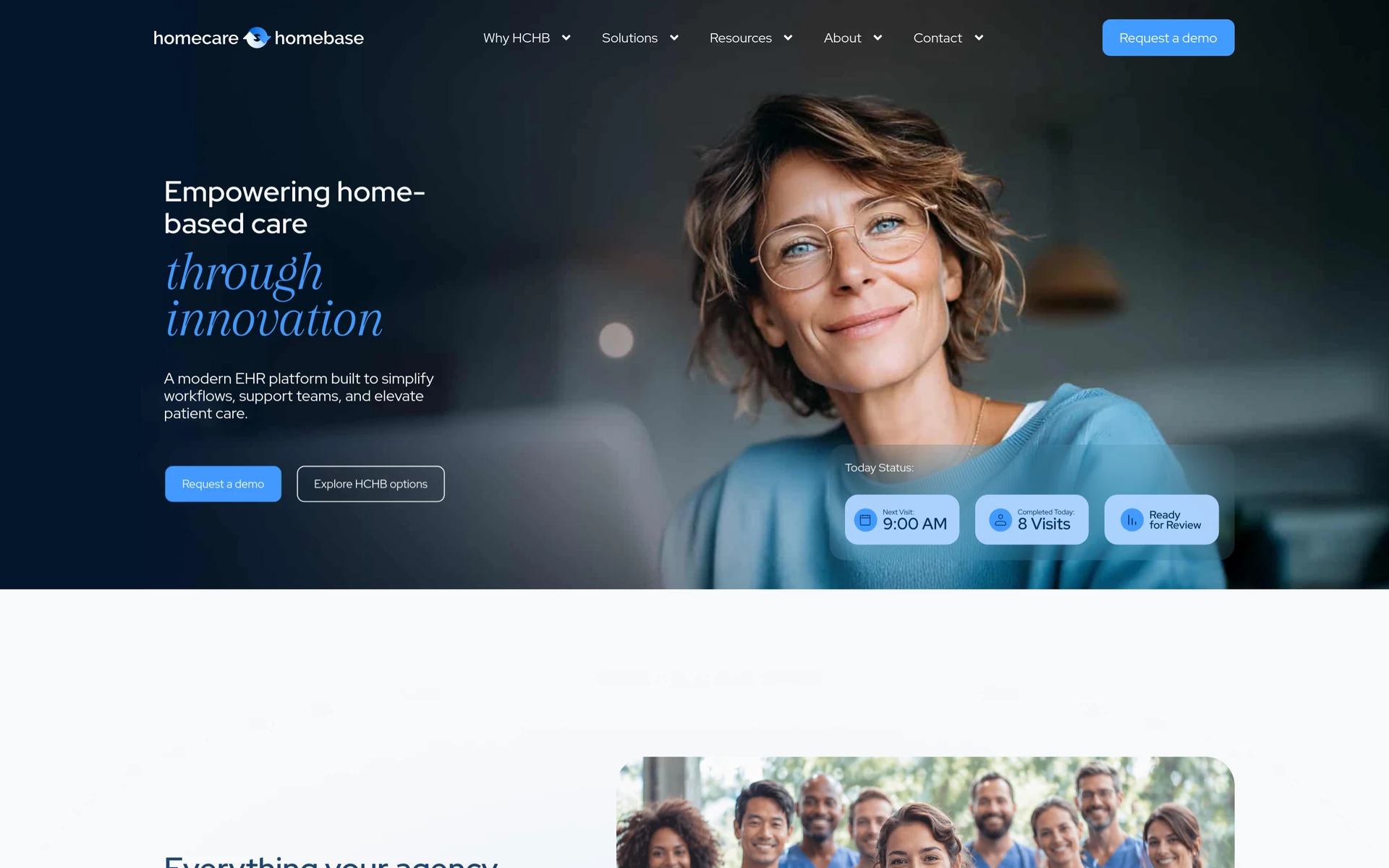
HCHB Smart Scheduling works inside Homecare Homebase's electronic health record, or EHR, where the agency keeps patient care information. It optimizes visit assignments and driving routes within that shared care system.
Care setting and agency fit
Home health, hospice, and personal care agencies using Homecare Homebase can schedule those visits in its system. When a patient needs a different appointment time, the proposed worker should have the necessary skills and, where possible, maintain continuity with that person's care.
Smart Scheduling sits on top of the core Homecare Homebase EHR. An agency using another record system would need to assess that wider system as part of the purchase, rather than buy this module as a separate roster tool.
Same-day changes and clinical workflow
Ask how a same-day cancellation affects an already shared route and when the revised assignment reaches the clinician.
In a demo, cancel a visit after clinicians have received their routes. Ask the vendor to show the replacement's new route and the care record the worker will complete, so your team can see whether both reflect the same change.
Pricing approach
HCHB Smart Scheduling is priced by quote, on top of the core Homecare Homebase EHR licence. Ask for the module cost separately from the EHR cost and confirm which setup, training and user access the proposal covers.
4. WellSky Personal Care's scheduling
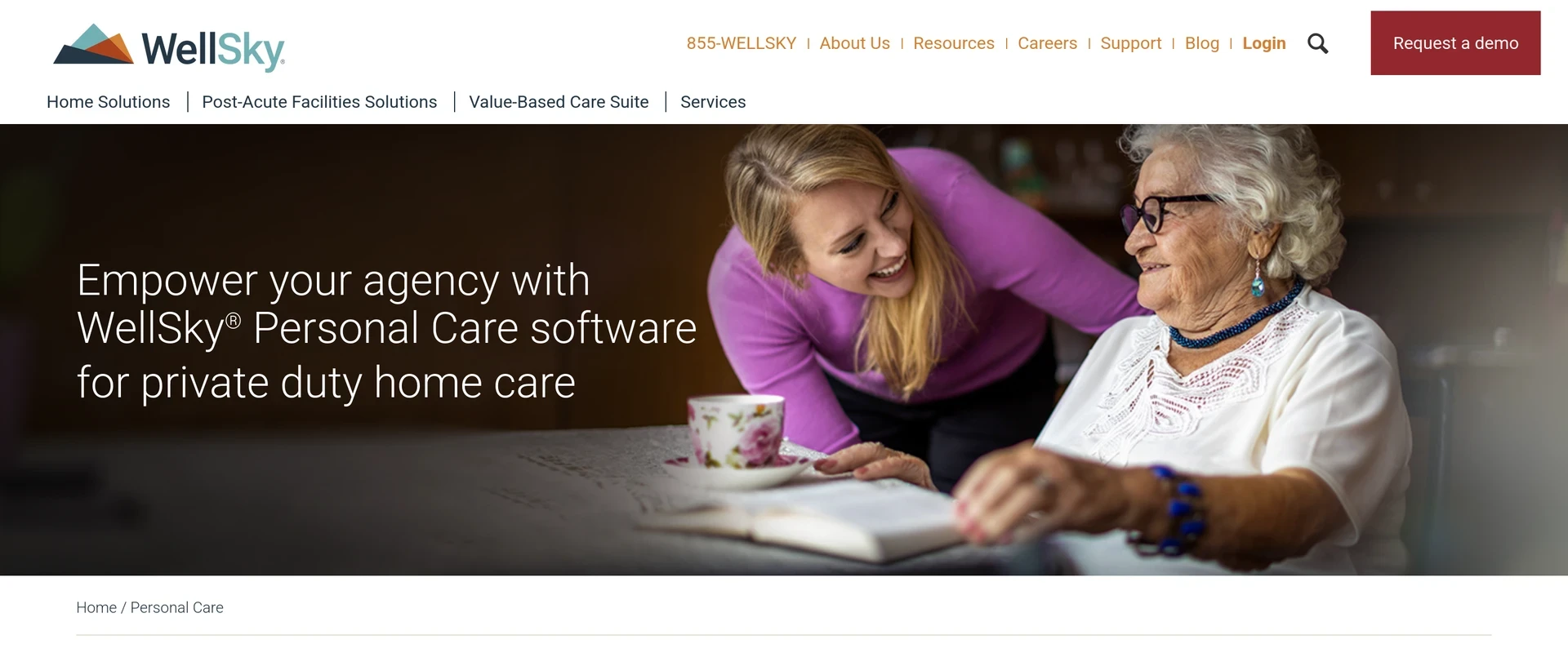
WellSky Personal Care schedules non-medical home care visits and connects them to work caregivers do on mobile. Its Family Room portal gives relatives a view of caregiver schedules and task notes, with a shared calendar for appointments.
Intake-to-scheduling workflow
The office can receive a referral in WellSky Personal Care and move toward assigning a caregiver. Matching helps find a suitable worker, while a shift broadcast asks available staff to take an open visit.
Once assigned, a caregiver sees the visit and tasks in the mobile app. The app can record electronic visit verification, or EVV, to check when a visit started and ended. Ask how staff correct that record before it reaches a payer that requires verification.
Contract scope to confirm
Ask WellSky to show what a relative sees in Family Room when a visit changes. Confirm who can see task notes and appointments, and which agency staff control that access.
Pricing approach
WellSky Personal Care pricing is available on request rather than at a published rate. Request a quote that states the billing basis and covers the scheduling, mobile EVV and Family Room access your agency needs.
5. ShiftCare's rostering and scheduling
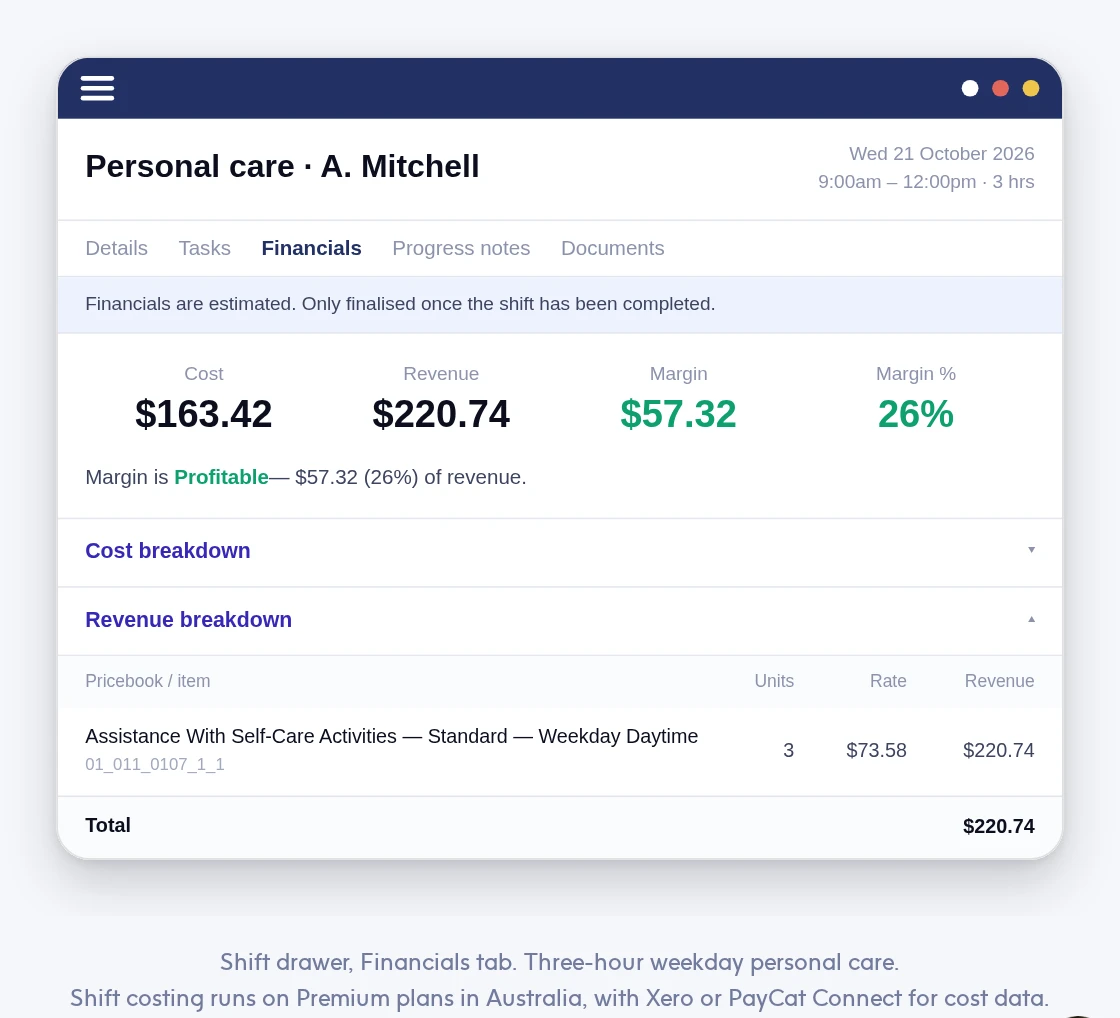
ShiftCare has a calendar roster for home care, aged care, and disability support. In Australia, its travel settings let an agency separate a worker's travel between visits from time spent transporting a client, which may be treated differently for pay or claims.
Rostering for aged and community care
Managers can share shifts from ShiftCare's calendar and set how travel is counted within them. A worker driving to the next appointment and a worker taking a client somewhere are doing different work, so check that the agency's rules classify each correctly.
Australian agencies may need to apply the SCHADS award, which sets pay conditions for social and community services, and NDIS rules for funded disability support. Test your own travel and transport examples before using the roster data for pay or claims.
Mobile access and visit verification
Caregivers can see assigned shifts and travel on mobile. When a coordinator moves an appointment, check when the revised shift reaches the worker and what the worker needs to do to acknowledge it.
For funded visits, ask ShiftCare to show the record sent to your payer and any required connections. Confirm that the Australian travel and transport classifications match the work your agency bills for.
Pricing approach
ShiftCare's Australian Basic plan charges per user, with a five-user minimum. The rates below exclude GST, and annual billing is paid upfront.
Other markets have their own pricing. Confirm the currency and included features for your agency.
Basic billing option | Per user per month | Five-user minimum |
|---|---|---|
Annual, paid upfront | AUD $8 | AUD $40 per month equivalent |
Monthly | AUD $9 | AUD $45 per month |
6. Netsmart myUnity's scheduling
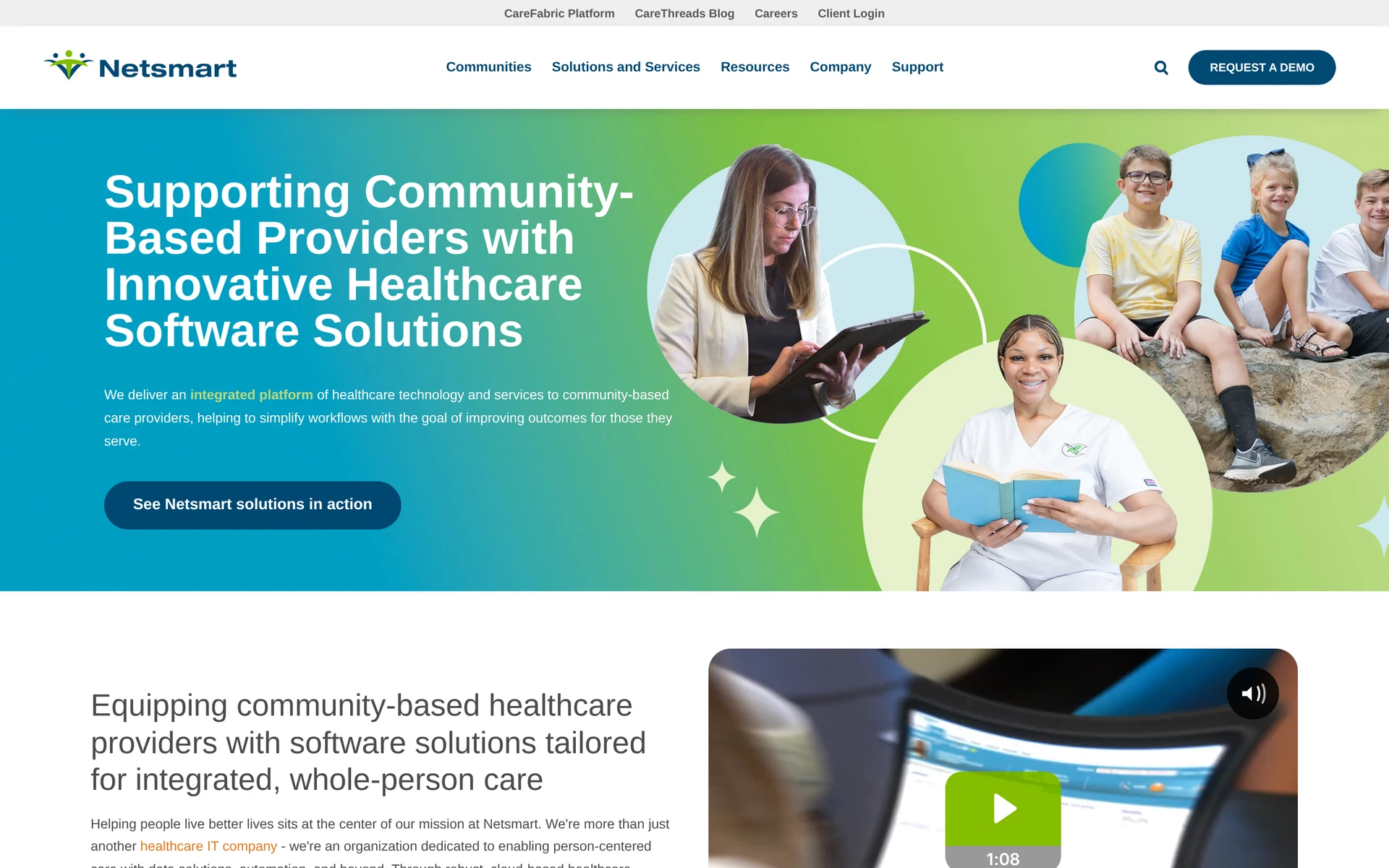
Netsmart myUnity puts staff assignments alongside the patient's electronic health record (EHR). A coordinator can check the schedule in the context of the person's care plan, rather than treating the visit as an isolated slot.
Care setting and agency fit
For an organization that provides home health, senior living, and hospice care, the relevant question is what happens when a patient moves between services. The coordinator needs to find the current care plan and confirm who has the next assignment.
Have Netsmart demonstrate a transfer between the services your organization actually provides. Watch who can see the next assignment and who has permission to change it.
Reporting and compliance tracking
When a person's care plan changes, managers need to identify the affected assignments. Ask which myUnity report brings the updated plan and incomplete visits into view for review.
A shared calendar can show the assignment, but your reporting rules may require more detail about the completed visit. Check the specific record and correction steps your service uses before relying on the report.
Pricing approach
Netsmart does not publish a myUnity scheduling list price. Request a quote for the care settings, scheduling modules, and sites you need, with setup and record transfer itemized so you can compare the proposal with your current system.
7. CareVoyant's scheduling
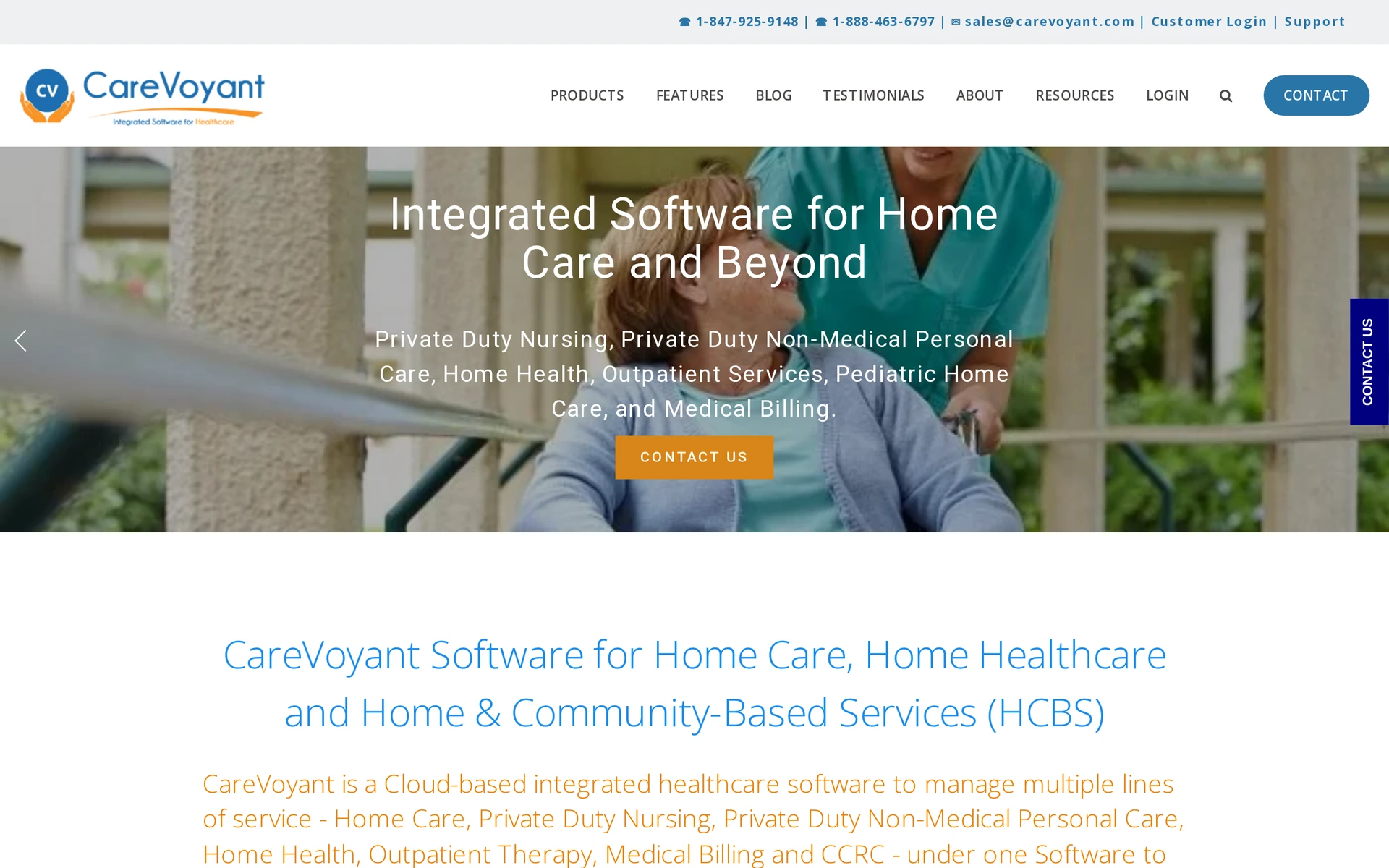
CareVoyant handles short home care appointments and longer private duty nursing shifts in the same system. An agency providing both needs to know whether a change to one kind of visit affects coverage or pay for the other.
Coverage across personal and skilled visits
Private duty nursing blocks can run 8 to 12 hours alongside individual visits. When two caregivers split a block, the calendar needs to show where one person's cover ends and the other's begins.
That split matters to payroll: the two workers may have different pay rates, and overtime may be calculated across their assigned hours. Use one real split shift to check what the scheduling record sends to payroll.
Connections to billing and documentation
Before a caregiver leaves, CareVoyant can check the scheduled service against the payer's authorization, which is its approval for the client's care. After the visit, electronic visit verification (EVV) records when and where it happened, and that work connects to billing and payroll.
Move a visit to a different time in the demo and inspect the authorization check. Ask what happens if the changed service or duration exceeds the payer's approval.
Pricing approach
CareVoyant quotes pricing. Describe your mix of intermittent visits and private duty nursing, including any split shifts. Ask whether the proposed price covers authorization checks, EVV, billing, payroll, implementation, and payer setup.
8. Alora's scheduling
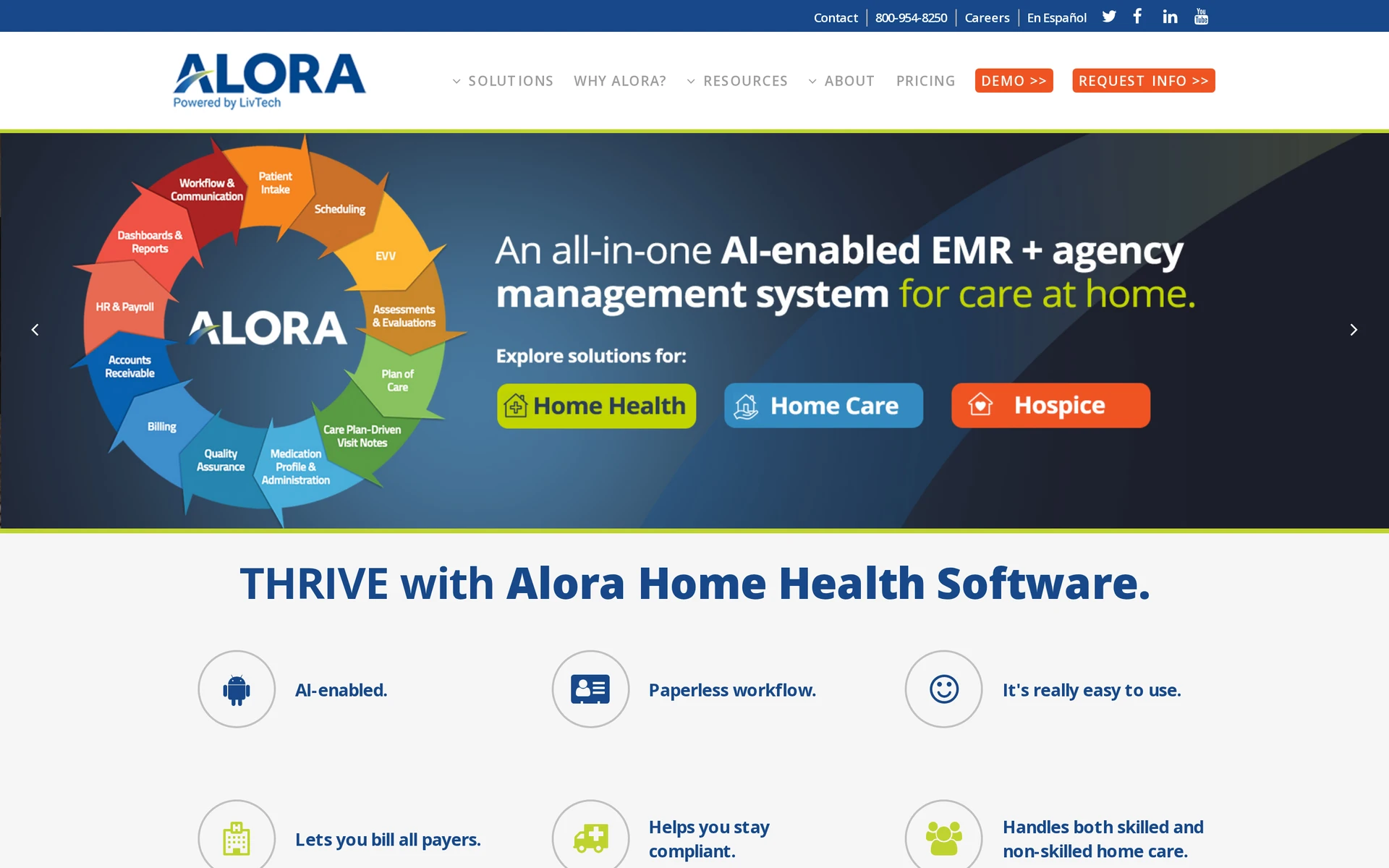
Alora schedules skilled home health visits and personal care in one system. Its scheduler alerts coordinators to conflicts, visit-frequency issues and prior authorization limits, helping them review a change before confirming it.
Service coverage breadth
The calendar includes nursing and therapy appointments as well as hourly, overnight, split, and live-in personal care shifts. Alora also covers hospice and pediatric services, so agencies mixing these schedules should test the particular visit types they provide.
For an open visit, the coordinator can broadcast a message and review caregivers' requests in the app. Alora calculates travel time and mileage between visits, which helps the coordinator assess the journey.
Documentation and EHR connections
Alora links planned visits to its electronic health record (EHR), where clinicians document care, and to mobile electronic visit verification (EVV), which checks when and where the visit occurred. The schedule also shows payer authorizations and physician orders.
Recurring visits are checked for frequency issues and authorization limits. Alora sends EVV data to aggregators including HHAeXchange and Sandata, with discrepancies flagged for manual review before transmission.
Pricing approach
Alora provides pricing by quote rather than a published plan price.
Tell Alora which skilled and personal care visits you run and which EVV connections your payers require. Have the quote separate scheduling from clinical documentation and billing for that service mix.
9. Caretap's caregiver scheduling
Caretap connects caregiver schedules to visit verification and Medicaid claims for home care and waivered services.
Caregiver visit assignment
Coordinators can plan weekly or biweekly schedules and manage shift changes. Visit reminders and two-way texts give caregivers a way to receive updates and communicate with the office.
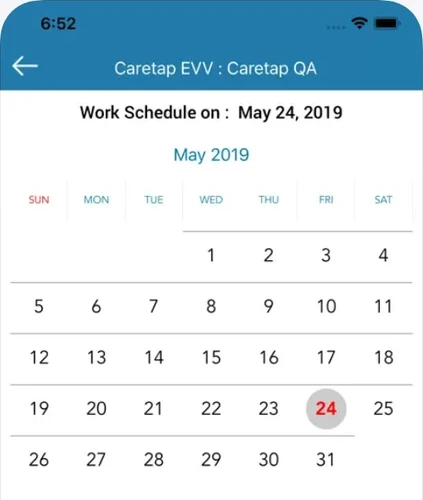
In a callout demo, reassign a visit to someone with another client on the calendar. Check for an overlap and confirm that the new worker can deliver the client's authorized service before treating the visit as covered.
Time tracking and visit verification
Caretap records a caregiver's arrival through GPS on a mobile device or a call from the client's landline. The verified visit times then feed timesheets, so ask which record a manager reviews when a clock-in is disputed.
Caretap connects visit records with Medicaid billing and claims submission. Ask how the office resolves a disputed clock-in before using that visit record for a claim under your state's EVV rules.
Pricing approach
Caretap pricing is available by request rather than through a published plan grid.
Give Caretap your caregiver count and the states where you operate. Ask which EVV connections and Medicaid claims functions the quote covers, and whether setup costs are separate.
10. AxisCare's caregiver scheduling
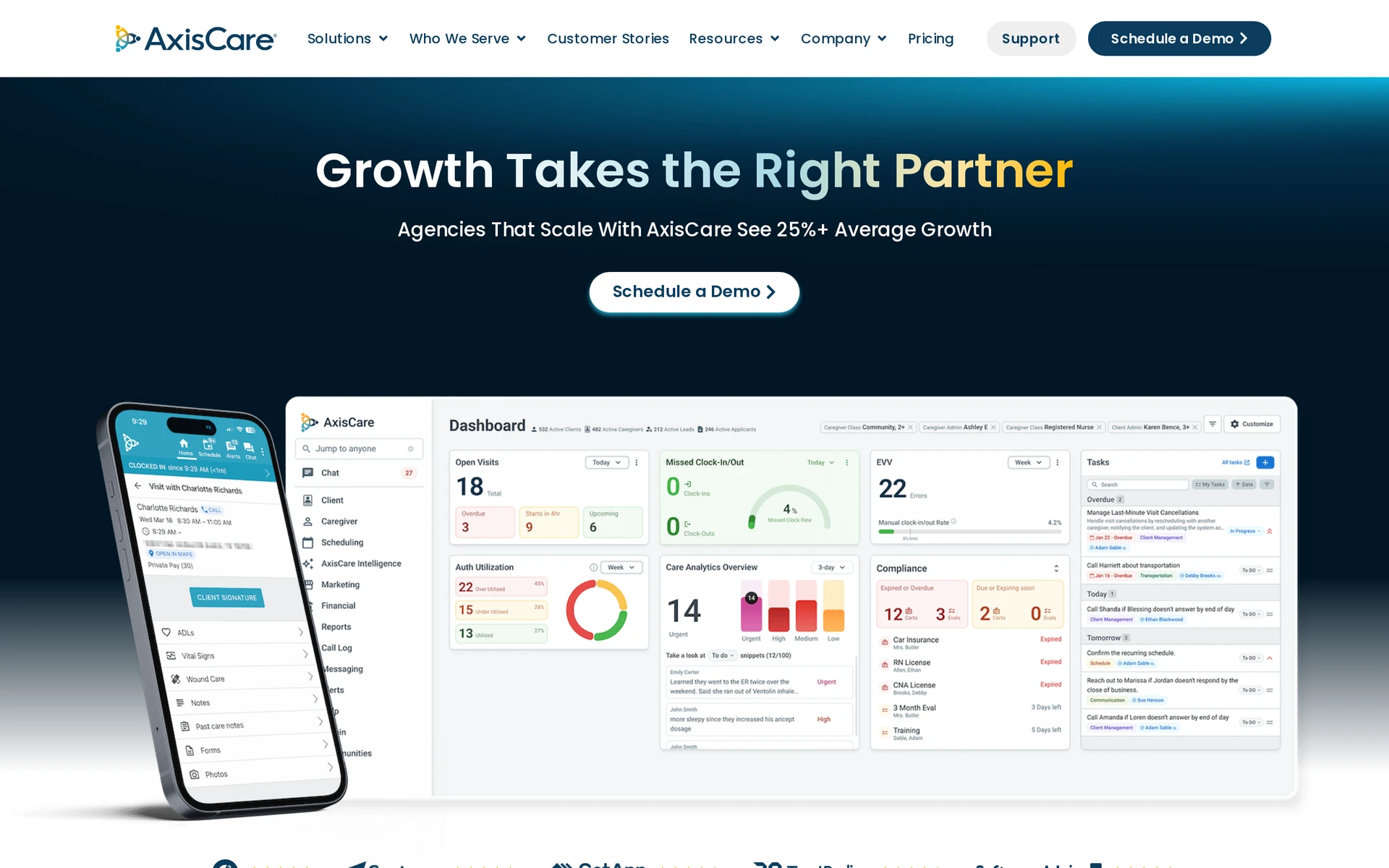
AxisCare suggests caregivers for open visits and sends assignments to available staff. Its EVV tools capture visit details, then use agency-defined rules and tolerances to determine which records qualify for automatic verification.
Caregiver-to-client matching
For a callout, AxisCare weighs caregiver skills and the client's preferences alongside driving distance and assigned hours. The coordinator can send the open visit to eligible caregivers, review replies, and decide who can cover it.
GPS records location during the visit, from clock-in to clock-out. Records that fail the configured verification rules need manual attention, so ask where the coordinator reviews an inaccurate location or disputed time.
Pricing approach
AxisCare provides custom quotes rather than a published plan price.
Ask AxisCare to show what scheduling and EVV include in its quote. If your agency bills payers that require specific EVV connections, check those costs and follow a verified visit into billing and payroll.
11. AlayaCare's scheduling

AlayaCare schedules home and community care visits. When several visits need cover, its Visit Optimizer can propose assignments as a group, while coordinators use mobile visit verification and shift broadcasts for work in the field.
A coordinator with vacancies on two routes may want to keep a familiar caregiver with one client without creating extra travel elsewhere. The agency's rules decide how the Visit Optimizer weighs that tradeoff, so its suggestions need review before anyone confirms cover.
Service coverage breadth
The roster covers visits in clients' homes and community settings. Check whether the Visit Optimizer can consider all the visit types on your day's rota, including work that must stay with a familiar caregiver.
Ask how the Visit Optimizer handles an otherwise suitable worker who would exceed your overtime rule, then check whether a coordinator can change the proposed assignment.
Mobile access and notifications
Caregivers record visits through mobile EVV. In the Visit Optimizer demo, change a proposed assignment and check how the coordinator's decision appears on the affected worker's mobile schedule.
A shift broadcast alerts caregivers to an open visit. Ask who receives it, how they reply, and when the assignment becomes confirmed on both the caregiver's and coordinator's screens.
Pricing approach
AlayaCare does not publish pricing. Request a quote for the agency's proposed package.
For a quote, describe your visit volume, service area, and rollout needs. Ask whether the Visit Optimizer, shift broadcasts, and mobile EVV are included, along with setup and support.
12. HHAeXchange's scheduling
HHAeXchange schedules home and community-based services (HCBS) that are paid through Medicaid. It connects caregiver assignments to the payer's approval for care, then links completed visits to electronic visit verification (EVV) and claims.
Caregiver visit assignment
When a visit moves, HHAeXchange checks the caregiver assignment against the client's Medicaid service authorization, the payer's approval for care.
The completed visit then needs an EVV record before the office can resolve any difference for a claim.
Have HHAeXchange show a rescheduled visit that exceeds its authorization. Check where that exception appears and who resolves it before the office prepares a claim.
EVV and compliance support
An agency using a designated basic EVV portal needs to find out how verified visits get back to its scheduling and claims records.
EVV records details used to check a care visit against Medicaid requirements. Ask your state or payer whether the basic portal is available to your agency and which tasks it covers before you plan a scheduling workflow around it.
When scheduling and EVV happen in separate systems, someone must reconcile a changed appointment with its verified time. Ask which team corrects that difference before the office submits a claim.
Pricing approach
HHAeXchange's full agency platform requires a quote. A funded basic EVV portal, where available, is a separate arrangement with the state or payer.
Request a quote for the full agency platform that lists scheduling, EVV, claims work, setup, and ongoing costs. Check basic portal eligibility separately with your state or payer. Funding for that portal does not set the price of the full platform.
Home care scheduling software compared side by side
Compare these 12 home care platforms by care setting, open-visit handling and pricing. Shortlist those that support your visit types and payer requirements.
Tool | Open-visit handling | Scheduling and care setting | Pricing approach |
|---|---|---|---|
Silverwise | Coordinator changes shifts and shares the updated schedule | Home care routes, assigned services, field updates, and invoice preparation | Personalized consultation |
CareSmartz360 Smart Scheduler | Ranks available caregivers and sends offers | Home care visits and call-off coverage | Quote requested |
HCHB Smart Scheduling | Optimizes visit assignments and driving routes | Home health, hospice, and personal care inside Homecare Homebase | Module quoted with core EHR |
WellSky Personal Care | Matching and shift broadcasts | Non-medical home care with mobile visit records | Quote requested |
ShiftCare | Calendar rostering and mobile shift access | Home care, aged care, and disability support with travel rules | Australian Basic: AUD $8/user/month billed annually or AUD $9 monthly, five-user minimum, excluding GST |
Netsmart myUnity | Patient-linked calendar assignments | Home health, senior living, and hospice workflows | Quote requested |
CareVoyant | Plans intermittent visits and split nursing blocks | Home care and private duty nursing | Quote requested |
Alora | Broadcasts open visits for coordinator selection | Skilled visits and personal care shifts | Quote requested |
Caretap | Recurring shifts with conflict alerts | Home care and waivered services with EVV | Quote requested |
AxisCare | Match suggestions and mobile open shifts | Home care with geofenced EVV | Quote requested |
AlayaCare | Visit Optimizer proposes bulk assignments | Home and community care visits with mobile EVV | Quote requested |
HHAeXchange | Authorization-linked visit assignments | Medicaid home and community-based services with EVV and claims | Full agency platform quoted separately from any funded basic EVV portal |
Compare proposals for the same staff, visit types and modules, including setup, mobile access and payer connections. HCHB's scheduling module needs its core EHR, while HHAeXchange's funded basic portal is separate from its full platform.
What to check before choosing scheduling software for your agency
Test each shortlisted scheduler with a normal day's visits and one late caregiver callout. Ask the vendor to show the coordinator's screen and the caregiver's phone at each point, then check these handoffs:
Remove a caregiver from a visit. Check how the coordinator finds a qualified replacement and sees acceptance before telling the client it is covered.
Place the replacement between two existing visits. Check travel time and how your agency's travel and pay rules appear in the revised schedule.
Move a short appointment and a longer shift. Check whether the coordinator can see travel conflicts without accidentally leaving a gap in continuous cover.
Record a late arrival and completed care. Check who corrects and confirms the record, then which version reaches the invoice or payer claim.
For US Medicaid-funded personal care and home health, electronic visit verification (EVV) records the service, client, caregiver, date, location, and actual start and end times. Check your state's and payer's rules for correcting a visit before submitting a claim. Agencies outside those programs should test the visit-record and billing requirements that apply to them.
See how Silverwise connects scheduling to daily care
Bring one ordinary visit record to your software discussions. Note its assigned services, actual time, caregiver update and billing details so each vendor works from the same example.
Silverwise connects those details from service setup to invoice preparation. Use your visit example to discuss whether that shared workflow fits how your caregivers and office team work.
Can scheduling software handle last-minute caregiver callouts?
Yes. Some home care schedulers can find caregivers who can take the visit and send it to them. You still need to see a qualified worker accept before treating the visit as covered.
An alert will not create an available worker. When an offer is accepted, check that the caregiver can reach the client from their previous stop and has the information needed for the visit.
Does scheduling connect to EVV and billing?
Some platforms connect a scheduled visit to electronic visit verification (EVV), which checks the details of care that actually happened, and then to billing. Others leave your team to pass the record between systems.
Use a visit that starts later than planned to test the handoff. Ask where the caregiver corrects the actual time, who confirms the completed service, and which version the office uses for the invoice or payer claim.
Is there a free home care scheduling app?
Yes. Sling offers free general shift scheduling for up to 30 users. An agency still needs a way to record completed care visits and pass the information to billing or a payer.
Before choosing a free rota, check how your team will keep client care notes, verify visits where required, and prepare invoices or claims. Include any separate systems in your comparison.
How long does switching to new scheduling software take?
How long you take depends on the client and caregiver records that must move and the modules you introduce. It also depends on how your team learns the new routine. Ask each vendor for a rollout plan based on your agency's visits and data.
Begin with one team's clients, assigned services, caregivers, and upcoming visits. Have that team change a visit and record completed care before migrating the rest, so you can catch gaps in both scheduling and billing preparation.
:no_upscale())