:no_upscale())
:no_upscale())
:no_upscale())
Best Care Planning Software Platforms for Care Teams
:no_upscale())
On this page
A care plan can be complete and still leave a shift rebuilding the day’s work from separate notes and systems.
The best care planning software closes that gap. It turns each person’s assessed needs and goals into clear work, then keeps the completed record available to the next shift.
This guide ranks 10 platforms by their fit for care-home managers and home-care operators. The order reflects care-plan depth, frontline recording, setting, and operational handoff, not universal product quality.
How we ranked the best care planning software
We assessed official product documentation, public procurement records, and relevant public feedback. The ranking does not claim hands-on testing unless an entry says otherwise.
Care-plan construction and frontline recording carried the most weight. Setting fit came next, followed by scheduling, visit handoffs, billing preparation, integrations, and commercial clarity.
Frontline effort mattered because a caregiver should not have to hunt through unrelated menus to record one completed task. Treat two screens as a demonstration benchmark, not a verified result for every product.
The 10 best care planning software platforms
The shortlist spans all-in-one care systems, clinical records, visit-management tools, and payer platforms. Each entry explains its position for residential and home-care operators, so a lower rank can reflect narrower setting fit rather than weaker software.
1. Silverwise
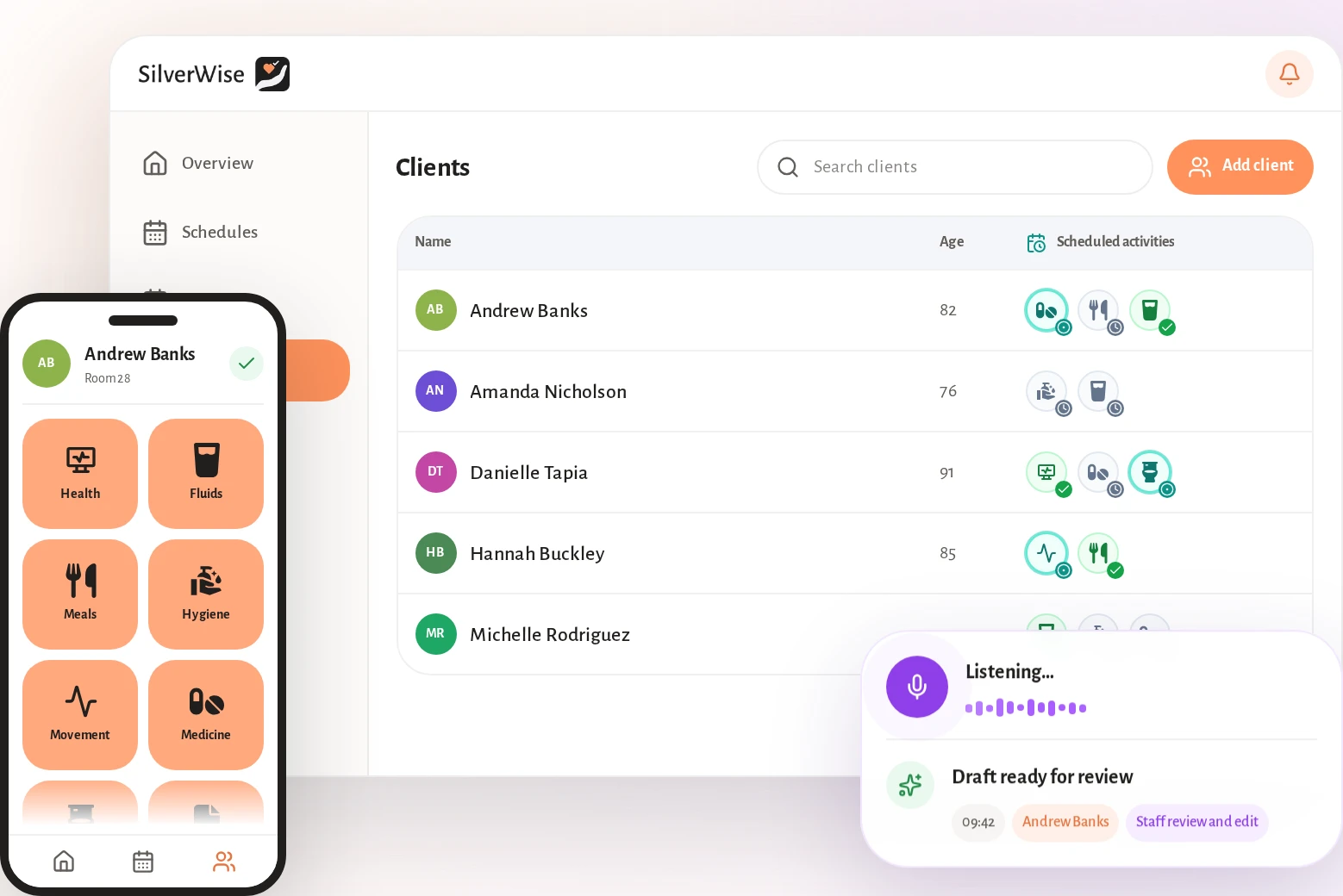
We rank Silverwise first because one shared care-plan workflow can support both home care and residential teams. Home-care providers can connect services, visits, routes, and invoice preparation; residential teams can connect shifts, care actions, rooms, and stock.
Your team can follow the work from service setup through a confirmed visit. Office staff then prepare draft invoice lines from time and service details the caregiver has checked.
Your care plans stay close to the daily work they guide, so staff can find current context without switching records. Add room and stock oversight only if your service needs those residential modules.
Set up services and clients: Define hourly or per-visit prices, required signatures, visit information, and client assignments.
Plan schedules and routes: Build worker schedules, reassign visits, and calculate routes for the day.
Record the visit: Capture visit duration, completed care actions, assigned services, and relevant surcharges.
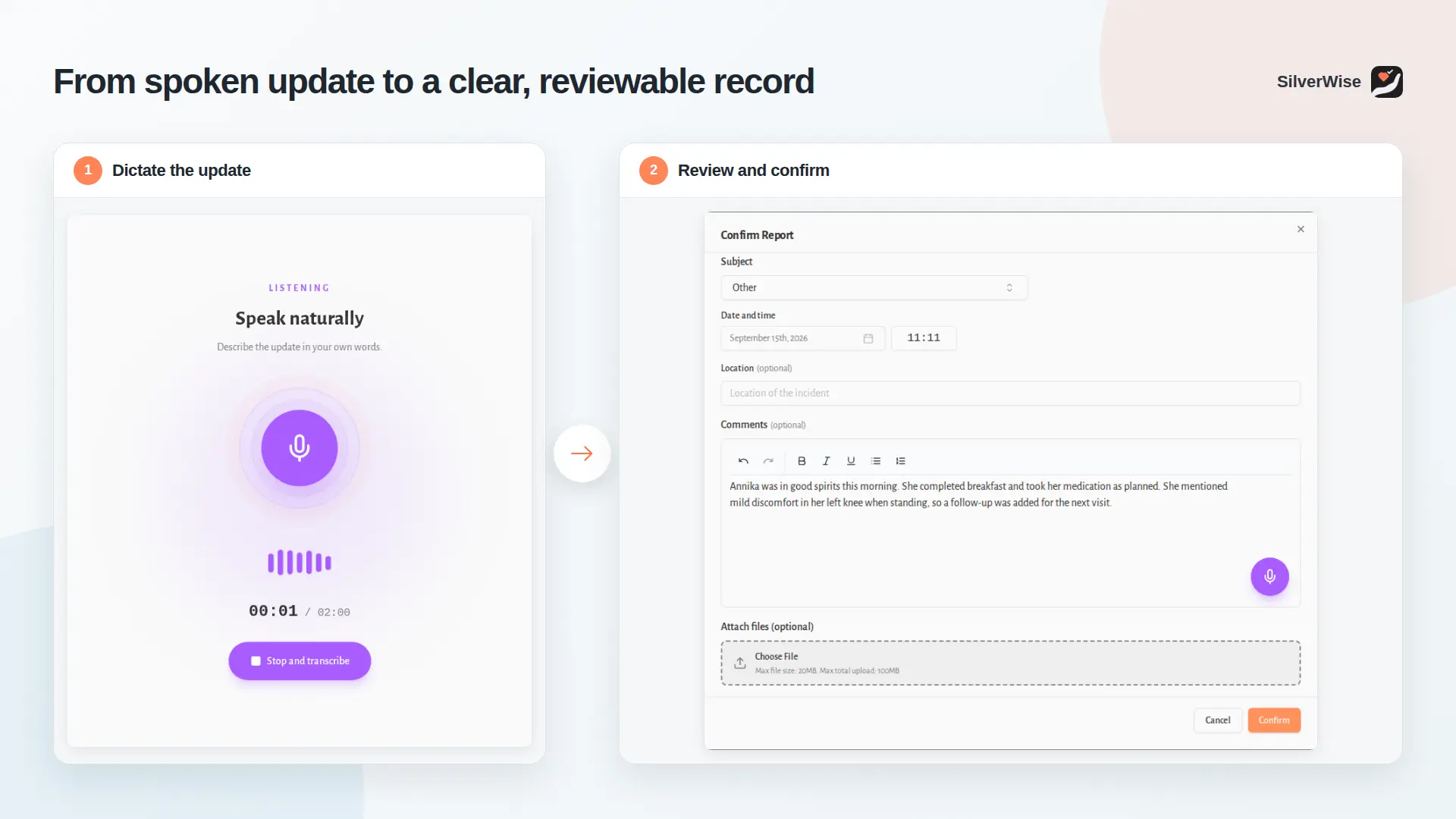
Review the field update: Silverwise turns a caregiver's dictated visit update into an editable draft. The caregiver checks, corrects, and confirms it before saving.
Prepare draft invoice lines: Confirmed time and service records move into invoice preparation without recreating the visit.
As field reports arrive, you can review routes, visit times, open work, and follow-up in one place. Your team can see planned care beside the latest confirmed field updates.
Care plans that turn into daily actions
You can record assessments across areas such as health and mobility, giving your team a shared starting point from a resident's first day.
Recurring nutrition and medication requirements become time-blocked checklists. Your team can open the relevant reminder and record completion while carrying out the assigned care action.
Voice-to-text field updates with staff review
During a visit, a caregiver can dictate observations instead of rebuilding them later from memory. Silverwise prepares a structured draft that remains editable.
The caregiver reviews, edits, and confirms the wording before Silverwise saves the note in the Log Book. Authorised colleagues can then search the confirmed field update from mobile or desktop.
Alerts for overdue care and expiring documents
Silverwise monitors scheduled work such as meals, washing, medication, and other care-plan actions. When work is overdue or incomplete, your assigned staff can receive an alert and follow up.
You can track expiry dates for resident and staff files, including consent forms, medication plans, work permits, and certifications. Selected roles can receive reminders before renewal is due.
Scheduling, rooms, and stock in one view
You can plan and adjust shifts, leave, working hours, night work, and overtime. Home-care teams can connect schedules to visits and routes, while residential teams can connect them to shift coverage.
Your organisation view brings care activity, staff updates, scheduled work, and critical alerts together. If you run residential care, you can add room and stock oversight to the same view.
Silverwise does not publish software pricing. Discuss your setting and required modules in a personalised consultation, and test one normal visit from service setup to draft invoice preparation.
2. Nourish Care
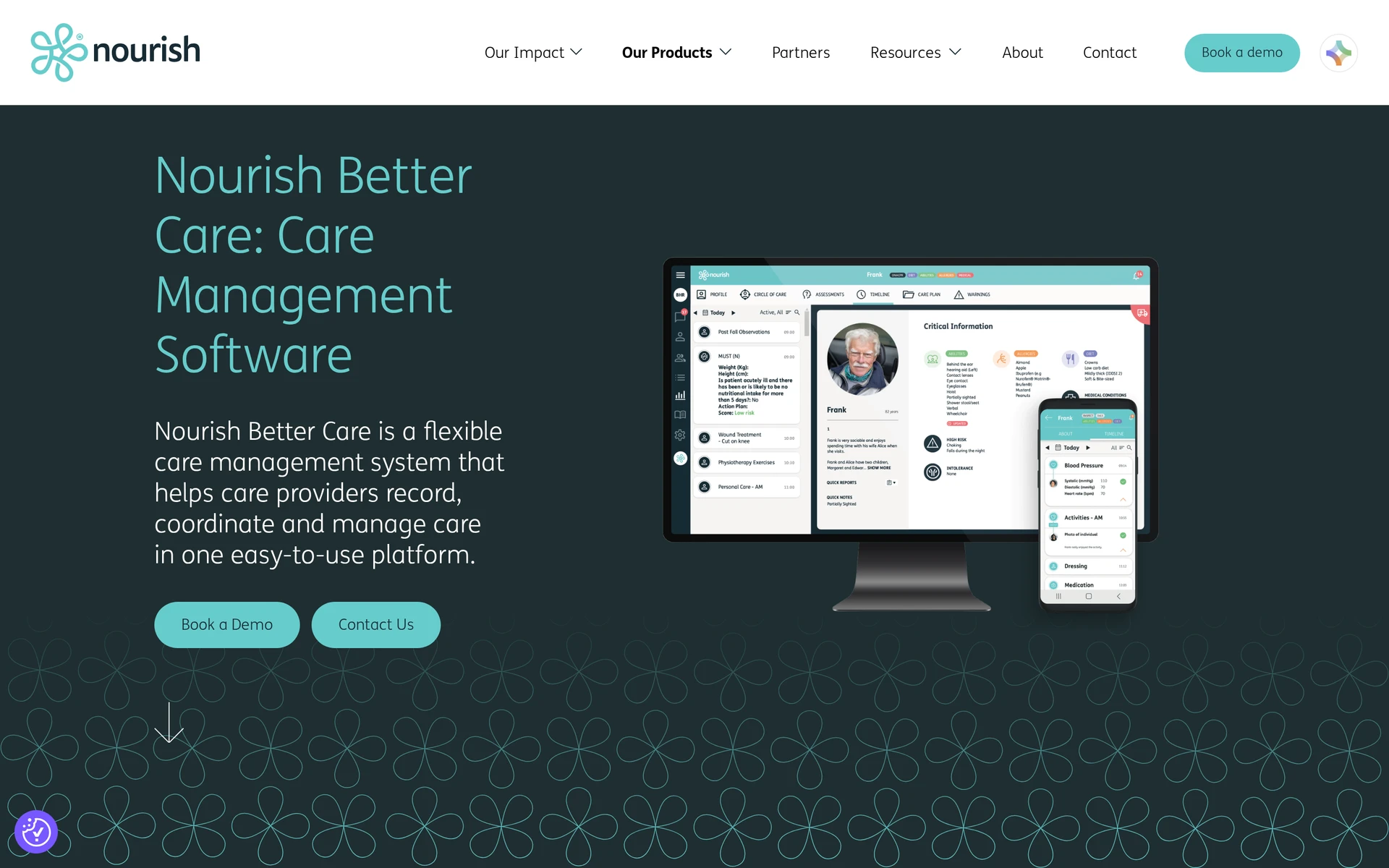
Nourish Care ranks second for UK operators because it combines contextual plans, scored assessments, offline recording, and NHS-connected workflows. Its eRedBag can also prepare an emergency summary for hospital transfers.
Nourish's documented setting fit includes:
UK residential, supported-living, and domiciliary providers.
Teams that need NHS-connected records and structured clinical assessments.
Field staff who must keep recording when connectivity drops.
Operators that want configurable care-planning libraries.
Digital care plans and daily records
Contextual care plans link assessed needs with recorded daily care. Scored assessments give teams a repeatable way to review risk and changes in a person’s condition.
The care record connects four jobs:
Plan structure: Configurable libraries support the provider's assessment approach.
Daily recording: Staff connect completed care and observations to the current plan.
Assessment scoring: Structured scores support reviews and follow-up.
Offline access: Mobile staff can record without a live connection and synchronise later.
Usability and workflow flexibility
Nourish combines mobile recording with configurable care-plan content. During a normal shift, check how quickly staff can find current resident information and correct a checklist entry.
Test these areas against your current routine:
Navigation: Ask a frontline worker to locate current resident information during a normal-shift demonstration.
Workflow fit: Map one current care process and note where configuration changes staff steps.
Checklist reliability: Enter a known care task, make a correction, and confirm that the history remains clear.
Commercial terms: Review notice periods, cancellation terms, and continuing charges before signing.
Support: Confirm who handles implementation questions, ongoing incidents, and escalation.
Commercial terms: Nourish is priced by quote here. Confirm the licence unit, implementation scope, support, and total contracted charges in writing.
3. Person Centred Software's Care Planning
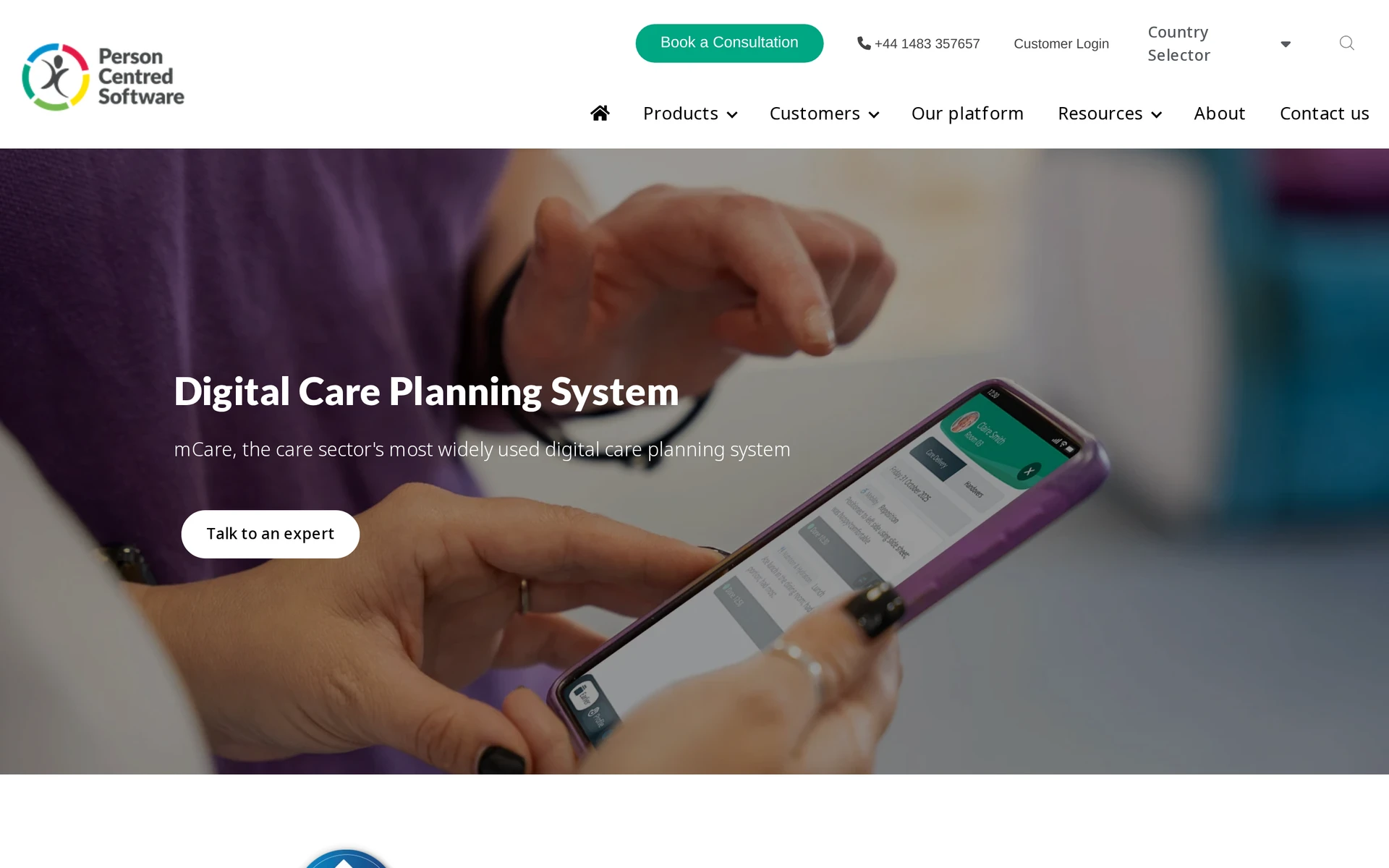
Person Centred Software's Care Planning ranks third for UK residential teams that need structured assessments and bedside evidence. Its focus is resident records rather than routes, electronic visit verification, or invoice preparation.
Documented settings include:
Residential and nursing homes.
Supported living.
Learning-disability services.
Dementia care.
The product is an NHS-assured digital care system with offline use and GP Connect. Confirm the implementation timetable for your selected service scope.
Individualised care plans and records
Structured plans connect to evidence recorded at the point of care, while icons reduce the need to start every entry with free text. Staff can add speech-to-text or media, work offline, and access relevant GP information.
Speech-to-text and media can add context, but staff still need to check dictated wording and attach evidence to the correct person and care event.
Fit for residential care teams
The fit question is whether staff can adopt bedside recording consistently across shifts. Confirm the rollout timetable, training boundary, and device plan with Person Centred Software.
Check five product-specific areas:
Frontline adoption: Test whether staff can find the right icon and complete common records during a normal shift.
Offline workflow: Check how devices store entries and synchronise them after the connection returns.
Media governance: Set clear rules for consent, access, retention, and appropriate use of photos or video.
Integration scope: Confirm the GP Connect setup, responsibilities, and information available to each role.
Commercial scope: Establish the contract boundary for training and support.
Adjacent operations: Confirm whether family or guardian access is included, how permissions work, and whether any related module has a separate charge.
Care Planning is priced by direct quote. Ask for a total that includes implementation, training, support, and the functions required by your service.
4. PASS by everyLIFE
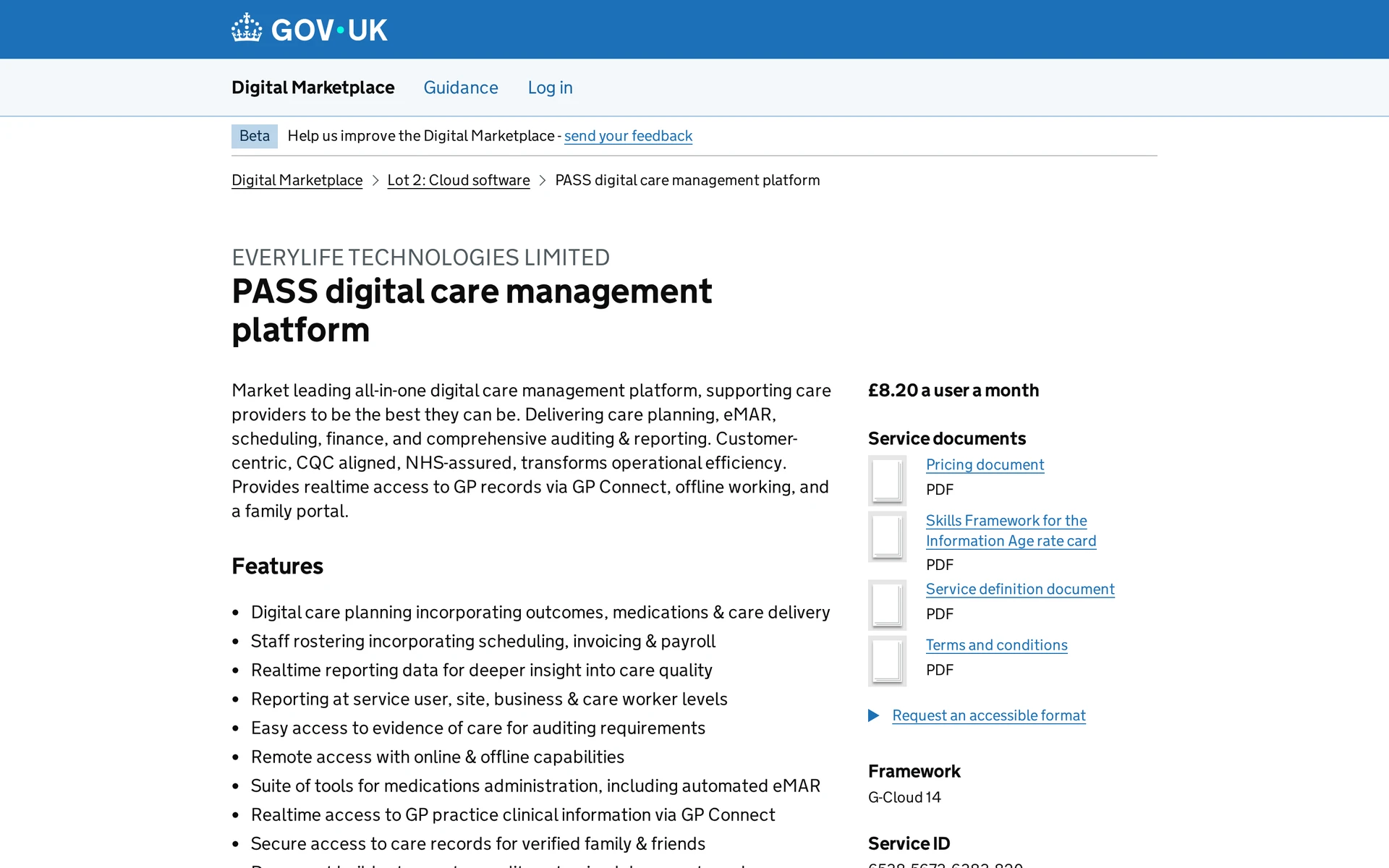
PASS ranks fourth because it connects person-centred plans with an electronic medication administration record (eMAR), rostering, and field notes across UK home-based and residential care. Its broader operations scope follows the more care-plan-focused UK entries.
PASS covers domiciliary, residential, supported-living, and complex-care services.
Care planning and daily recording
PASS ties the care plan to the work recorded during visits and shifts. The workflow connects planned support, medication records, staffing context, and completed notes.
A typical record moves through four connected stages:
Staff create or update the person-centred care plan.
Care workers record field notes against delivered support.
eMAR and rostering add medication and staffing context.
Authorised users review audit records, while approved family access shares relevant updates.
Compliance and documentation support
PASS has audit and documentation tools that help providers retrieve evidence of planned and delivered care. The provider still owns record accuracy, permissions, and compliance decisions.
Check these controls against local policy:
Medication records: Confirm how eMAR corrections, missed entries, and escalation routes work.
Audit access: Test whether managers can retrieve the required history for reviews and investigations.
Family access: Define which updates relatives can see and who approves access.
Support coverage: The G-Cloud record lists 24-hour phone support and out-of-hours emergency triage. Confirm routine channels and escalation times.
The G-Cloud service record lists GP Connect and offline working. Ask everyLIFE to map PASS against the Digital Social Care Record standards that apply to your service.
Confirm module scope and user count before contracting, including the controls around staff review and data permissions.
The G-Cloud listing says £8.20 per user monthly, while its pricing document starts at £890 monthly for up to 50 people. Confirm the charging unit, implementation fee, and total in writing.
5. PointClickCare Senior Living
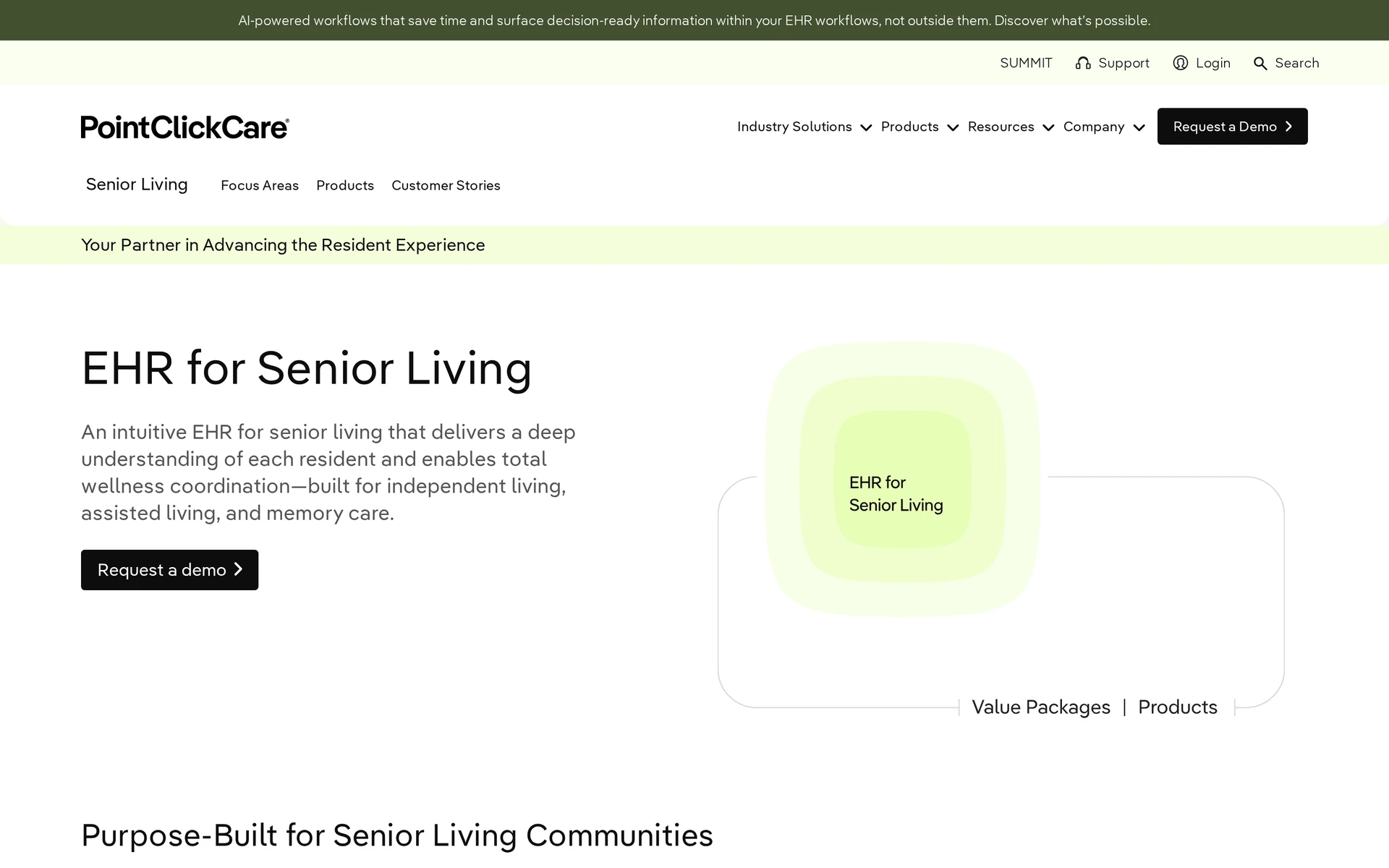
PointClickCare Senior Living ranks fifth for North American residential operators that need an electronic health record (EHR), service planning, medication records, and resident billing. Its regional scope and module-based contracting reduce its fit for this mixed-market list.
Beyond the care-plan sequence, check these points:
State documentation: Confirm that the proposed scope includes the forms required by every state where the organisation operates.
Point-of-care records: Mobile tools cover activities of daily living (ADL) and medication documentation, with pharmacy exchange available in the wider workflow.
Family access: Connected Care Center is included with the Senior Living EHR and gives authorised users consent-based access to plans, medications, allergies, and other health information. Confirm Secure Conversations and Automated Care Messaging separately.
Resident care plans and clinical charting
PointClickCare links assessment findings to service plans, then carries daily ADL and medication entries back into the resident chart.
The resident workflow follows four stages:
Staff complete the relevant assessment and state-specific forms.
Assessed needs become scheduled services in the resident’s plan.
Care teams record scheduled and unscheduled services from mobile devices.
Acuity and unplanned services can flow into level-of-care billing accounts.
Test one resident journey from assessment to billing, including an unscheduled service, before the organisation selects modules for each role.
The procurement demonstration should include recording a medication entry, changing views, and confirming how the interface handles unsaved work.
Add-on pricing to watch for
The available material does not show a public plan price. Buyers need a quote that lists the base product and every required module.
Treat Connected Care Center as included, then obtain the price, cancellation terms, and support boundary for every paid module.
An itemised vendor quote, rather than isolated review comments, should determine whether Nursing Advantage, Insights, or other modules belong in scope.
Ask PointClickCare to separate these items in the quote:
The base Senior Living subscription.
Required clinical and reporting add-ons.
Any separate charge for pharmacy or billing connections.
Training, data migration, and support included in the proposed scope.
6. myUnity Senior Living by Netsmart
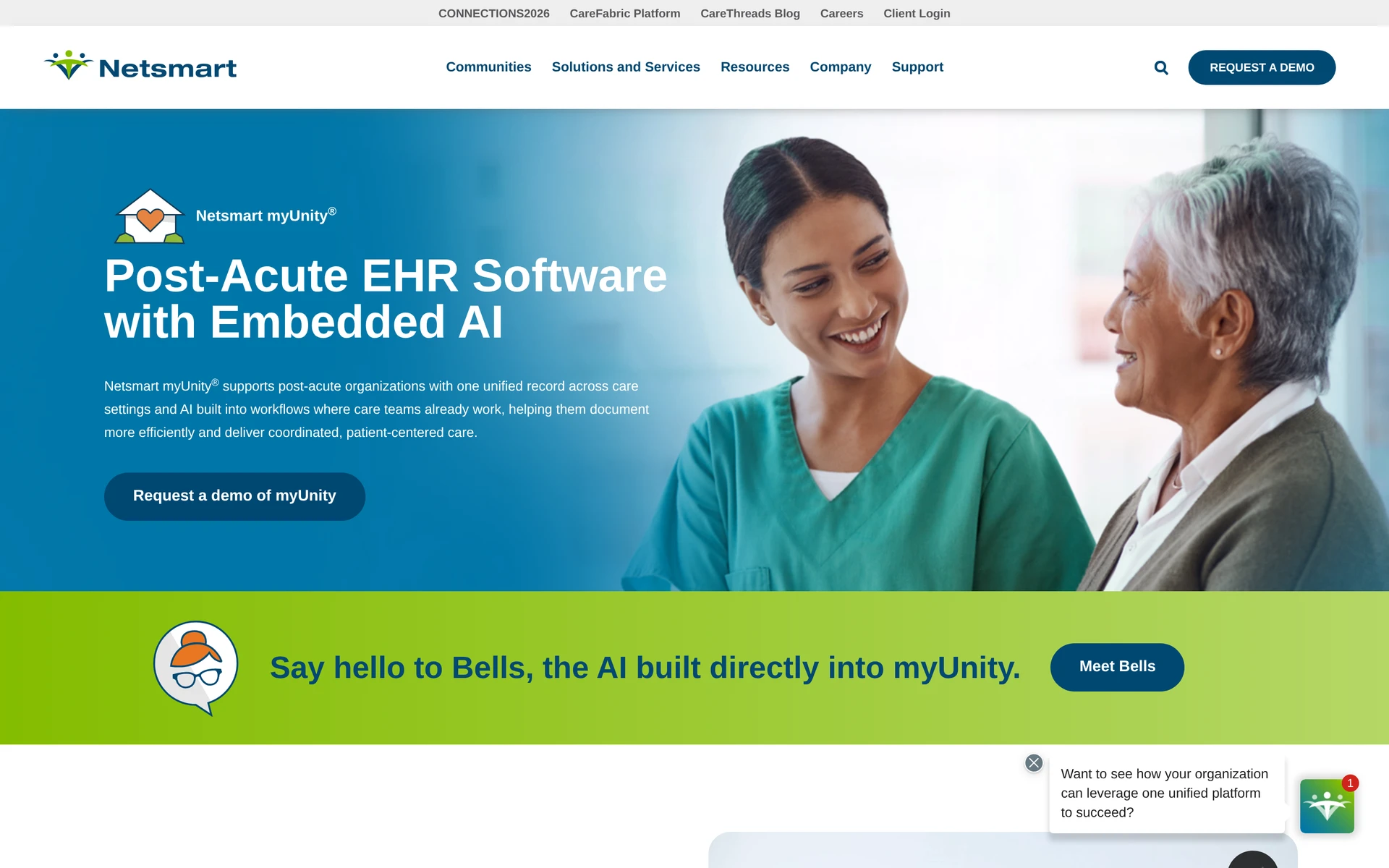
myUnity by Netsmart ranks sixth for US providers that need one longitudinal electronic health record (EHR) across senior living and post-acute services. Its clinical continuity is less direct for routine shift or visit documentation.
The product scope includes:
Care settings: The record can span independent living, assisted living, memory care, home health, and hospice.
Clinical continuity: One care plan and resident history can remain available as services change.
Medication workflow: myUnity includes e-prescribing and eMAR within the clinical record.
Data exchange: Exchange tools support connections with outside clinical organisations.
Commercial model: myUnity does not publish plan prices. The proposed contract should separate subscription costs from setup and integration charges.
Care plans linked to clinical records
myUnity links care plans to a longitudinal clinical record, so updates can remain available when a resident moves between senior living and post-acute services.
The linked clinical workflow covers:
Care planning: Configurable workflows define the assessments, documentation, and follow-up required by the organization.
Medication: E-prescribing and eMAR keep prescribing and administration records alongside the resident chart.
Exchange: Interoperability tools support information sharing with outside clinical partners.
For continuing care retirement communities and post-acute providers, assess whether one record carries the required clinical context across facilities or service lines.
Navigation and time to document
Navigation and documentation time depend on how the organisation configures myUnity. Time one staff member finding a prior care-plan instruction, recording a medication entry, correcting it, and returning to the resident history.
A usability review should time the tasks staff repeat during a normal shift:
Update a care plan after an assessment.
Record a medication in eMAR and correct an entry.
Find a prior note from another service setting.
Exchange the required information with an outside clinical partner.
Include every required integration, including OrderConnect, in the proposed scope. Ask which connections carry setup fees, recurring charges, or separate support terms.
7. WellSky Personal Care
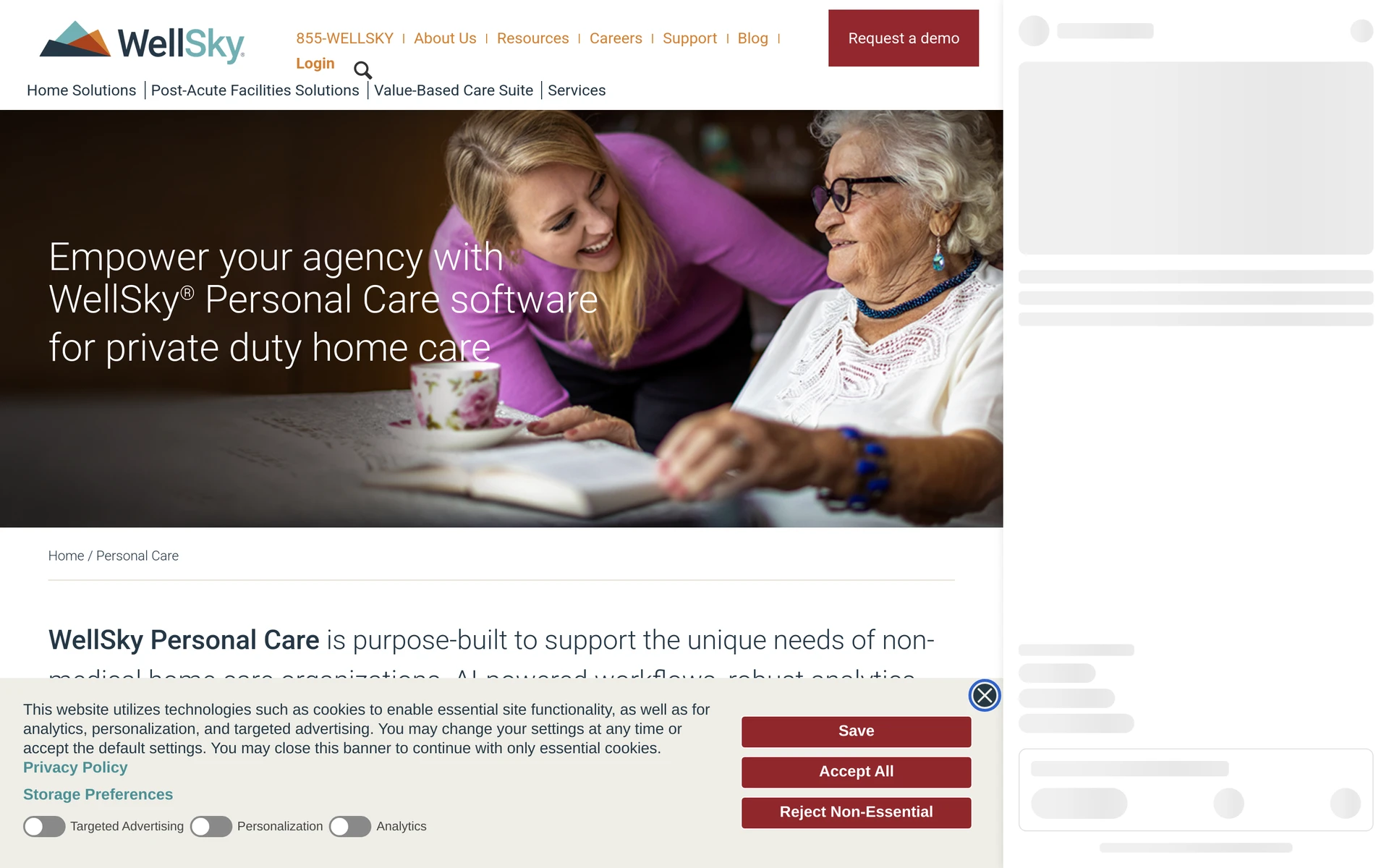
WellSky Personal Care ranks seventh for North American non-medical home-care agencies. It connects visits, caregiver operations, and back-office work, but has less direct fit for residential bedside care planning.
WellSky Personal Care combines care-plan documentation, intake support, and agency operations:
Care-plan workflow: ADL-based plans connect to scheduled visits, then completed documentation can move toward billing.
Intake documentation: Ambient Documentation converts intake conversations into structured care-plan fields.
Commercial scope: WellSky calculates pricing from active clients and caregiver volume; franchise tier and selected modules can change the total.
Agencies with mandatory EVV should confirm the required state, payer, and capture method directly with WellSky rather than infer coverage from general product descriptions.
Care plans and visit documentation
WellSky Personal Care ties ADL-based care plans to the documentation caregivers complete during a visit.
Ambient Documentation converts verbal intake conversations into structured care documentation within WellSky Personal Care.
The workflow separates two documentation jobs:
Intake: Conversation details populate structured fields used to prepare the client’s care plan.
Visit record: Caregivers document completed support against the plan, creating records for office follow-up and billing preparation.
Validate the intake workflow against the agency’s own forms and review process before relying on it for onboarding.
Scheduling and caregiver coordination
Care-plan needs can inform caregiver scheduling, while completed visit information returns to office coordination and billing preparation.
Check four handoffs during a normal visit:
Schedule changes: Confirm that the assigned caregiver receives the update.
Visit exceptions: Check that late or missed visits reach the coordinator.
Record corrections: Follow a corrected visit record into billing and any family-facing update included in scope.
Electronic visit verification: Confirm that the required capture method works for the agency's states and payers.
WellSky does not publish a standard amount on its product page. Ask for a quote that separates the base subscription, selected modules, implementation, and support.
8. Care Plans by ShiftCare
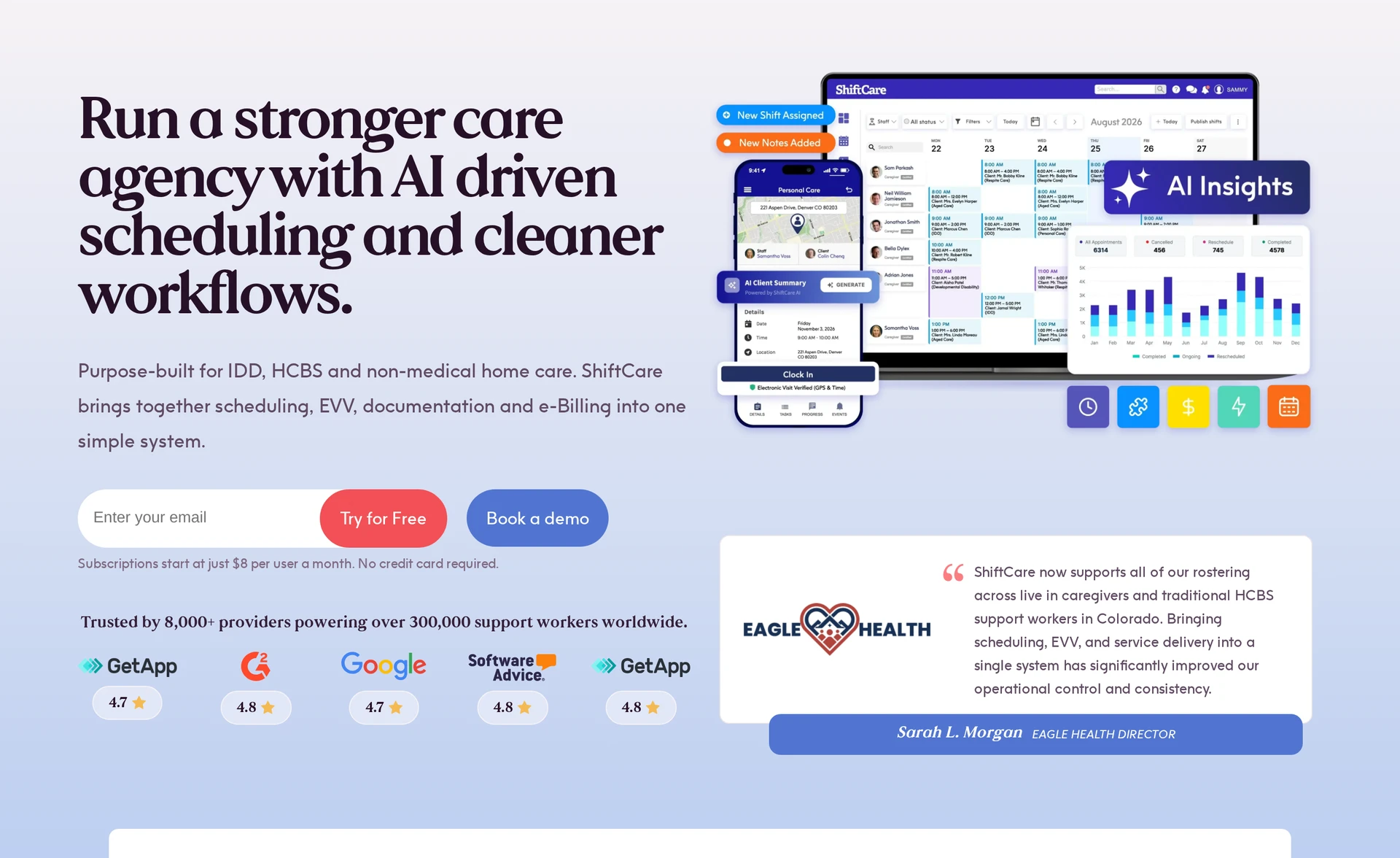
Care Plans by ShiftCare ranks eighth as a goal-based module within a wider scheduling, electronic visit verification, billing, and family-access platform. It suits disability, intellectual and developmental disabilities, aged-care, and home-care workflows, but requires the Premium plan.
Daily care planning and notes
ShiftCare's care-plan guidance lists five statuses, prevents overlapping active plans, and limits the feature to Premium users with Admin or Ops access.
Status | Role in the plan lifecycle |
|---|---|
Draft | The plan is still being prepared. |
Planned | The plan is ready for upcoming care. |
Active | Staff use the plan in current care delivery. |
Completed | The planned work or goal period has ended. |
Archived | The plan remains available outside the active workflow. |
When staff create a plan, they can copy diagnoses, goals, and tasks from the client's most recent active care plan instead of rebuilding that context.
Mobile app for field teams
Assigned shifts and mobile tasks bring the care plan into field work. Risk reviews can sit alongside the goals and actions staff need during a visit.
The connected workflow covers four operational needs:
Care-plan goals linked to assigned shifts.
Mobile tasks for workers delivering care away from the office.
Risk reviews kept with the plan workflow.
Family access through the wider ShiftCare platform, with package availability confirmed separately.
Care Plans has no standalone fee. ShiftCare's documentation places it on the Premium plan for users with Admin or Ops access.
9. MedCompass by AssureCare
MedCompass by AssureCare ranks ninth because it serves enterprise Medicaid and payer populations rather than frontline shifts or visits. It connects member assessments with service plans, authorisations, and utilisation oversight.
Its place in the list is as a care-management system for payer administration, not as a direct substitute for residential or home-care recording tools.
Case and care-plan management tools
MedCompass keeps a member’s assessment and service plan connected to the rules governing covered care. Authorization management gives payer and provider teams a shared record of approved services.
The workflow follows the care-management lifecycle:
Assessment: Records the member's needs and care context.
Service plan: Organizes approved support around the assessed needs.
Authorization: Applies payer rules and records service approval.
Utilization: Tracks service use against the authorized plan.
Interoperability: Exchanges care information between payer and provider systems.
Fit for payer and clinical teams
MedCompass serves three main buyer groups:
State Medicaid agencies: Administer waiver programmes and service rules.
Managed care and Medicare Advantage organisations: Oversee authorisations and utilisation.
Accountable care organisations, federally qualified health centres, and health systems: Coordinate payer-provider information.
Implementation depends on local waiver and authorization rules. Interoperability requirements also need to match the systems used by participating providers.
MedCompass uses enterprise proposals rather than a published rate. Ask AssureCare to itemise implementation, integrations, support, and the contracted service scope.
10. Axxess Home Care
Axxess Home Care ranks tenth for US agencies that need care plans, electronic visit verification (EVV), scheduling, authorisation controls, and claims. Its state and payer specificity makes it narrower for the article's mixed residential and home-care audience.
Care plans and EVV visit tracking
Assessments feed the care plan, while clinical validations help staff complete required documentation. Field teams can record visits with offline EVV when connectivity is limited.
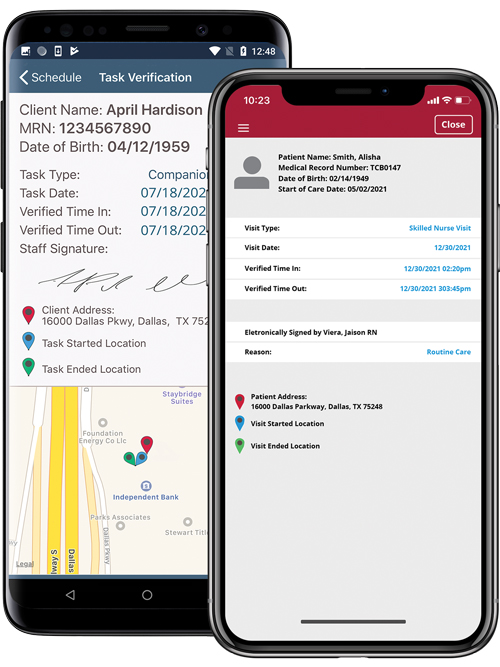
Axxess's EVV directory lists aggregator support by state and payer, with different implementation statuses. Verify the required aggregator, current status, submission method, and state programme; Netsmart is the current name where listings formerly used Tellus.
Authorization controls help the office check whether scheduled care remains within approved service parameters before the visit reaches billing.
Billing and visit operations
Axxess links the field visit to the back-office claims process in four steps:
The office schedules care against the client’s plan and authorization.
Field staff document the visit and capture EVV through the mobile workflow.
The EVV Exception Center routes visit exceptions for review and correction.
Confirmed visit data supports claims across multiple payers.
Confirm whether the proposed plan prices access by users, active census, or another unit. Do not assume that every plan includes unlimited administrative and field-user logins.
Axxess does not publish a standard Home Care amount. Request a proposal that identifies the pricing unit, included users, required EVV connections, implementation, and support.
Care planning software compared: focus, setting, and pricing model
The main split is setting. Residential platforms centre care plans and shift records, while home-care platforms bring visits, scheduling, electronic visit verification, and billing handoffs closer to the care plan.
Country requirements can override a good workflow fit:
United Kingdom: Check Digital Social Care Record assurance, inspection evidence, data protection, medication records, and any NHS information-governance requirements that apply.
United States: Verify EVV, payer, and state requirements for the services you deliver.
Canada: Check provincial record, privacy, billing, and data-handling requirements.
Other markets: Map the platform against local care, employment, privacy, and payment rules before contracting.
Pricing structures vary as much as country rules. The table lines up each platform's focus, setting, and verified commercial model, but the final quote should also state implementation and add-on costs.
Platform | Primary focus | Typical setting | Pricing model |
|---|---|---|---|
Silverwise | Daily care actions, scheduling, draft invoice lines | Care homes and home care | Quote; no public rate |
Nourish Care | Contextual plans, scored assessments, NHS records | UK residential, supported living, domiciliary | Quote; confirm licence and annual terms |
Person Centred Software | Structured assessments, bedside evidence, reviews | UK residential and nursing | Custom quote only |
PASS by everyLIFE | Plans plus eMAR, rostering, family access | UK domiciliary, residential, complex care | Quote; G-Cloud documents use different units |
PointClickCare Senior Living | Assessment-driven service plans and eMAR | US/Canada AL, memory care, CCRC | Custom quote; modules priced separately |
myUnity Senior Living | One EHR across service levels | US LTPAC and CCRC | Subscription plus setup and add-ons |
WellSky Personal Care | ADL plans, EVV, agency billing | North American non-medical home care | Quote by clients and caregivers |
Care Plans by ShiftCare | Goal-based plans tied to shifts | Disability, NDIS, HCBS, home care | Premium plan; no standalone Care Plans fee |
MedCompass | Rules-driven LTSS plans and authorizations | Medicaid, MCOs, health systems | Enterprise quote; no public amount |
Axxess Home Care | Assessment plans, EVV, multi-payer claims | US personal care and PDN | Custom quote; no public amount |
What to weigh before you pick a platform
Use the comparison above as a starting point, then choose a platform by tracing one routine workflow from care plan through follow-up.
Run these checks during a normal shift or visit:
Check | Test during the shift or visit | What to confirm |
|---|---|---|
Care action | Create a planned care action for one resident or client. | The responsible staff member can see the action and its status. |
History and correction | Ask a frontline worker to record completion, correct an error, and retrieve the time-stamped history. | The record preserves the correction and remains easy to find. |
Handover | Give the record to the next shift or coordinator. | Recent changes and open actions are clear. |
Exception workflow | Test an overdue action or expiring document in residential care, or a changed or missed visit in home care. | The right staff member can identify the follow-up required. |
Financial handoff | Follow the confirmed record into billing or payroll when that handoff is part of your workflow. | The team can check whether the confirmed record reaches the next process without re-entry. |
Discuss your care planning needs with Silverwise
Bring one routine workflow to the discussion: set up a service or care action, schedule the shift or visit, record the work, review the field update, and follow the confirmed record into invoice preparation or another office process.
What is care planning software?
Care planning software is a digital system for creating care plans and recording the work linked to them. It keeps assessed needs, planned actions, completed care, and follow-up in one record.
What should a care home look for in care planning software?
A care home should prioritise clear shift records, bedside documentation, care-action follow-up, and suitable access controls. Test whether the next shift can find recent changes and open work without searching through separate systems.
What should a home-care provider look for in care planning software?
A home-care provider should trace one visit from scheduling and route planning through field recording and office follow-up. Confirm how changed or missed visits reach the coordinator and how approved records move into invoicing or payroll.
Should care staff review AI-prepared notes?
Yes. A caregiver should review, edit, and confirm every AI-prepared draft before it becomes part of the care record, so professional judgement stays with the care team.
How much does care planning software cost?
Pricing depends on the platform, modules, service setting, implementation, and support included in the contract. Silverwise does not publish a standard amount, so your consultation should identify the modules and setup your organisation needs.
:no_upscale())