:no_upscale())
:no_upscale())
:no_upscale())
9 Best Domiciliary Care Software Platforms for Mobile Care Teams
:no_upscale())
On this page
Good domiciliary care software keeps the latest visit plan and route together. It also gives carers current visit notes and field updates when a late callout changes the day.
This is a UK-first comparison because most shortlisted products are built for domiciliary care. US agencies should use the regional notes as screening prompts, then confirm state EVV, payer connections, and local availability.
We assessed each platform against the same representative visit: service setup, route changes, mobile recording, reviewed field updates, and the billing or payroll handoff. Placement reflects how clearly those steps connect.
The table gives a quick view of scope, market fit, and published pricing.
Platform | Primary scope | Market fit | Published price or buying check |
|---|---|---|---|
Silverwise | Home-care workflow with optional operations modules | Confirm local requirements | Pricing through consultation |
CareLineLive | Rostering, care records, call monitoring, and finance | UK home care | From £8.10 per carer monthly; £120 monthly minimum |
Birdie | Care management, rostering, finance, and quality oversight | UK home care | From £200 monthly, excluding VAT |
Nourish Better Care at Home | Mobile care delivery with Empower operations tools | UK home care | Standard pricing not published |
Person Centred Software | Connected care products across mixed care settings | UK; confirm the current domiciliary package | Standard pricing not published |
Access Care Planning | Configurable care records linked to the Access care suite | UK domiciliary and residential care | Tailored pricing |
Careberry | Rostering, care records, eMAR, and invoicing | UK home care and residential care | From £110 monthly, plus VAT |
CM | Monitoring, scheduling, records, and finance administration | UK authorities and providers | Pricing through consultation |
RotaCloud | Workforce scheduling beside a separate care system | UK pricing; broader workforce use | From £10 monthly when billed yearly; Time & Attendance costs extra |
1. Silverwise
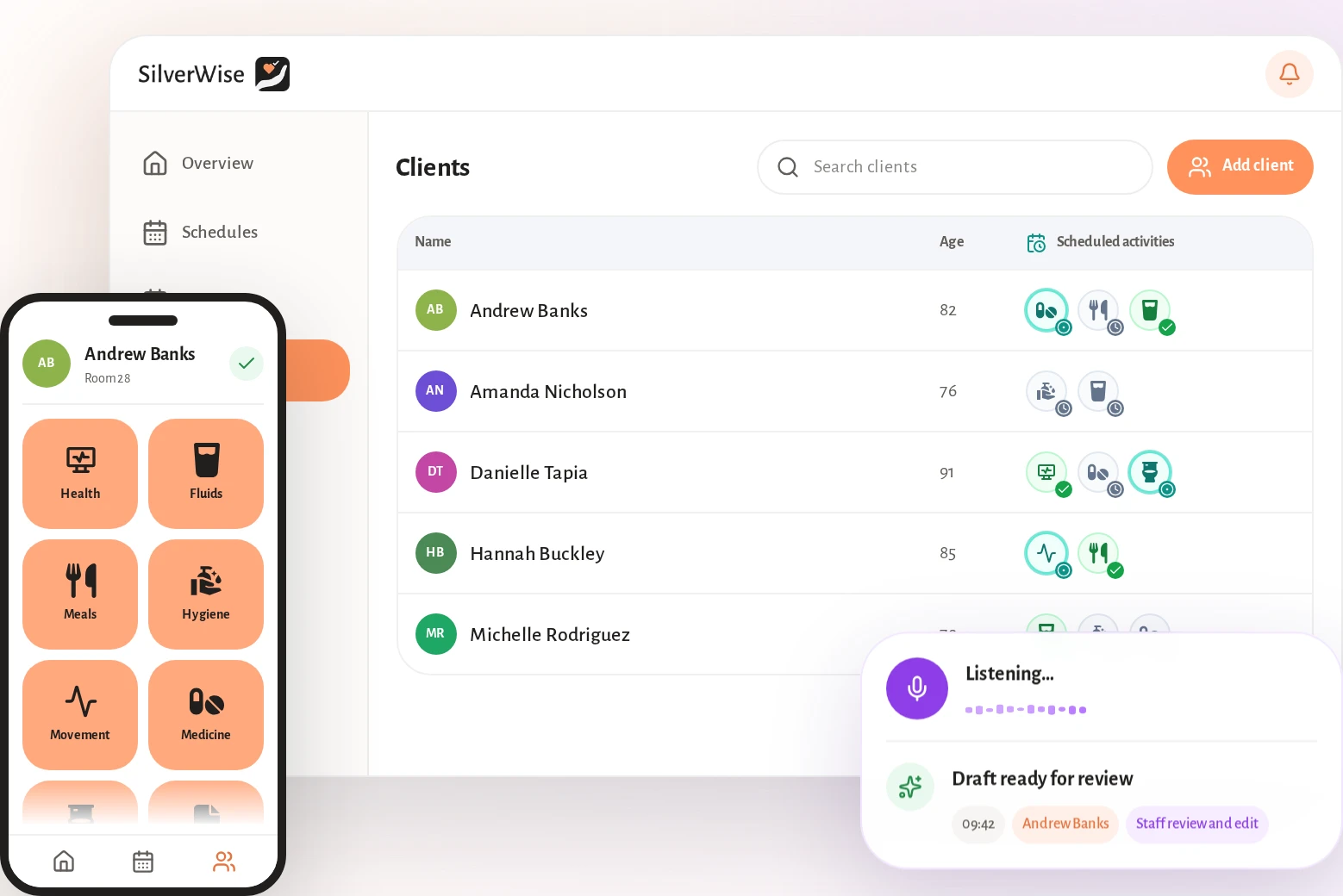
We rank Silverwise first because it connects service setup, routes, visit recording, reviewed field updates, and invoice preparation in one shared record for office and field teams.
Set services up around the client
Office staff define how each service should work before assigning it to a client:
Define hourly or per-visit rates for each service.
Keep signature requirements with the service setup.
Assign services to the clients who receive them.
Carry those assignments into the visit checklist and billing workflow.
This gives coordinators and care workers the same definition of the visit before work begins.
Build the rota and route
Templates and recurring rules create monthly or annual rotas around usual shift patterns. Managers can edit times or reassign a shift in the current schedule when plans change.
Silverwise also calculates and optimises home-care routes. Coordinators can see the day’s routes and visit times while field updates keep open work visible.
The scheduling module keeps these details together:
Track working hours and holidays.
Record night work and overtime.
Limit client information according to the assigned shift.
Record care during the visit
Mobile staff capture the visit while the information is fresh:
Log the visit duration.
Complete the assigned care checklist.
Add a field report.
Send open follow-up to coordinators.
Coordinators can review completed work in the shared visit record instead of reconstructing the visit from calls and messages.
Keep field updates under caregiver control
After a visit, a caregiver can dictate observations in natural speech. Silverwise prepares a structured draft without saving it as a final record.
Caregiver review stays mandatory.
A staff member reads, corrects, and confirms the wording before the record is saved. Confirmed notes remain in the shared history for office staff and the next assigned worker.
Prepare draft invoices from completed work
Silverwise uses logged duration and assigned services to prepare draft invoices based on hourly or per-visit rates. This keeps billing inputs connected to the care recorded during the visit.
Optional operations modules can add oversight where the service needs it:
Facilities and files: Track room work and keep permission-controlled records together.
Stock: Monitor supplies and connect item use with recorded care actions.
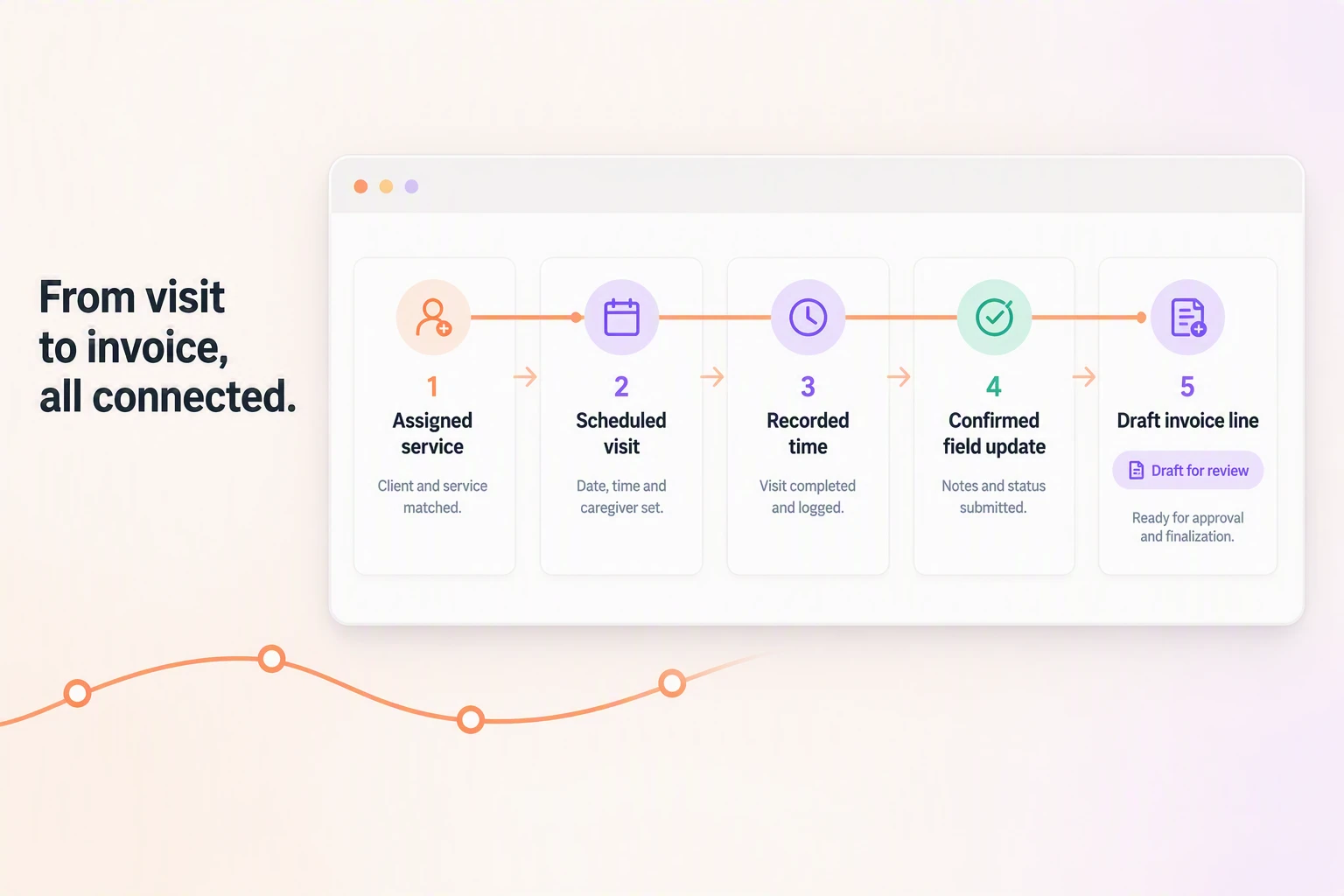
Silverwise home-care workflow at a glance
The workflow is easiest to assess in the order information moves through the service:
Assign services, prices, signature rules, and visit requirements to the client.
Build the rota and optimise routes around scheduled visits.
Record duration, completed care, and open follow-up during the visit.
Review, correct, and confirm each dictated field update before saving it.
Use completed work to prepare invoice lines for office approval.
Best fit and buying checks
Silverwise suits providers replacing scattered schedules, visit notes, and billing inputs with one shared workflow. It is particularly relevant when office staff need open follow-up to remain visible after the caregiver leaves.
Test a late route change, a dictated update that needs correction, and an invoice draft from a completed visit. Pricing is discussed in a personalized consultation, so request the required modules and implementation responsibilities in writing.
2. CareLineLive
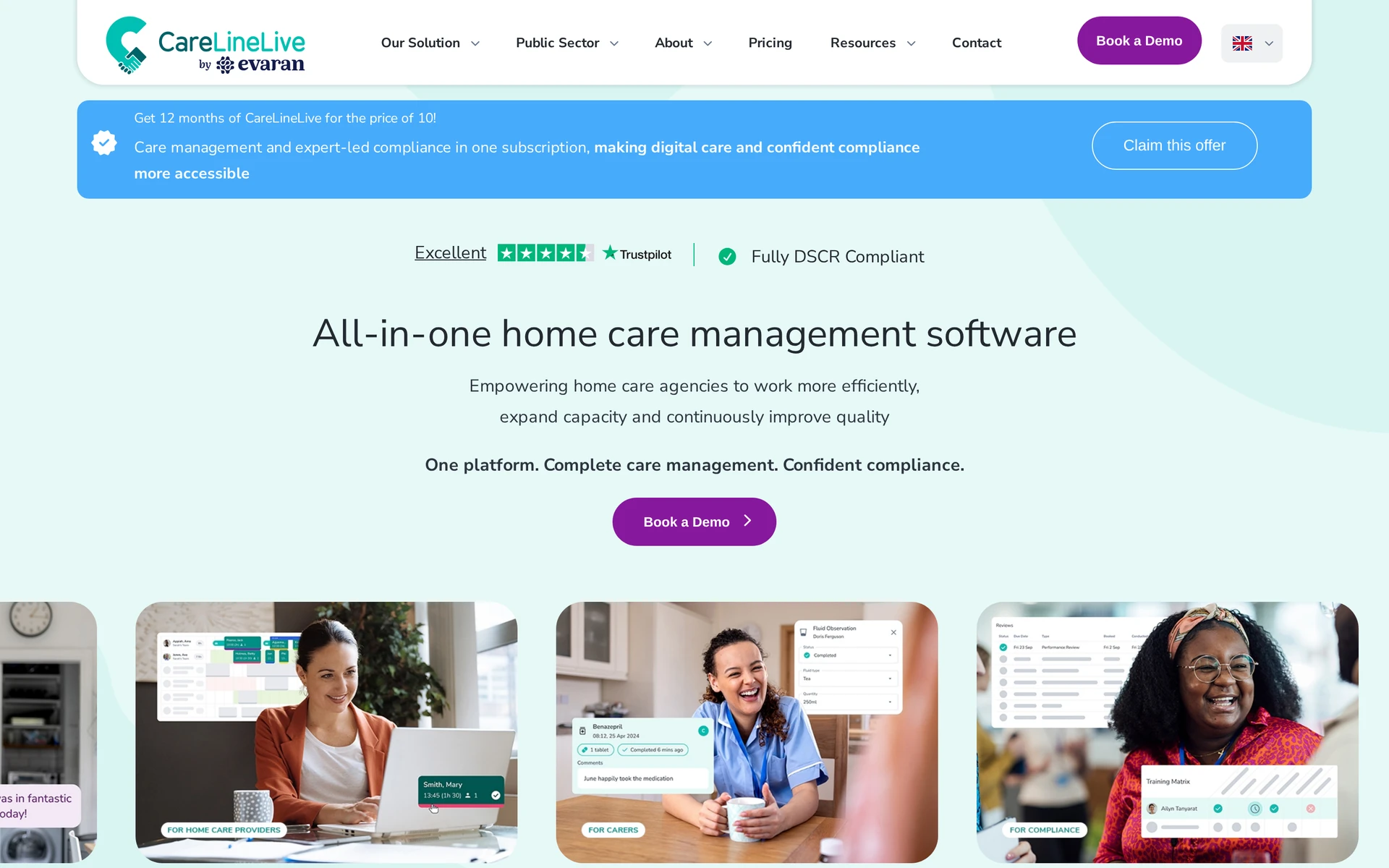
CareLineLive combines live call monitoring with the Carer Companion app and Care Circle portal. Its management platform connects rostering, care records, invoicing, and payroll.
Rostering: Coordinators build schedules, account for travel time and send visit details to the Carer Companion app.
Care Circle portal: Permitted relatives, community professionals, and emergency services can access current visit information, observations, and medication records.
Medication: eMAR keeps administrations and exceptions alongside care records for office review.
Call monitoring: Recorded arrival and departure data helps the office compare planned and delivered visits.
Finance: Call-monitoring data supports one-click payroll, invoicing, and split billing from recorded visit times.
Market fit: CareLineLive is built for UK home-care providers, with electronic call monitoring, eMAR, care records, and CQC or CIW benchmarking in the same product family.
Pricing and limits: Published prices start at £8.10 per carer monthly for eRoster, £19.70 for bring-your-own-device access, and £45 for managed handsets, excluding VAT. A £120 monthly minimum applies.
3. Birdie

Birdie combines a carer app with agency oversight, family access, and finance tools. Its Q-Score and alerts give UK providers a quality-management layer around visits.
Rostering and field use: Drag-and-drop schedules include travel-time estimates, while the carer app supports offline task recording and concern reporting.
Client record: Assessments, care plans, visit notes, and clinical observations remain in one client profile.
Medication: eMAR records medication support and gives managers a view of omissions or concerns.
Oversight: Managers receive alerts for incomplete work or care concerns. Audit views support follow-up.
Family communication: A family app shares permitted care updates with relatives.
Finance: Rostering and delivered-visit data support invoicing and payroll preparation.
Market fit: Birdie's product materials are designed for UK home-care agencies. GP Connect, CQC-focused Q-Score reporting, and multi-branch support should be matched to the provider's contracts and operating model.
Pricing and limits: Plans start at £200 per month, excluding VAT, across Starter, Core, Advanced, and Plus tiers. Pricing scales with scheduled care hours, and live chat plus training materials are included.
4. Nourish Better Care at Home, formerly CarePlanner
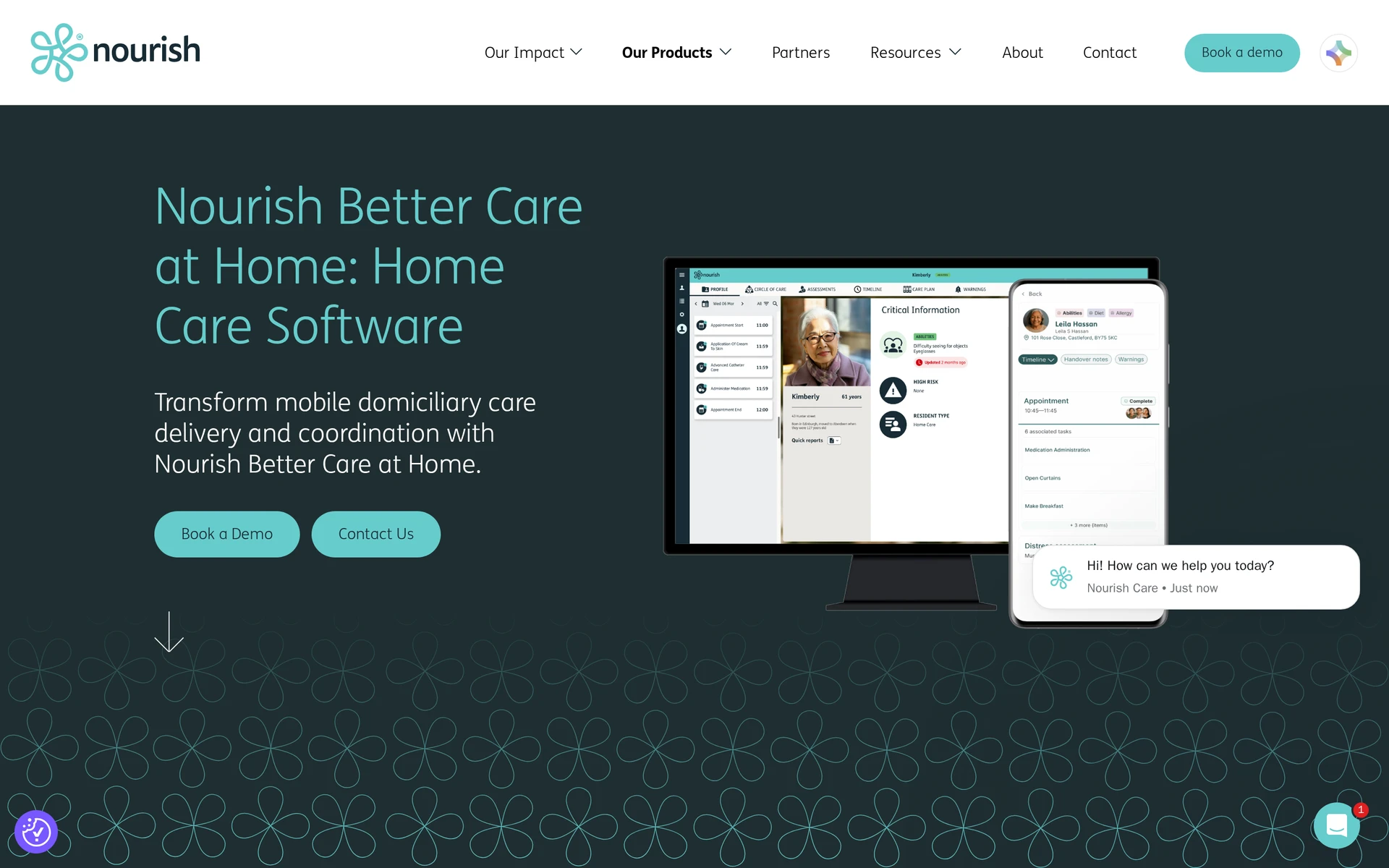
Nourish Better Care at Home is Nourish’s current UK domiciliary platform, while CarePlanner appears in older shortlists. Existing CarePlanner users should confirm migration, included modules, and support terms.
The current product connects mobile care delivery with Nourish Empower functions:
Rostering: Nourish Empower supports rotas and visit assignments, with time-off and expense functions in the same home-care configuration.
Mobile care: Carers can access client details and the current care information needed for each visit.
Offline work: The app lets carers record care notes and complete assessments without a live connection, then updates the record when connectivity returns.
Care records: Care plans and visit records, including medication and handover information, remain available for office and field review.
Finance preparation: Nourish Empower includes invoicing and expense management. Confirm the payroll output, accounting connection, and correction process during setup.
Standard pricing is not published. Request one written quote covering the current product scope, migration work, integrations, and support.
If the service currently uses CarePlanner, ask Nourish to demonstrate how existing rotas, client records, forms, and finance data move into Better Care at Home.
5. Person Centred Software
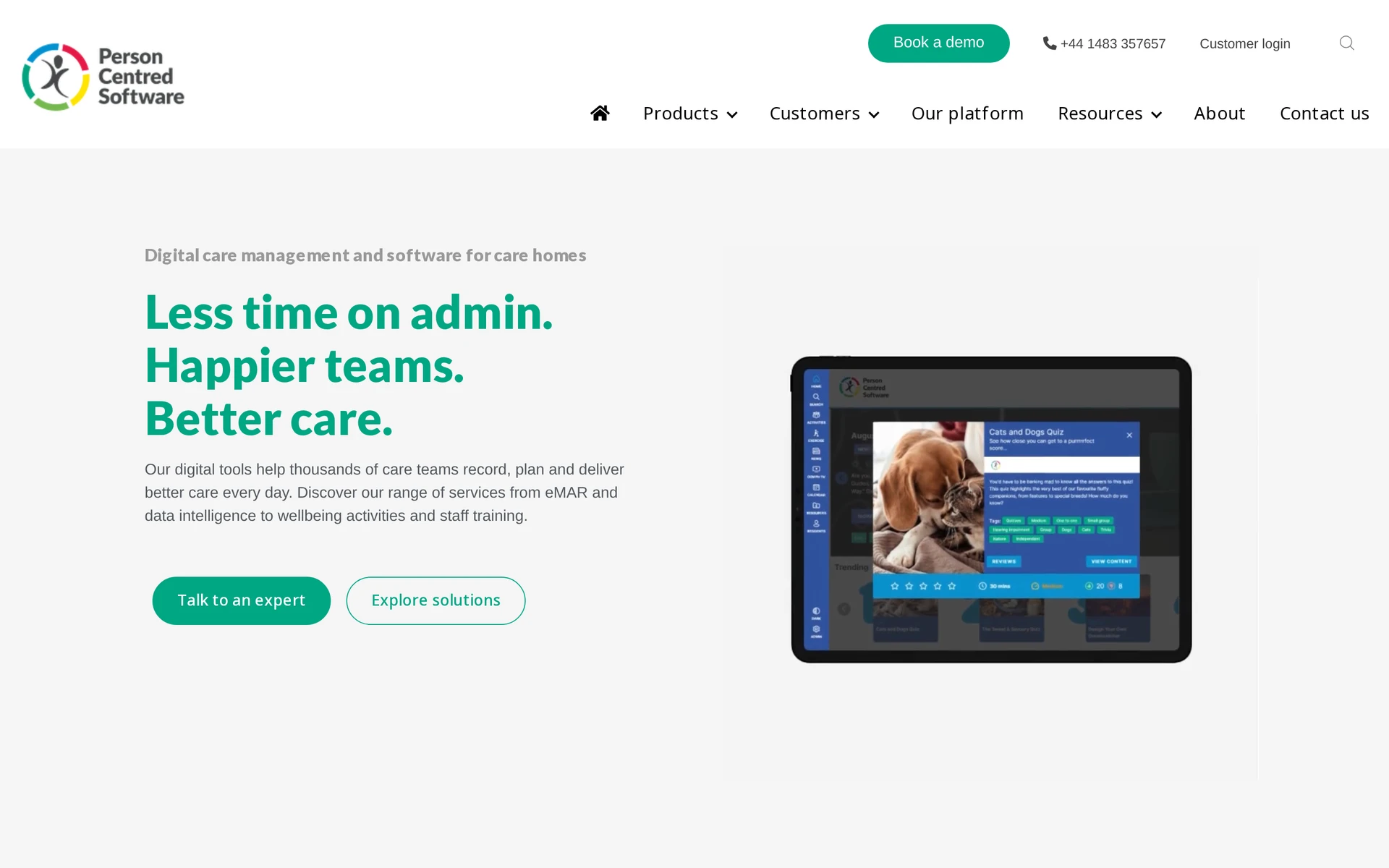
Person Centred Software lists domiciliary care among its service types. Its public product navigation centres on connected products such as mCare digital care planning, medication management, care intelligence, and staff tools.
Before shortlisting it, verify how the quoted products connect for domiciliary work:
Confirm that the proposed product supports domiciliary care, not only the residential and specialist settings shown in the current portfolio.
Identify whether digital care planning and eMAR are separate products, integrations, or one contracted package.
Verify how carers receive visit information, record care, and work when connectivity is limited.
Require a current demonstration of call monitoring, rostering, corrections, invoicing, and payroll handoffs.
The wider portfolio includes digital care planning, separate medication management, care intelligence, staff tools, and integrations. The buying decision depends on which products are offered for a mobile service.
Pricing and fit: Standard pricing is not published. Require written confirmation of the products, integrations, implementation work, and support included for domiciliary visits.
The main limitation is package clarity. The public site lists domiciliary care, but buyers still need a current demonstration of rostering, mobile visit recording, call monitoring, invoicing, and payroll handoffs.
6. Access Care Planning
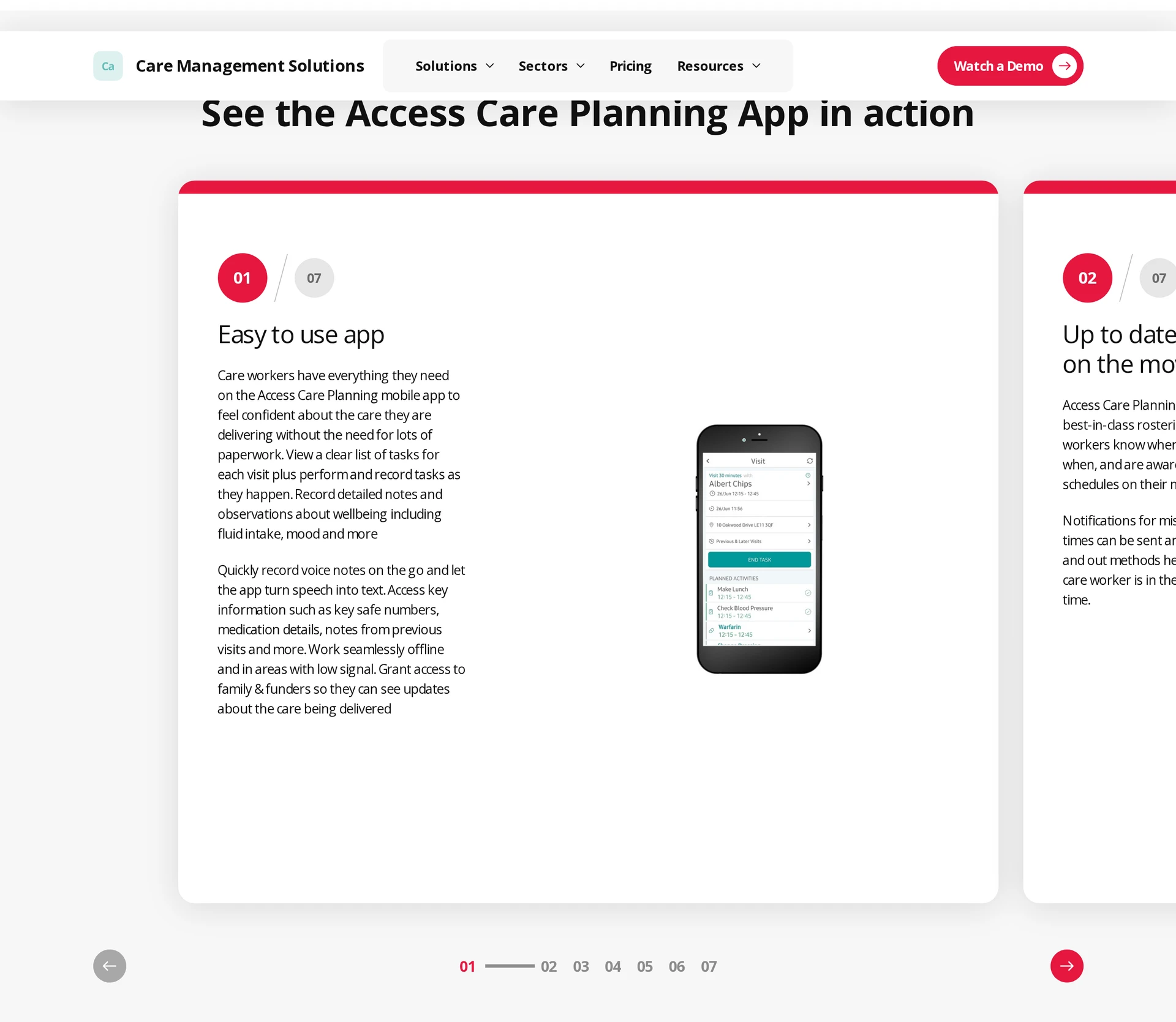
Access Care Planning combines digital care plans, eMAR, mobile recording, and configurable forms for UK domiciliary and residential providers. Its offline access and audit history suit dispersed teams.
The main buying question is how Access Care Planning connects with the wider Access care suite:
Care workflow: Staff can use editable care plans and forms on web or mobile, including offline access, with a recorded history of changes.
Visit evidence: The mobile app records time and attendance, while Access Care Rostering handles schedules and staffing visibility.
Back office: Access states that its rostering integration can pass actual hours into payroll and billing workflows; confirm the modules included in the quote.
Market and cost: The product is presented for UK care providers, and pricing is tailored rather than printed as one standard subscription.
Access offers a broad, configurable care ecosystem. The trade-off is package complexity, so compare the total cost and ownership of Care Planning, Care Rostering, medication, finance, and support together.
7. Careberry
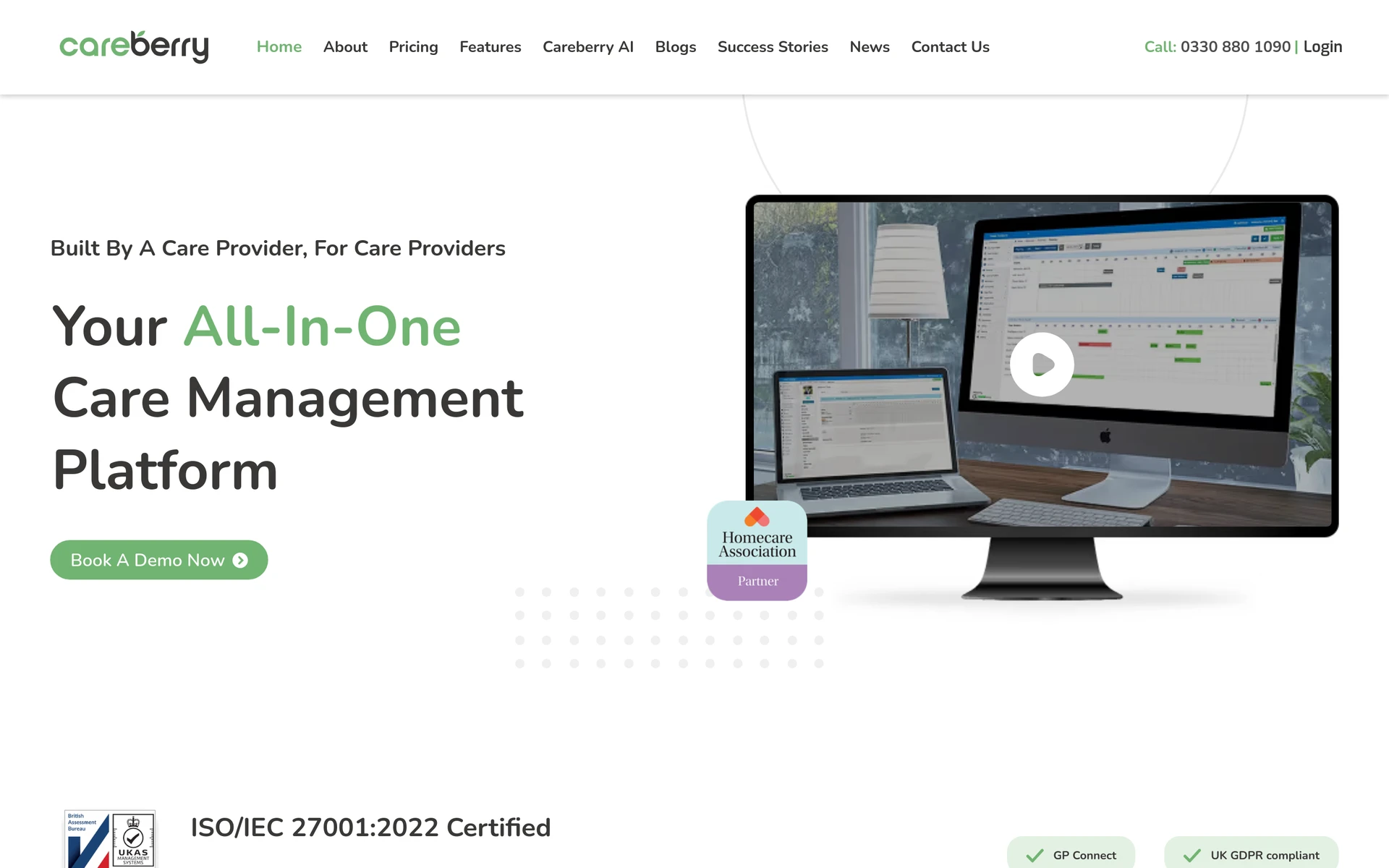
Careberry combines rostering, care planning, eMAR, care monitoring, recruitment, and invoicing for UK home-care and residential providers. Native mobile apps cover administrators, staff, clients, and families.
Its published workflow covers these practical areas:
Before the visit: Rostering and care planning keep the worker, service, time, client details, and required care together.
During care: Mobile apps support care notes, monitoring, care plans, and eMAR at the point of delivery.
Afterwards: Invoicing and automated accounting use recorded service information, while payroll scope should be confirmed separately.
Country fit: UK GDPR language, GP Connect, NHS digital-care references, and sterling pricing make this a UK-oriented platform.
Pricing and limits: The Starter plan begins at £110 per month, plus VAT, with all features included. Plans avoid long-term contracts, but cancellation requires three months' notice.
8. CM, formerly CM2000
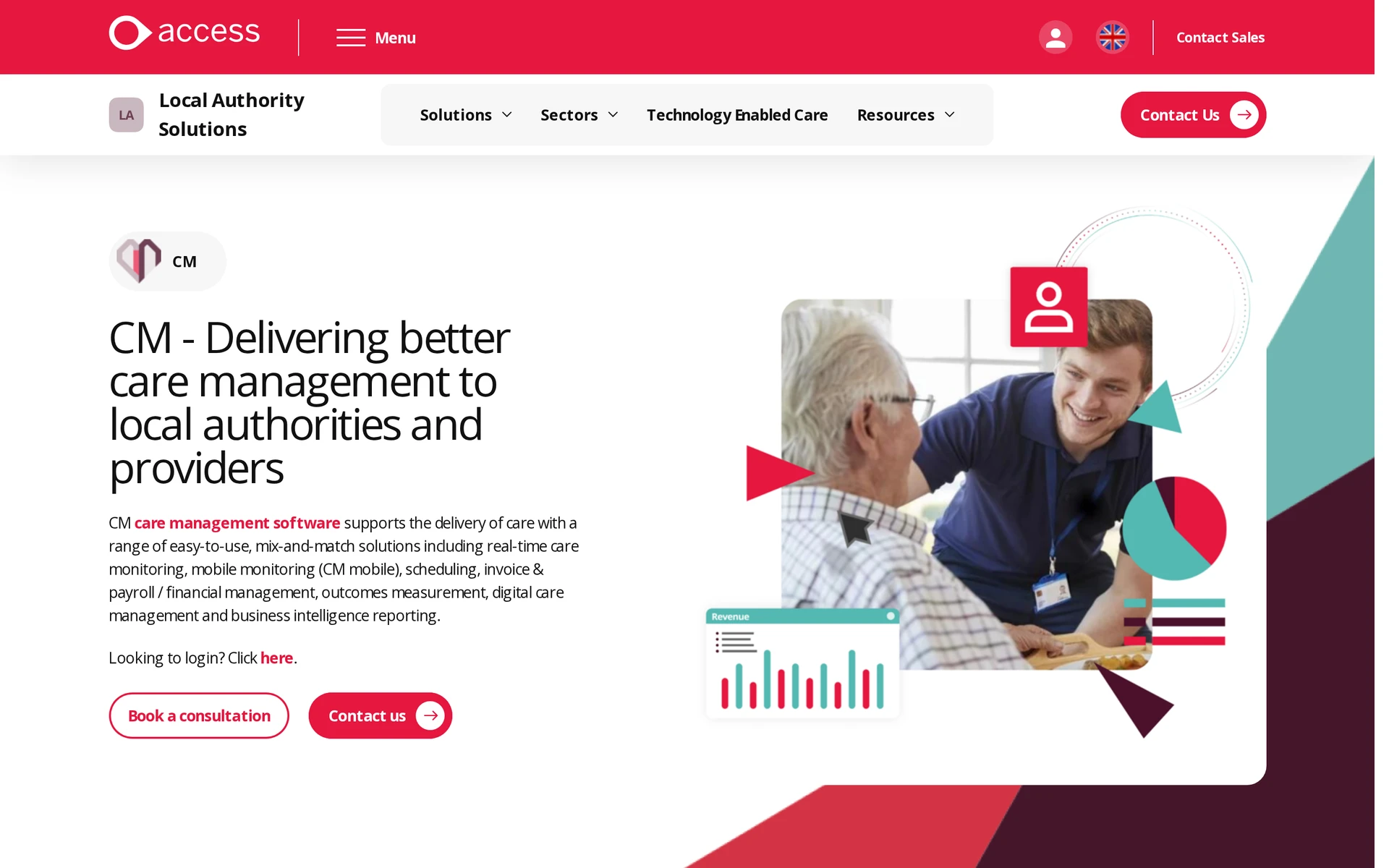
CM, previously CM2000, is an Access care-management suite for local authorities and providers. Its clearest strengths are real-time care monitoring, mobile monitoring, scheduling, and finance administration.
The suite connects four operational areas:
Coordinators schedule visits and allocate carers through the rostering tools.
CM Mobile and real-time monitoring return visit activity and service exceptions to the office.
Digital care management captures forms, medication, feedback, issues, and other visit interactions.
Invoice, payroll, financial-management, and business-intelligence tools use the recorded service data according to the selected configuration.
Pricing and limits: Pricing is supplied through consultation, and the suite is positioned mainly for UK local authorities, council-delivered home care, and providers. Confirm the mix of monitoring, scheduling, records, finance, and analytics modules.
9. RotaCloud
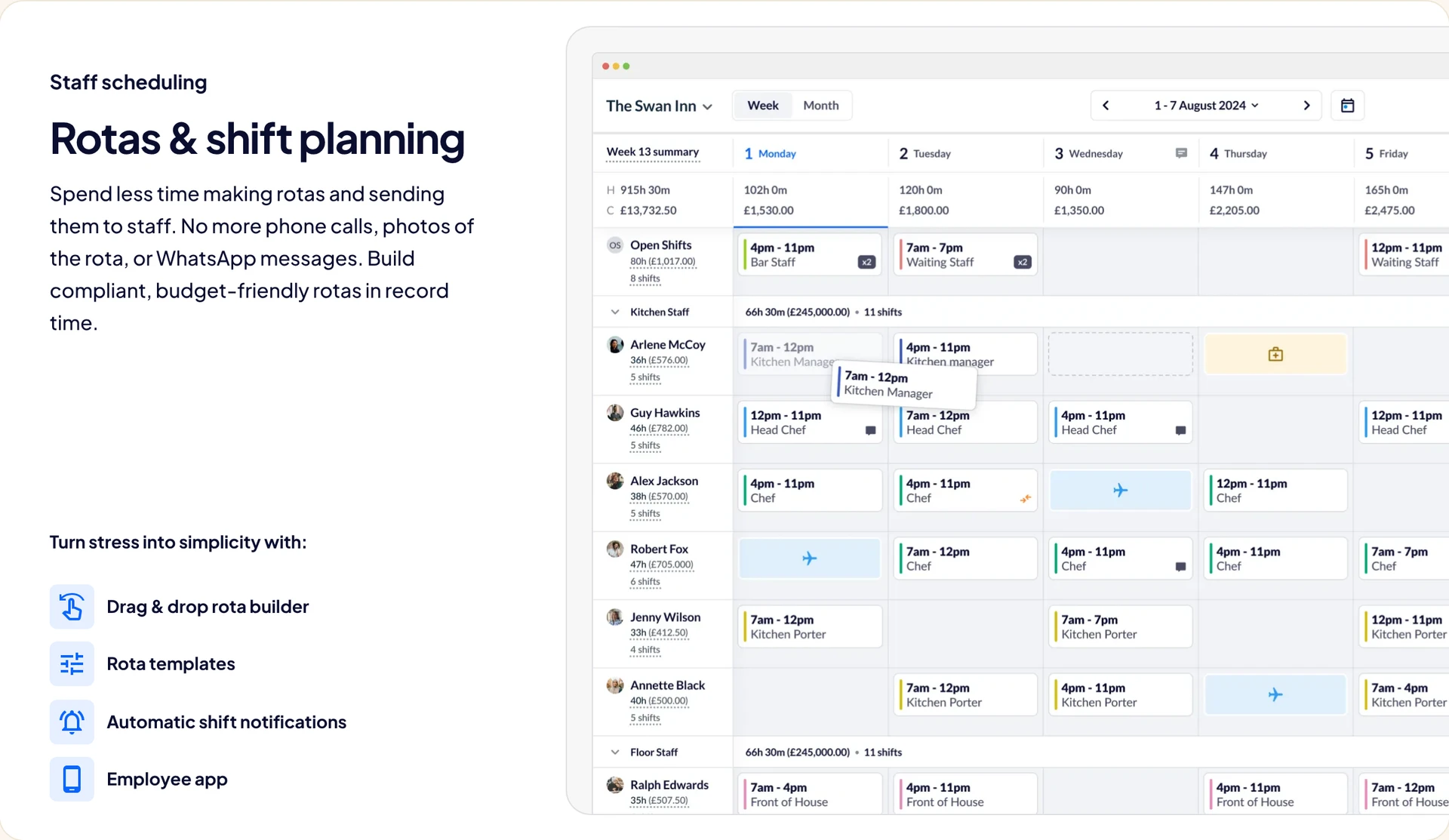
RotaCloud is workforce scheduling software rather than an end-to-end domiciliary care record. It can cover rotas, leave, attendance, timesheets, and payroll preparation beside a separate care platform.
Shift planning: Drag-and-drop schedules, templates, staff availability, swaps, and automatic notifications keep the rota current.
Leave and absence: Holiday requests, accrual, sickness, TOIL, and availability patterns sit beside the rota.
Time and attendance: Mobile or on-site clocking, GPS restrictions, lateness flags, and automatic timesheets support worked-hours review.
Time and attendance add-on: Mobile or on-site clocking, GPS restrictions, lateness flags, timesheets, and payroll exports sit in the separately priced Time & Attendance add-on.
Payroll preparation: Reports, exports, and integrations pass approved hours onward; client invoicing and delivered-care records remain outside the stated scope.
Pricing and limits: Standard starts at £10 per month for one to five employees when billed yearly; Pro starts at £15. Time & Attendance is a £4.50 add-on, and a 30-day trial is available.
Care records and electronic visit verification require another system.
Include RotaCloud only when staffing is the problem being solved and the handoff to care records is already defined. It is not a substitute for care plans, eMAR, field notes, or client billing.
Find your domiciliary service’s fit with Silverwise
Use one representative visit to compare the shortlist, from service assignment and route changes through the confirmed record and invoice draft. Apply your current routines, exceptions, and review roles to every product.
Focus the discussion on four checks:
Module fit: Trace the required modules from setup and scheduling through the confirmed record and invoice draft.
Review roles: Name the staff responsible for visit entries, voice-note confirmation, and invoice-draft approval.
Local checks: Assign an owner to confirm requirements for:
Privacy and record retention.
Medication and billing.
Employment practices.
Shortlist questions: Bring unresolved questions from your comparison and test them against the representative visit.
A suitable system should keep one change visible from the coordinator's screen to the carer's phone and the approved office record. If that path breaks, identify the extra process and owner before buying.
What's the difference between domiciliary care software and home health software?
Domiciliary care software usually supports personal care visits and daily living assistance. US home health software supports clinical services, but record requirements vary by service, payer, programme, and state.
Domiciliary care: Records personal care and daily living support, such as companionship or medication prompts. Managers and coordinators also use it for rotas and visit records.
Home health: Records skilled nursing and therapy, such as wound care or rehabilitation. US clinical teams may also need physician orders and OASIS workflows.
If you cover both care models, map each service line before buying. Personal care scheduling and eMAR can sit alongside a clinical EHR for skilled services.
Is EVV required in domiciliary care software?
US federal EVV rules cover Medicaid-funded personal care and home-health services within the relevant statutory scope, with implementation and exemptions handled by each state. UK electronic call monitoring usually depends on commissioning requirements.
For US Medicaid-funded visits, check the platform against the six data elements in the Medicaid EVV guide:
Type of service provided
Person receiving the service
Caregiver providing the service
Date of service
Service location
Visit start and end times
UK buyers should check the commissioning contract and local authority or NHS integrated care board specification. Electronic call monitoring may be required to confirm visit timing and duration, but this contract practice is not a nationwide legal mandate.
Can one platform handle scheduling, billing and payroll together?
One platform can coordinate scheduling, billing, and payroll data, but the finance step may use native modules, an integration, or an approved export rather than one built-in payroll engine.
An approved visit can close scheduled work, create an invoice charge, and provide payable time for finance review. Corrections should follow one controlled path before either output is finalised.
Choose where payroll runs by checking the handoff:
Inside the care platform: Use this route when the product fits local pay rules and preserves your approval and correction process through to the required payroll output.
Through an integration: Send approved time to existing accounting or payroll software when finance needs its controls. Test every exception, including a cancelled visit and a failed sync.
Through an export: Send approved visit or timesheet data to finance in an agreed format, then assign responsibility for import checks, rejected rows, and corrections.
Is cloud-based domiciliary care software better than on-premise?
Cloud-based software fits many domiciliary teams because office and field staff need the same record from different locations. Local data rules and continuity during an outage still decide whether it is the right fit.
Compare who carries each operational responsibility:
Cloud-based: Office and field teams share one current system while the vendor manages hosting and updates. Check the contract against local privacy and retention requirements, then confirm how records are restored or returned.
On-premise: Your organisation controls the infrastructure and is responsible for keeping it available, secure, and recoverable for mobile staff.
Offline access needs its own test because a cloud app may require a live connection. Ask the vendor to show what carers can view and record without signal, then how queued changes sync.
Can Silverwise connect scheduled home-care visits with invoice preparation?
Yes. Silverwise uses assigned services and logged visit duration to prepare invoice drafts from hourly or per-visit rates for office review.
Does Silverwise save dictated field updates automatically?
No. It prepares a structured draft, and a staff member must review, edit, and confirm the wording before the record is saved.
How much does Silverwise cost?
Silverwise does not publish subscription prices. Book a free consultation to discuss the care setting, required modules, and fit without assuming a free software trial.
:no_upscale())