:no_upscale())
:no_upscale())
:no_upscale())
Connecteam Alternatives: Care Platforms Beyond Task Management
:no_upscale())
On this page
A care team looking beyond Connecteam may need more than another way to fill shifts. Staff need the latest handover, resident tasks, and outstanding actions before they begin work.
When that context sits across workforce software and separate care records, each shift must rebuild the picture before staff can act.
The options below range from care-specific software to workforce tools for scheduling, attendance, payroll handoffs, and dispatch. Compare them according to the records and daily work your team needs to keep together.
Prices and payroll availability vary by country. CQC, eMAR, and ICO links are UK checks; providers elsewhere should use the equivalent local regulator and confirm rates in their own market.
Why care teams look for a Connecteam alternative
Care teams compare Connecteam alternatives when a general shift hub does not cover resident records, paid hubs begin after the 10-user free plan, or staff need clearer offline access, payroll handoffs, and interoperability.
Start with the work staff must complete during a normal shift. Four checks reveal whether the current setup still fits:
Product fit: Connecteam is a general deskless-work platform. A provider may also need resident records, care handovers, overdue care actions, room work, and stock tracking in the same daily workflow.
Pricing structure: Connecteam has a free plan for teams of up to 10 users, while paid capabilities are arranged across separate hubs. Compare the required hubs against your headcount and actual care workflows.
Mobile use and integrations: Staff need reliable access during visits and handovers, while managers need data to move between systems. CQC guidance recommends checking interoperability and compatibility before adopting a digital care record system.
Resident-level records: Workforce data cannot replace care plans, medication records, or care handovers. Check whether the alternative can hold that information or must run beside an ECR or eMAR.
Test the shortlisted tool during a normal shift. A rota may look clear in a demonstration, yet staff can still lose time switching systems to confirm what changed for a resident.
1. Silverwise
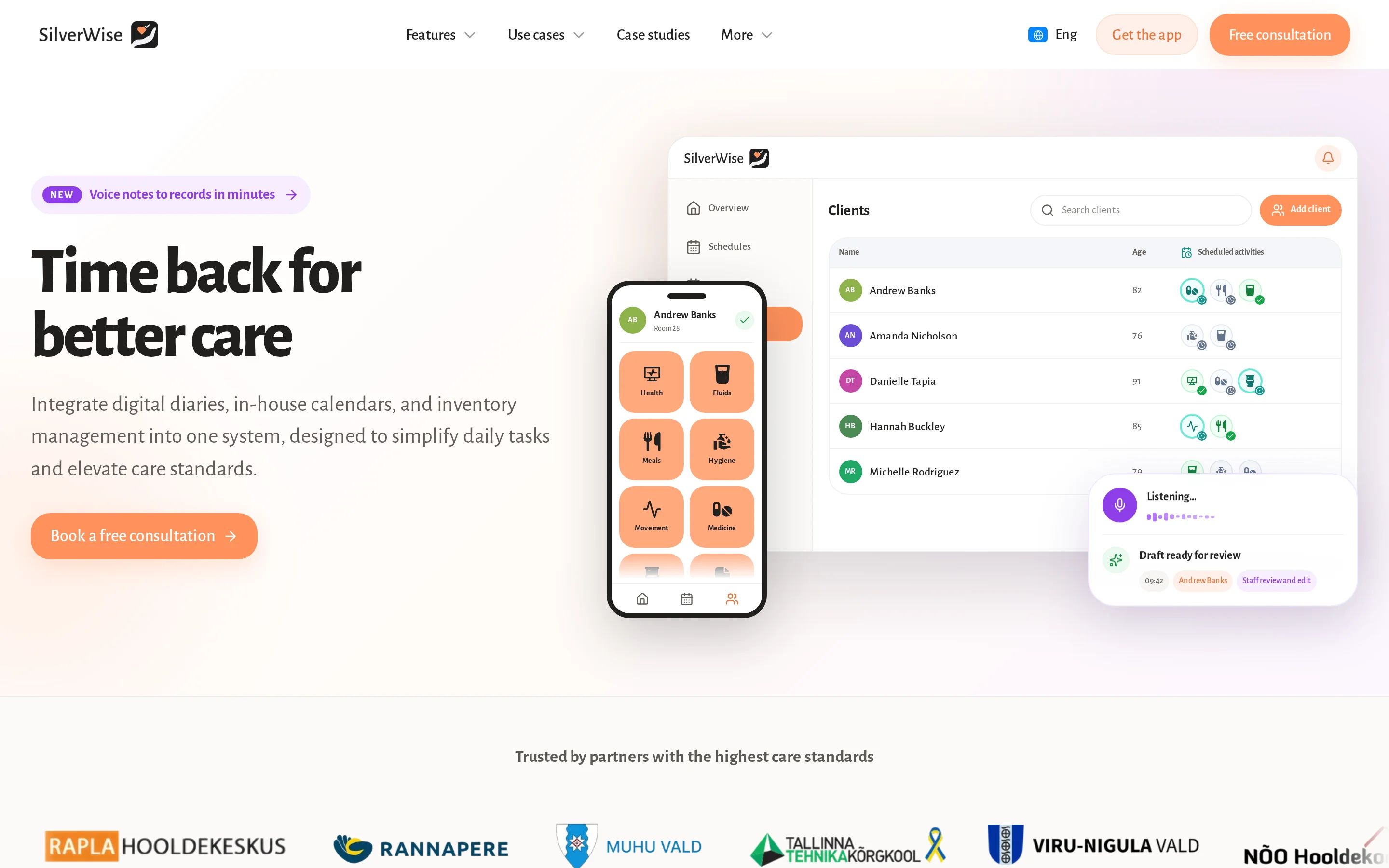
Silverwise is the care-specific option when scheduling must connect with resident records and daily follow-up. It supports residential teams, home care services, and special care facilities.
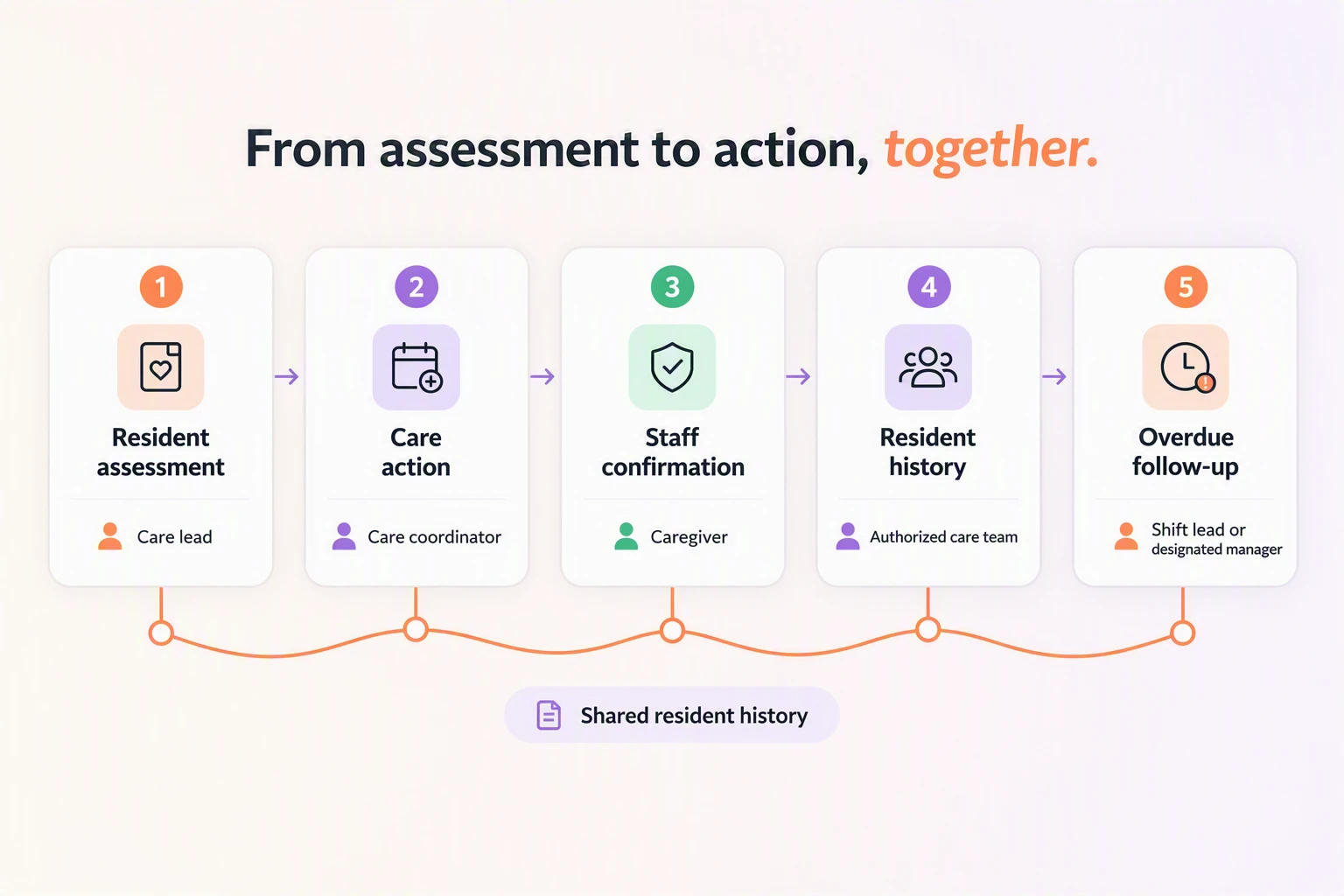
A confirmed care action in Silverwise updates the resident's history, can deduct linked stock, and gives the next shift current context.
Residential teams can start with handovers or room work, while home care teams may begin with visits and field updates. Special care facilities can shape custom actions around their own routines.
Care documentation and voice-to-record logging
Silverwise turns recurring care plans into daily actions that care staff complete during a shift. Staff can record nutrition, hydration, mobility, hygiene, and medication-related actions, then review each resident's timestamped history.
For handovers, a caregiver can dictate an observation in natural speech. Silverwise prepares an editable draft linked to the relevant shift or department, and a staff member reviews, edits, and confirms the record before saving it.
Shift scheduling and hours tracking
Managers can create and adjust the current rota in Silverwise while working hours remain tied to the schedule. The same module records the categories needed for staffing and payroll review:
Paid leave and public holidays
Night work and overtime
Shift changes and reassignment
Current schedules for authorized staff and accountants
Employees can view personal calendars and facility notices outside working hours. Role permissions control access to sensitive resident or client records, so each team sees information appropriate to its work.
Mobile alerts for overdue care and expiring documents
Silverwise alerts designated staff when a tracked care action is due or remains incomplete. The reminder engine can follow meals, washing, hygiene, and medication-related care plan actions without taking the decision away from the caregiver.
Expiry reminders cover records such as ID cards, care contracts, consent forms, medication plans, and work permits. Administrators choose the reminder timing and recipient roles, so the right person can follow up before the date passes.
Optional rooms, stock, and file oversight
Residential providers can keep room work beside daily care records, while any provider can manage stock and files in the same system. These optional modules reduce the need for separate operational spreadsheets.
Rooms: Track occupancy, cleaning status, maintenance requests, and available capacity by unit, floor, or wing.
Stock: Record deliveries, usage, minimum levels, and adjustments; linked supplies can be deducted when the related care action is recorded.
Belongings: Store the resident, item, photo, note, label, and rental context for personal property or care aids.
Files: Search resident and employee documents by person, role, category, or account, with permissions controlling access.
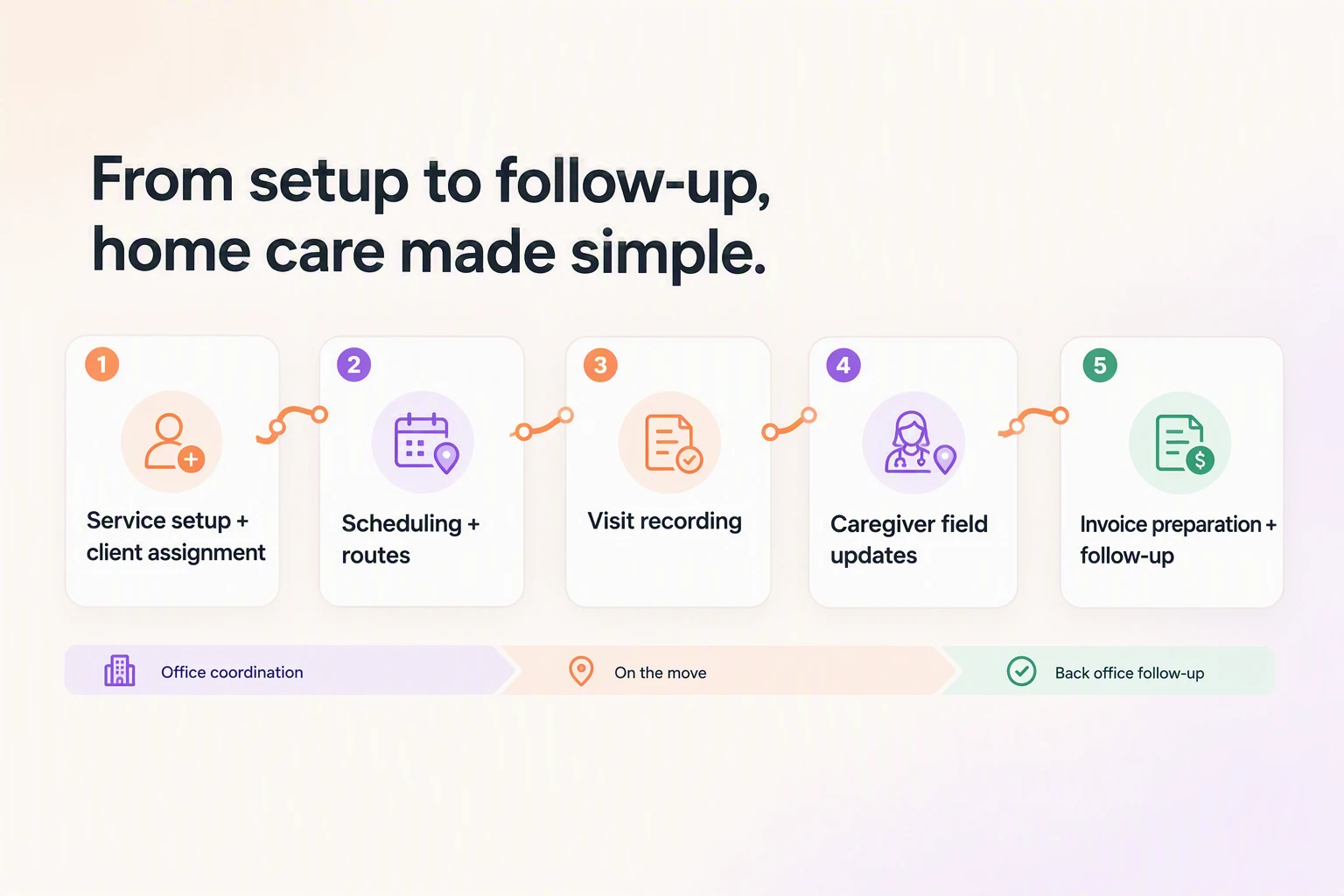
Home care: from service setup to invoice preparation
Home care teams can define services, prices, required signatures, and client assignments before coordinators schedule visits and routes.
During a visit, the caregiver records time, completed services, and field updates. Silverwise can turn confirmed visit details into draft invoice lines for office review and follow-up.
Pricing
Silverwise does not publish software pricing on the supplied pages. Pricing is available through a personalized consultation.
Use the consultation to discuss your care setting, required modules, and the workflow you want to improve so the consultation stays tied to daily work.
2. Deputy
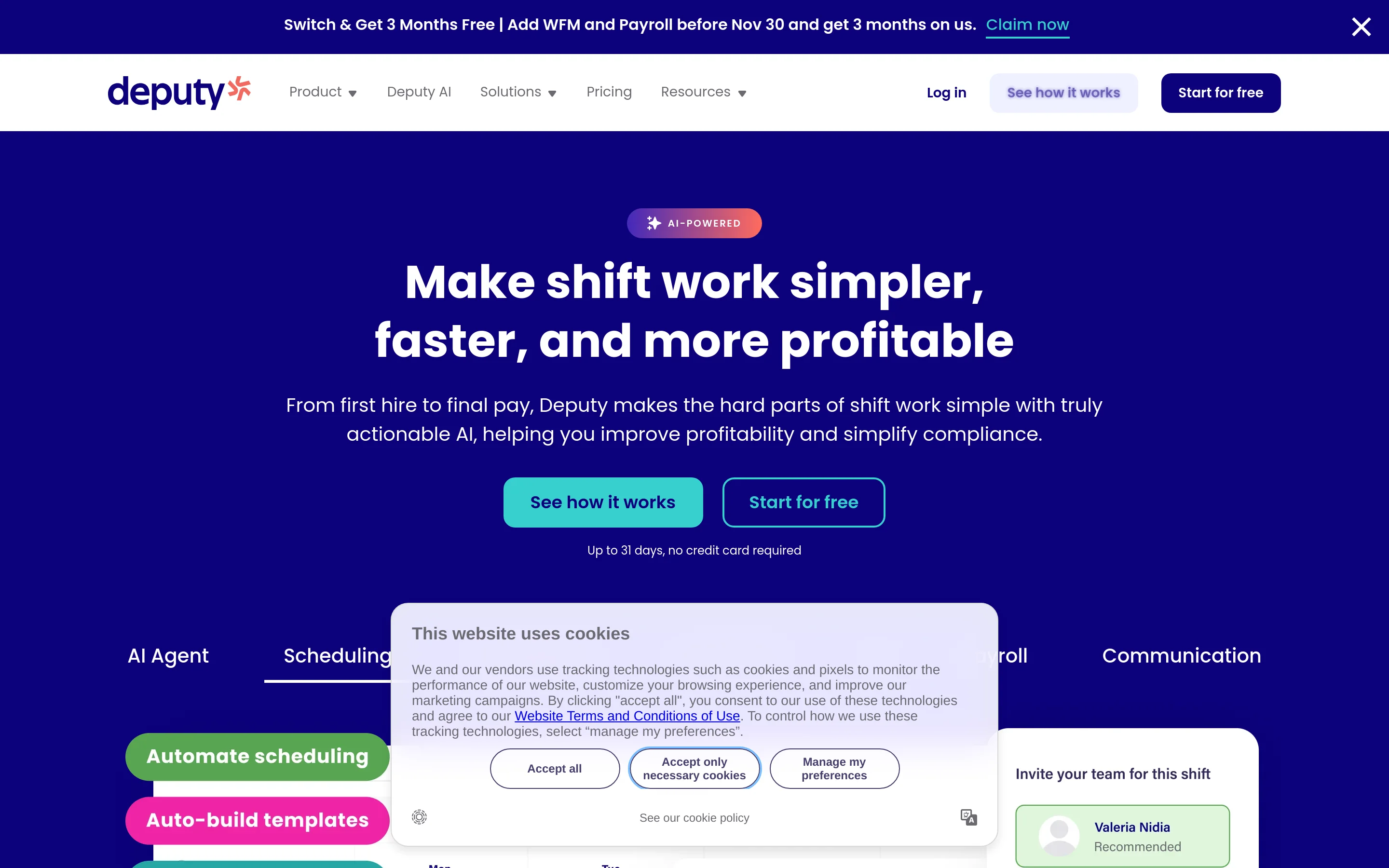
Deputy is workforce scheduling, time-attendance, and labor-compliance software with demand forecasting and automated rostering.
Scheduling and compliance tools
Deputy builds schedules from demand forecasts, labor budgets, and staff availability. Employees can request leave or shift swaps, while managers retain approval before changes reach the rota.
Deputy concentrates on four workforce tasks:
Building schedules around forecast demand
Recording availability, leave balances, and swap requests
Applying labor rules during scheduling
Tracking attendance against planned shifts
Time tracking and attendance
Employees can clock in through Deputy's mobile app or a biometric kiosk. Facial verification can support identity checks, and digital timesheets retain overtime and break details for review.
Teams with unreliable coverage should confirm whether clock-ins work offline and how records synchronize when service returns before rollout.
Integrations and payroll exports
Approved timesheets can pass attendance data, overtime, and break details to connected payroll systems. Managers review the records before export rather than re-entering each shift manually.
Advanced reporting, custom access levels, and single sign-on sit on higher-paid plans, including Pro. Buyers should confirm which reporting and payroll connections their selected plan includes.
Pricing
Deputy uses per-user pricing and applies a $30 invoice minimum.
Plan | Annual price | Monthly price |
|---|---|---|
Lite | $5 per user | $5.50 per user |
Core | $6.50 per user | Included in $5.50–$10 monthly range |
Pro | $9 per user | $10 per user |
Invoice minimum | $30 | $30 |
3. Homebase
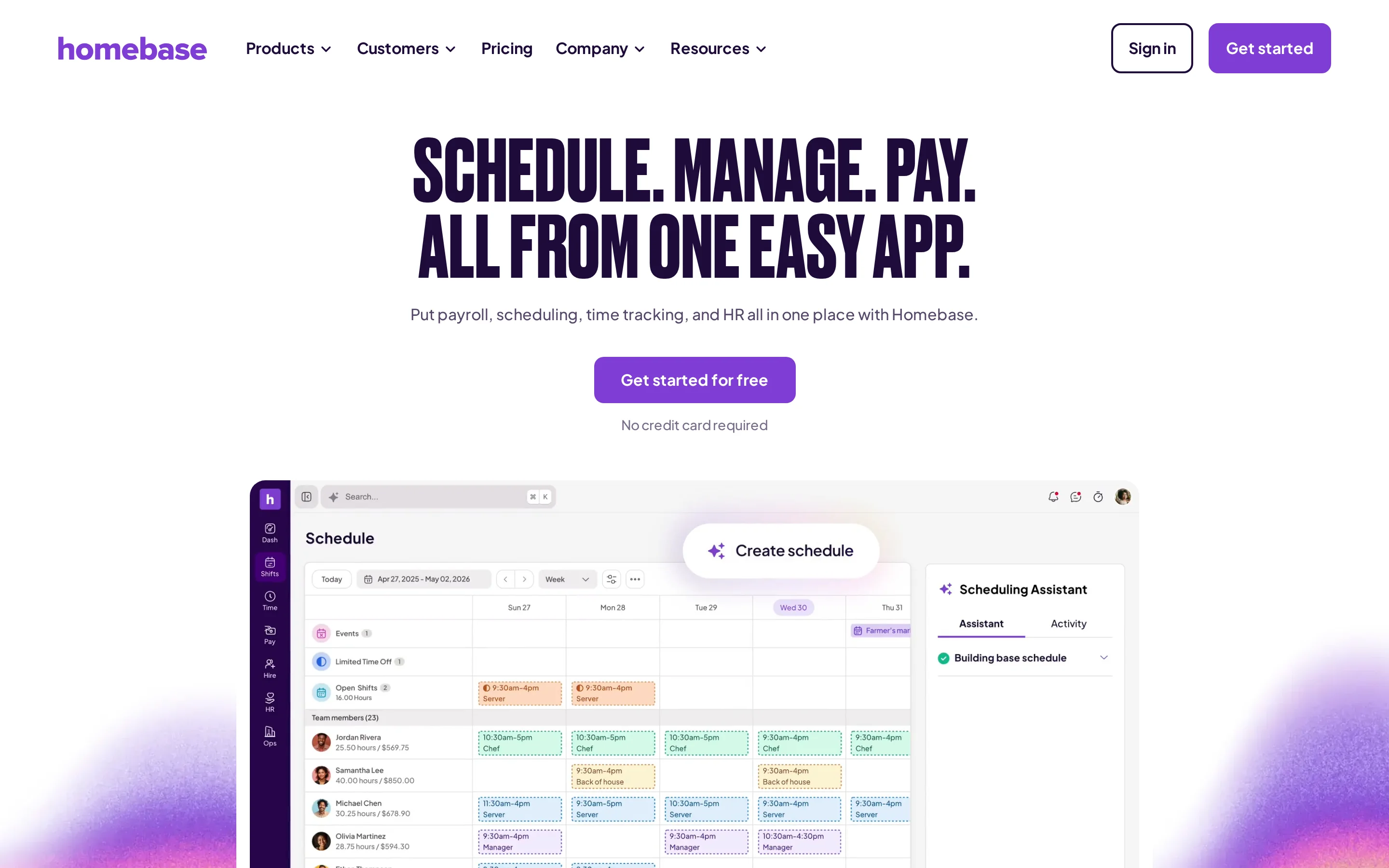
Homebase is a US hourly-workforce platform for per-location scheduling, time tracking, messaging, HR support, and payroll.
Scheduling and time clock
Managers build shifts in a drag-and-drop scheduler. Because paid plans are billed per location rather than per user, organizations should calculate costs from their site count and required plan.
Employees can clock in and out through either of these surfaces:
The Homebase mobile app
A shared tablet at the workplace
Team messaging
Homebase connects daily workforce coordination to the published schedule. Employees can use team chat for ongoing messages, while announcements distribute updates across the team.
Keeping messages beside shifts can reduce the need to coordinate rota changes through separate channels. The communication layer remains focused on employees and schedules rather than clinical or resident documentation.
Pricing and free plan limits
The Homebase free plan covers one location and up to 10 employees.
Paid Homebase plans use site-based billing. Operators with several care locations should calculate the total across every site before comparing it with per-user alternatives.
Plan | Monthly billing per location | Annual billing per location |
|---|---|---|
Free | $0, one location and up to 10 employees | $0, one location and up to 10 employees |
Essentials | $30 | $24 |
Plus | $70 | $56 |
All-in-One | $120 | $96 |
The site-based model changes the comparison: adding employees does not create a per-user fee, but adding care locations can raise the total.
4. Agendrix
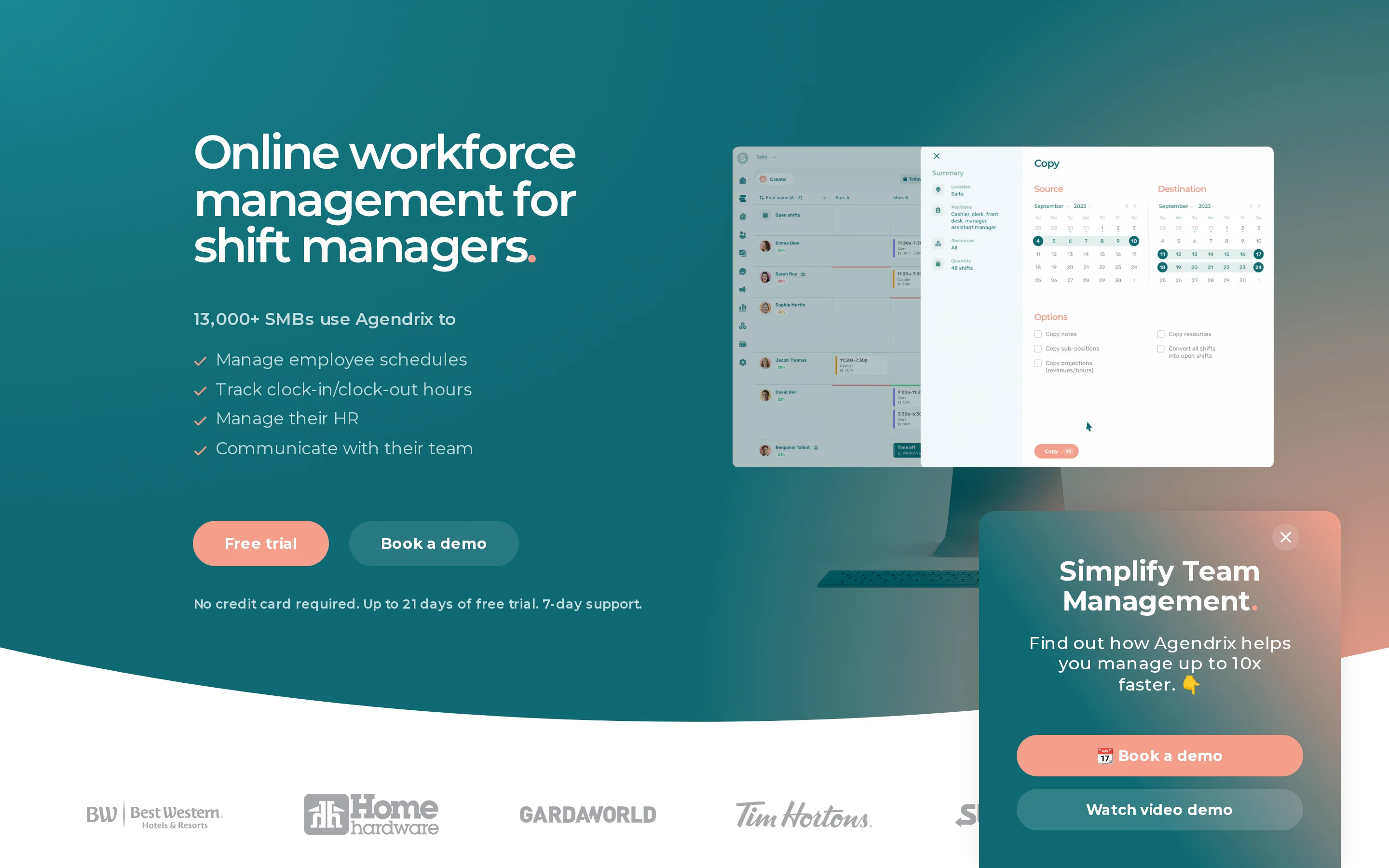
Agendrix is a bilingual workforce platform for deskless teams that manages employee scheduling, attendance, messaging, and HR records. Care providers need a separate care-specific record for resident documentation.
Scheduling and leave management
Agendrix builds schedules around staff availability and lets employees submit leave requests for manager approval. It also tracks vacation and overtime banks.
Employee engagement tools
Agendrix packages team messaging and digital HR records alongside scheduling and attendance. Connecteam separates comparable workforce functions across its Operations, Communications, and HR hubs.
The combined product gives managers two supporting workflows beyond the rota:
Team messages connected to workforce coordination
Digital employee records kept with HR administration
Pricing
Plan | Annual billing | Monthly billing |
|---|---|---|
Essential | US$3.25 per user/month | US$5.50 per user/month |
Plus | US$5.25 per user/month | US$7.50 per user/month |
Calculate Agendrix from the scheduled employee count and chosen billing term. Then add any required modules before comparing its total with another workforce tool.
5. Jibble
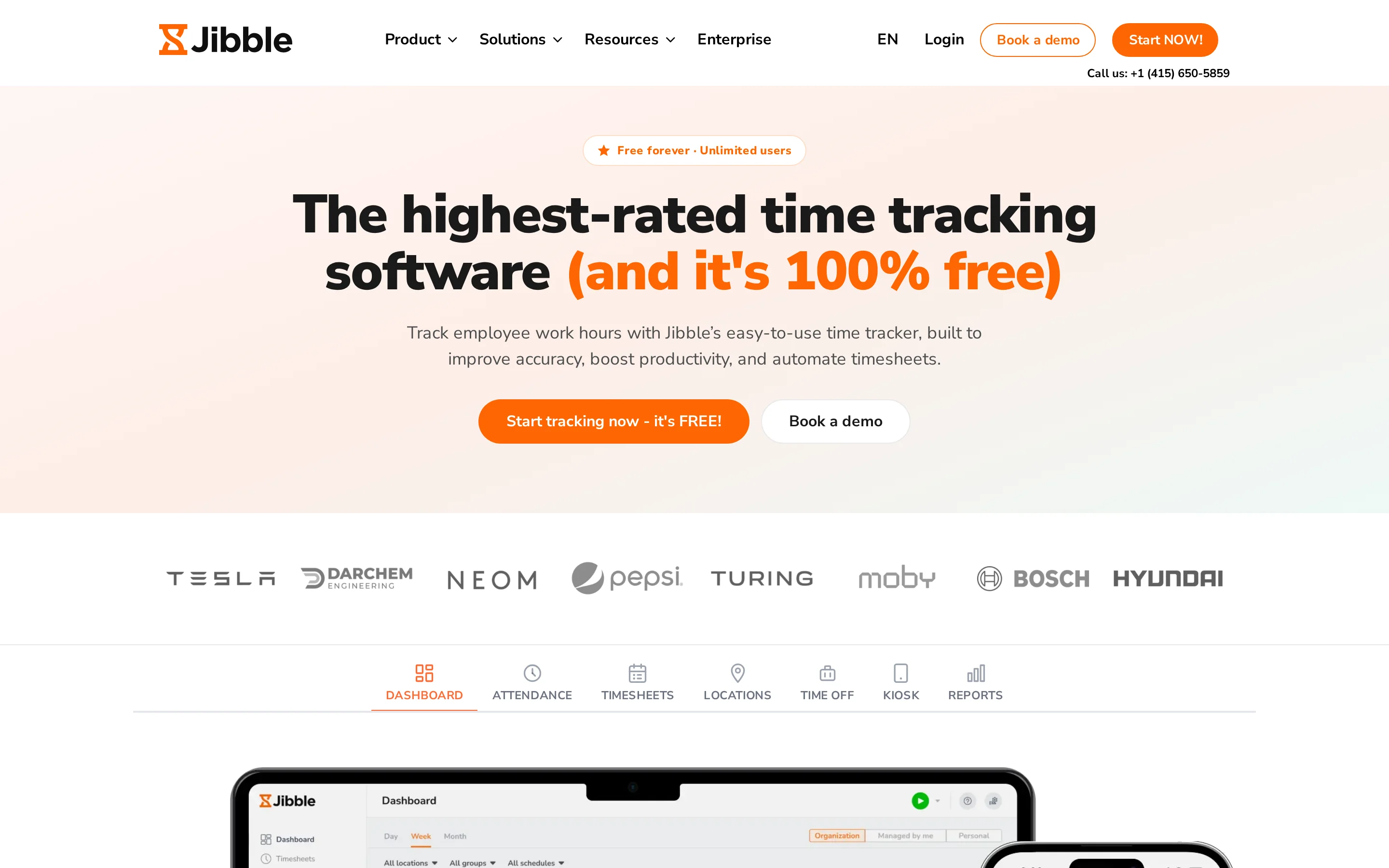
Jibble is time-and-attendance software that turns verified punches into payroll-ready timesheets.
Jibble fits a narrow workforce setup where identity-verified attendance feeds payroll while rosters, staff communication, tasks, and care records stay in separate systems.
Time tracking and facial recognition
Jibble supports shared kiosks, individual devices, identity and location checks, and offline capture:
Shared kiosk: A tablet or phone can act as a central time clock.
Mobile or desktop: Employees can clock in from their assigned device.
Identity and location checks: Facial recognition, GPS, and geofencing can confirm who clocked in and where.
Offline capture: Punches recorded without a connection sync when service returns.
Approved punches feed digital timesheets and attendance reports, including break and overtime records. Payroll integrations move those records into the next stage of pay processing.
Jibble can also run inside Microsoft Teams and Slack, which keeps time actions near existing staff communication channels.
Free plan and pricing
Jibble starts at $0 for unlimited users, with limits on the free plan.
Before treating Jibble as a $0 option, compare the required clock-in method, facial checks, GPS or geofencing controls, offline capture, and payroll connection with the features included in the free plan.
Plan | Price | Notes |
|---|---|---|
Free | $0, unlimited users | Limits apply |
Premium | $4.49 per user yearly or $5.99 monthly | |
Ultimate | $7.99 per user yearly or $10.99 monthly | |
Enterprise | Custom |
6. When I Work
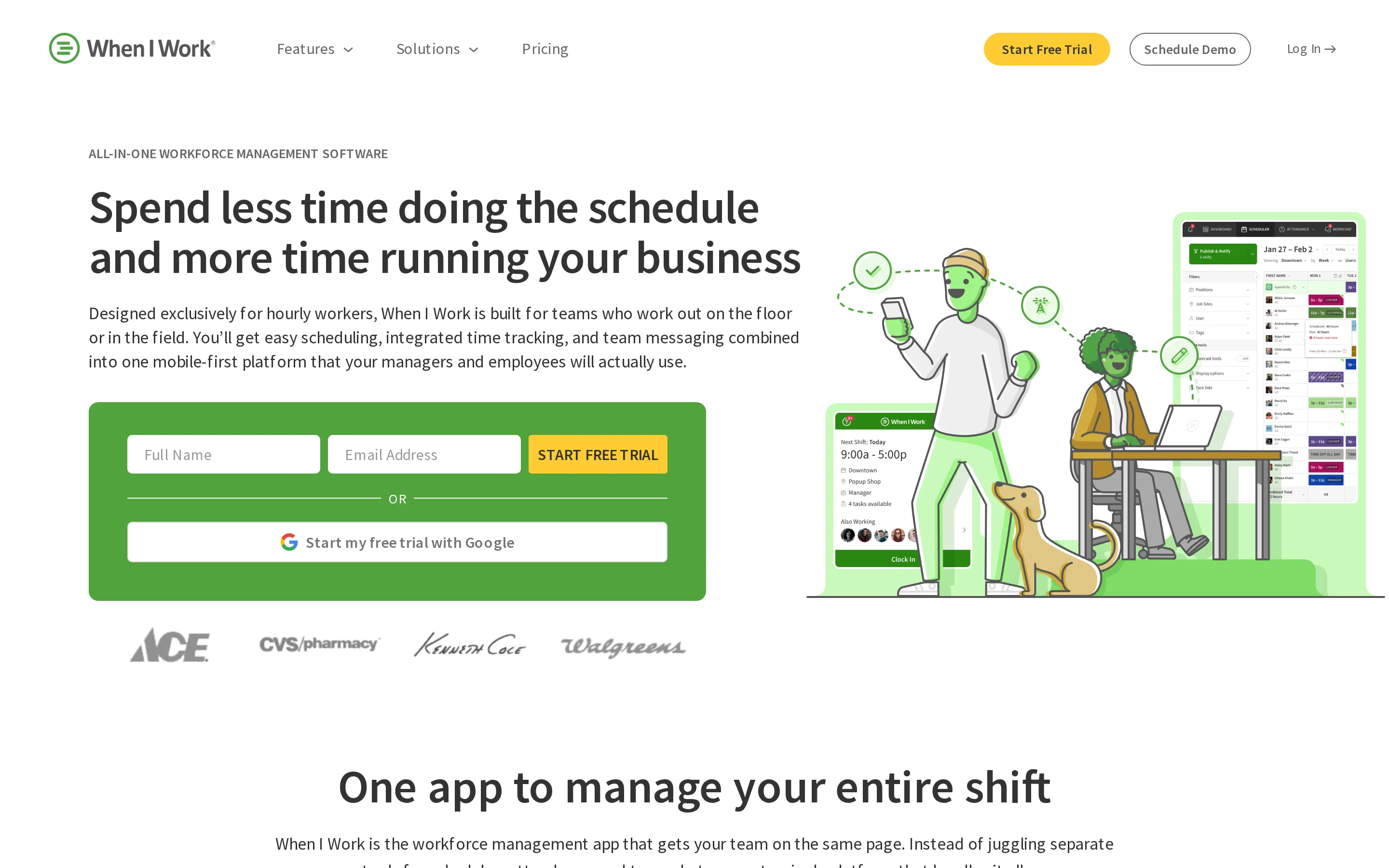
When I Work is shift-scheduling, time-attendance, and team-messaging software with auto-assignment, OpenShifts, swaps, geofencing, and photo kiosks.
When I Work fits an hourly workforce model rather than a care-record workflow. Resident assessments, daily care tasks, and care handovers need a separate system.
Shift scheduling and notifications
When I Work is a scheduler with auto-assignment, OpenShifts, swaps, overtime alerts, and shift notifications.
Both published plans include time and attendance, with GPS clock-in and related controls. Managers should test those controls alongside the roster when attendance evidence matters.
Employee availability and shift swaps
OpenShifts that eligible workers can claim
Auto-assignment with overtime threshold alerts
Time-clock options using photo verification, GPS, or Wi-Fi controls
Team communication
When I Work includes WorkChat so scheduled staff can message and claim OpenShifts from the same app.
Schedule notifications keep workers informed when coverage changes. Staff can discuss a vacancy, respond to a swap, or claim an OpenShift from the related roster workflow.
WorkChat is built for employer-to-team communication around scheduled work. Volunteer programs that require hidden member details or administrator-controlled contact rules should assess those requirements separately.
Pricing
When I Work starts at $2.50 per user per month for one location or schedule.
When I Work lets customers add or reduce paid seats. Compare the paid seat count with your active headcount and confirm the billing term before rollout.
Employee scheduling, time and attendance, and team messaging are included in both published plans.
Account scope | Starting price | Included in published plans |
|---|---|---|
One location or schedule | $2.50 per user/month | Scheduling, time and attendance, team messaging |
Multiple locations or schedules | $5 per user/month | Scheduling, time and attendance, team messaging |
7. 7shifts
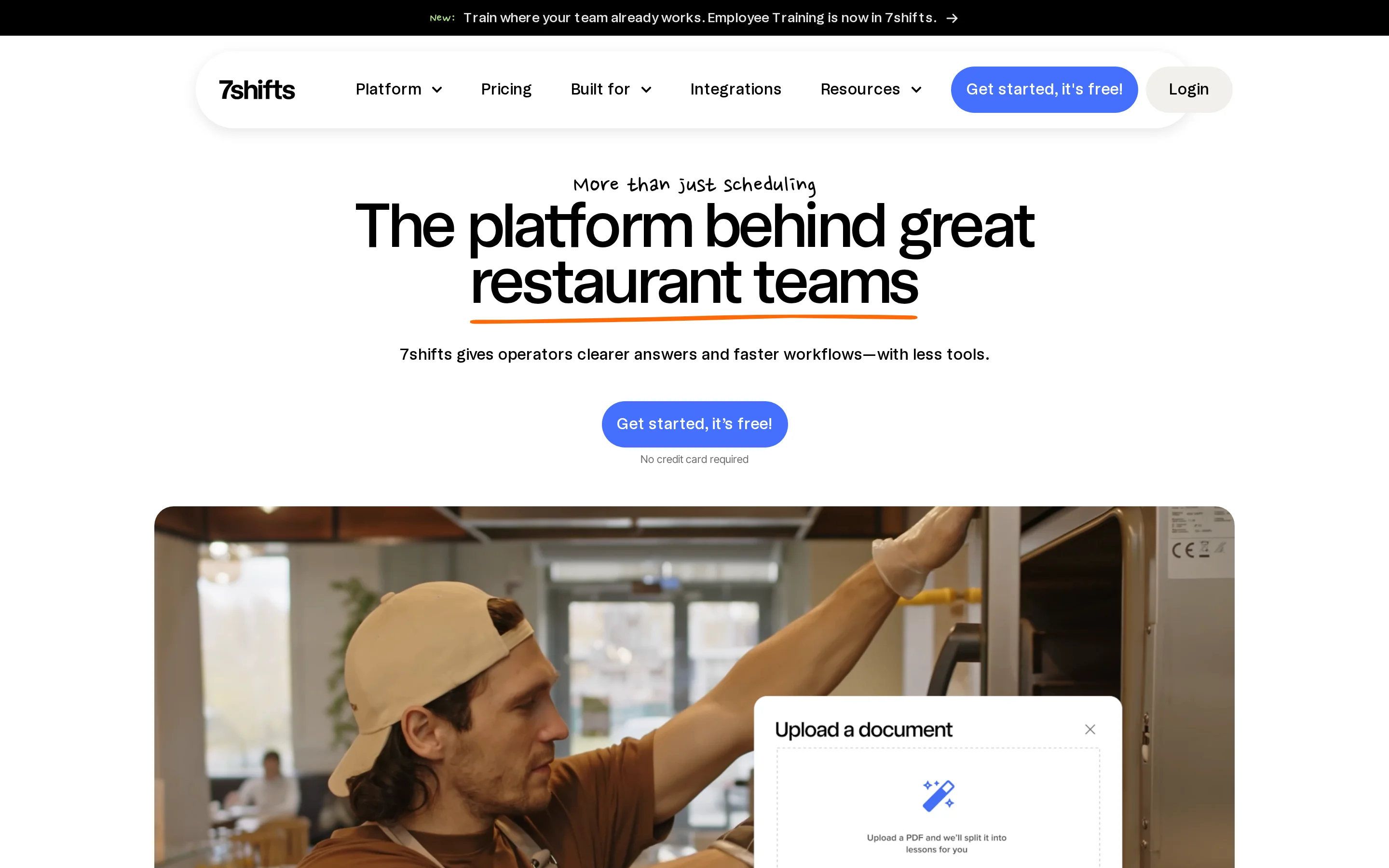
7shifts is restaurant workforce software for scheduling, time clocks, tip management, and US payroll processing. For care operators, it is a niche comparison for location-based workforce tasks rather than care documentation.
Restaurant scheduling and labor compliance
7shifts handles restaurant scheduling and Fair Workweek compliance reporting. GPS-enabled time clocks record attendance.
Connected POS systems can feed sales data into labor forecasts used during restaurant scheduling.
Team communication and tip management
7shifts is restaurant operations software with manager logs for shift notes and automated tip pooling.
7shifts automates tip pooling under rules set by the restaurant. The calculation can use:
Hours worked
Employee roles
Defined pooling rules
The resulting tip split can move into US payroll processing.
Dimension | 7shifts | Connecteam |
|---|---|---|
Manager coordination | Manager logs and task management | Cross-industry forms, training, and workflows |
Tip administration | Automated pooling and payroll-linked distribution rules | Not documented in this article context |
Operating setting | Restaurant teams | Deskless teams across industries |
Restaurant POS connection | More than 50 restaurant POS platforms | Not documented in this article context |
Pricing
7shifts offers a free single-location plan and paid location-based plans. Confirm the current paid rate, billing term, and user allowance for your market before comparing totals.
Location count, required modules, and the billing term shape the 7shifts total.
8. ClockShark
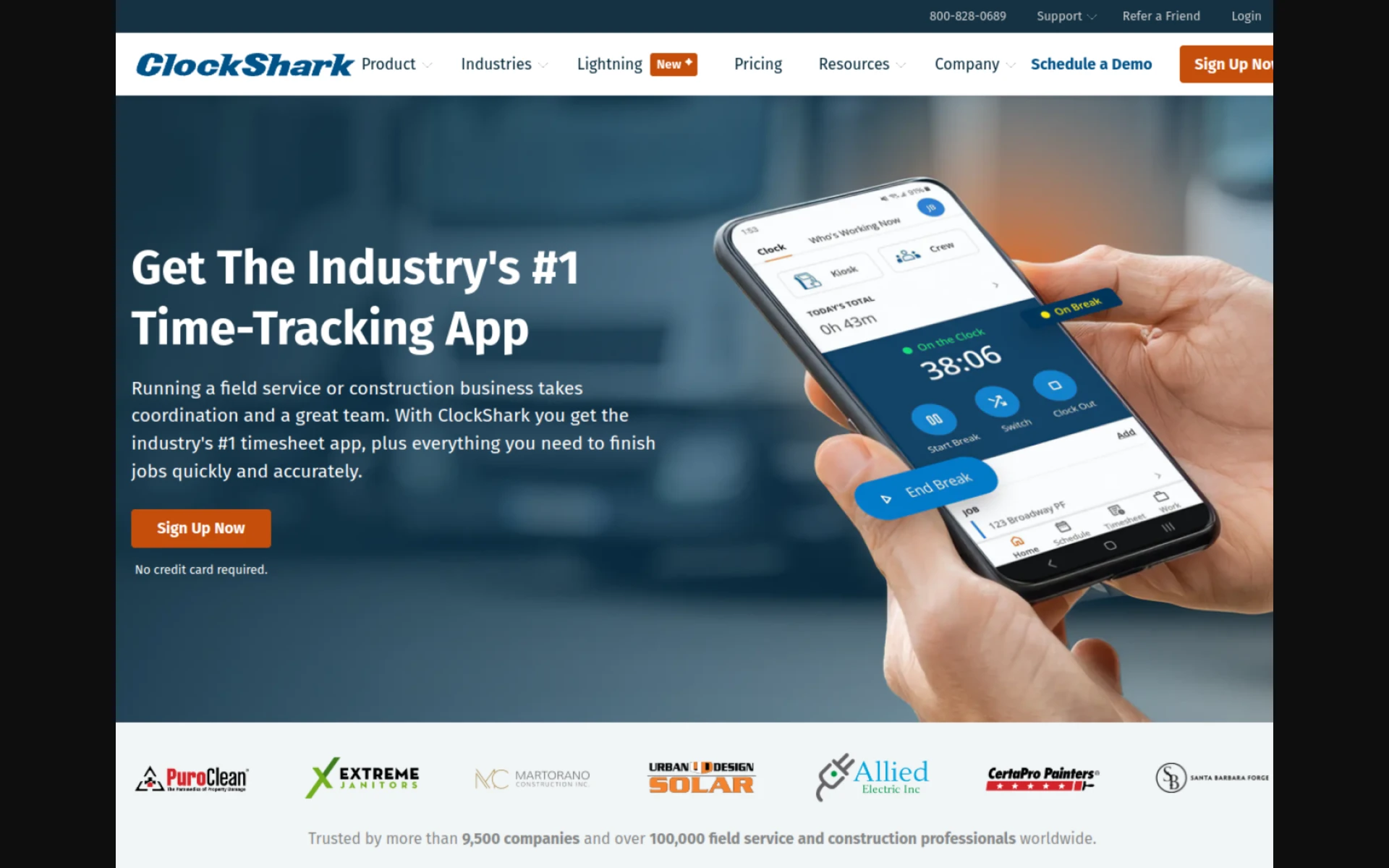
ClockShark is field-workforce time tracking, GPS monitoring, job-costing, and payroll-integration software for construction and mobile crews.
GPS time tracking and job costing
ClockShark maps GPS time to clients, projects, tasks, and cost codes, including whole-crew punches via CrewClock.
ClockShark's field workflow includes:
CrewClock: A supervisor can clock a crew in or out together and change cost codes as the project moves between phases.
Job costing: Employees can switch jobs and cost codes from the iOS or Android app during a shift.
Payroll exports: Recorded time can flow to QuickBooks Online, QuickBooks Desktop, ADP, Sage, Xero, and Gusto; payroll itself runs outside ClockShark.
Pricing
ClockShark Standard starts at $42 monthly plus $9.50 per user.
ClockShark has a 14-day trial. Its published plan details do not list a free tier.
Calculate the total from the $42 monthly base fee plus $9.50 per user, then confirm the commitment attached to the quoted rate.
9. Sling
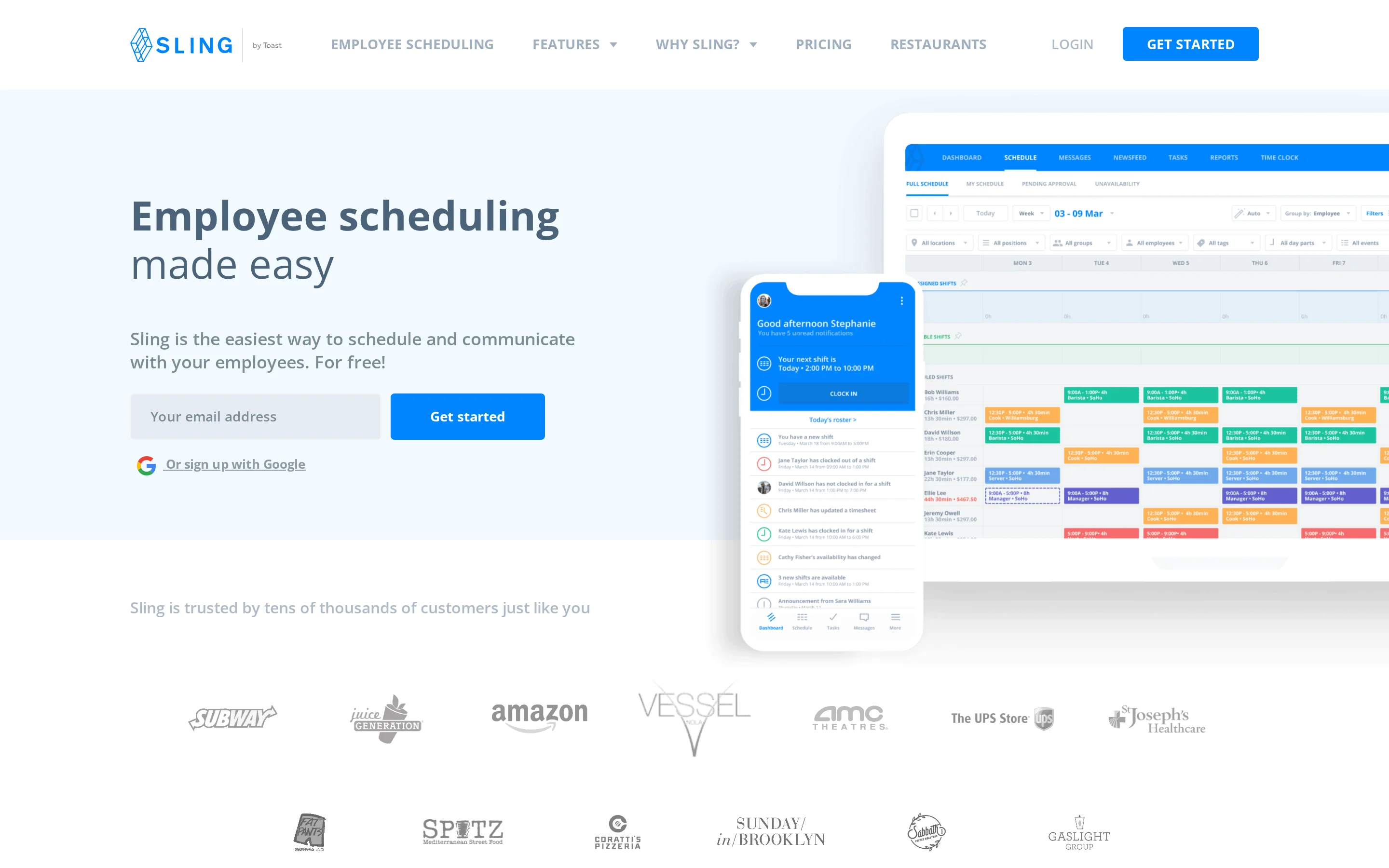
Sling is a mobile workforce app for shift-based teams, with resident-linked care documentation kept elsewhere.
Sling’s basic scheduling and communication functions suit small shift-based teams. GPS attendance, kiosk access, and PTO controls require paid plans.
Scheduling and team messaging
Sling covers shift scheduling, open shifts, a newsfeed, and private messages, with GPS clock-in locked to paid tiers.
The free tier keeps the workflow focused on basic shift coordination:
Build schedules and publish open shifts.
Send shift notifications through a newsfeed and private messages.
Create task lists for day-to-day work.
Paid access changes the attendance workflow. Premium adds GPS time tracking, while Business is required for kiosk access; PTO controls are also paid.
Pricing
The Free plan supports up to 30 users.
Premium costs $2 per user monthly, or $1.70 per user monthly with annual billing. The plan table below lists the Business tier.
Plan | Price | Notes |
|---|---|---|
Free | $0 for up to 30 users | Scheduling, open shifts, newsfeed, private messages |
Premium | $2/user/mo or $1.70/user/mo annual | GPS time tracking; 15-day trial |
Business | $4/user/mo or $3.40/user/mo annual | Kiosks and PTO controls |
The free tier covers basic scheduling and communication. GPS attendance requires Premium, while kiosk access and PTO controls require Business.
10. Zelos
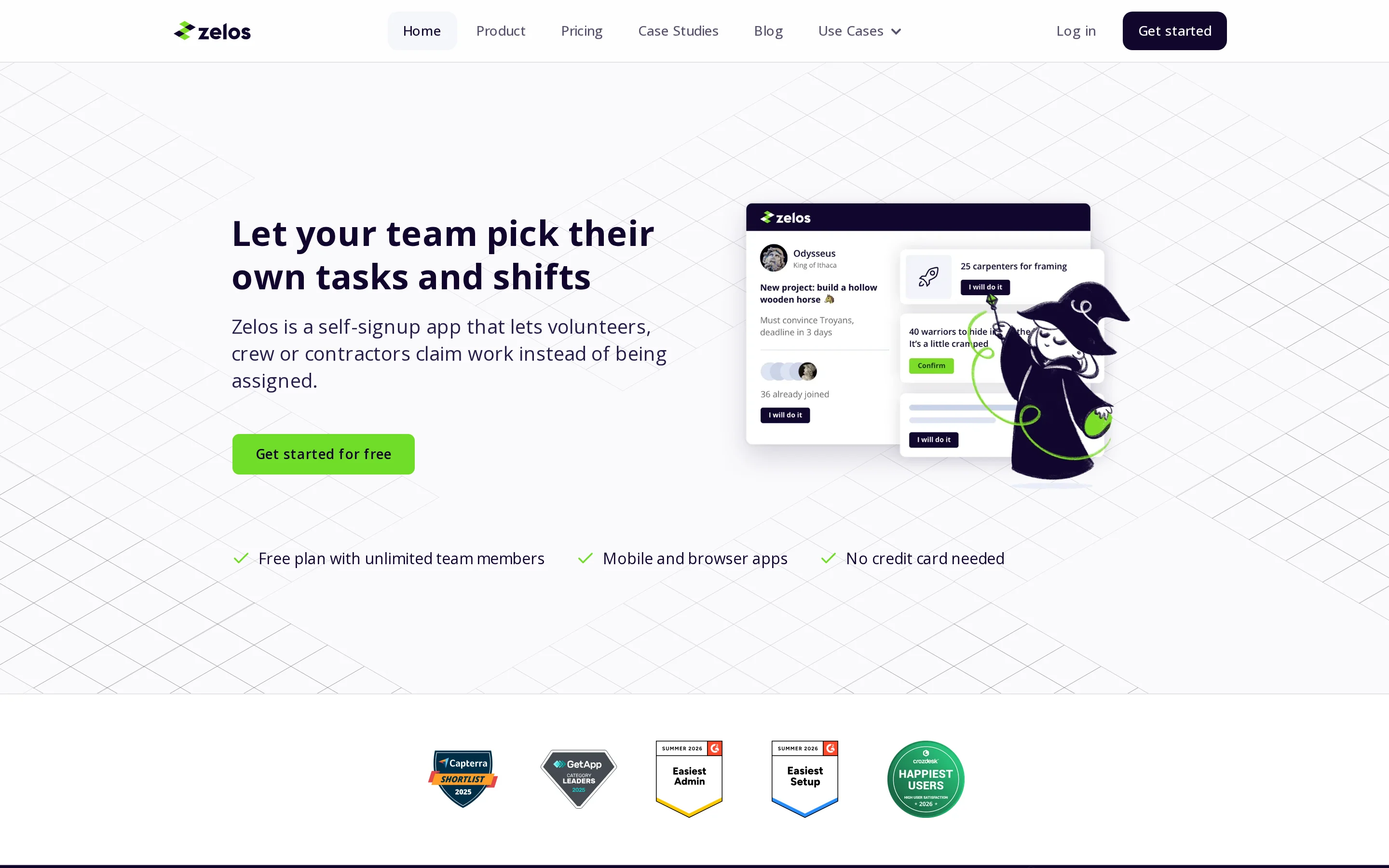
Zelos is volunteer and casual-workforce task-dispatch software with self-signup shifts, skill targeting, and supervised task chat. It is a niche comparison for volunteer coordination rather than a care-record workflow.
Open-shift dispatch and task coordination
Workers claim tasks targeted to their skills, while administrators can supervise the related task chat.
Zelos tracks participation through points and leaderboards rather than assigning each person a fixed rota.
Zelos includes two communication safeguards in its dispatch model:
Participant contact details remain hidden from other participants.
Task chats remain visible to administrators, with no unsupervised one-to-one messaging.
Points and leaderboards can track volunteer participation, but formal care operations usually need assigned shifts, resident records, and confirmed handovers.
Pricing
The Free plan allows unlimited members and caps active tasks at 25.
Plan | Price | Notes |
|---|---|---|
Free | $0 | Unlimited members, 25 active tasks |
Pro (annual) | $99 / month | Verified nonprofits about 40% off annual Pro |
Pro (month-to-month) | $119 / month | Same Pro product billed monthly |
Enterprise | Custom | Quoted separately |
Connecteam alternatives compared side by side
Silverwise connects resident records with daily care operations. The other tools focus on workforce work, from Agendrix employee records and Jibble attendance to 7shifts restaurant logs and ClockShark job costs.
Deputy applies labor rules during scheduling, while 7shifts includes restaurant-focused Fair Workweek reporting. These controls go beyond basic overtime and schedule-conflict alerts.
That depth matters when one employer schedules across jurisdictions. A care provider should still verify that the configured rules match each location and workforce agreement.
Homebase runs payroll for US employers, while 7shifts offers a paid native-payroll add-on for restaurants in the USA. Deputy connects US payroll through Paycor. Jibble, When I Work, ClockShark, and Sling send time data to third-party payroll systems.
Check geography and tax-filing responsibility before deciding. A payroll export is a handoff, not payroll processing.
Jibble combines biometric checks with offline attendance synchronization. Sling and Homebase separate free entry plans from some paid attendance capabilities.
Attendance features still need an operational check:
Consent and privacy: Confirm the lawful basis, staff information, retention rules, and access controls for biometric data.
Shared devices: Test the kiosk during a normal shift, including queues and failed identity checks.
Outages: Confirm how punches synchronize and how staff correct exceptions after connectivity returns.
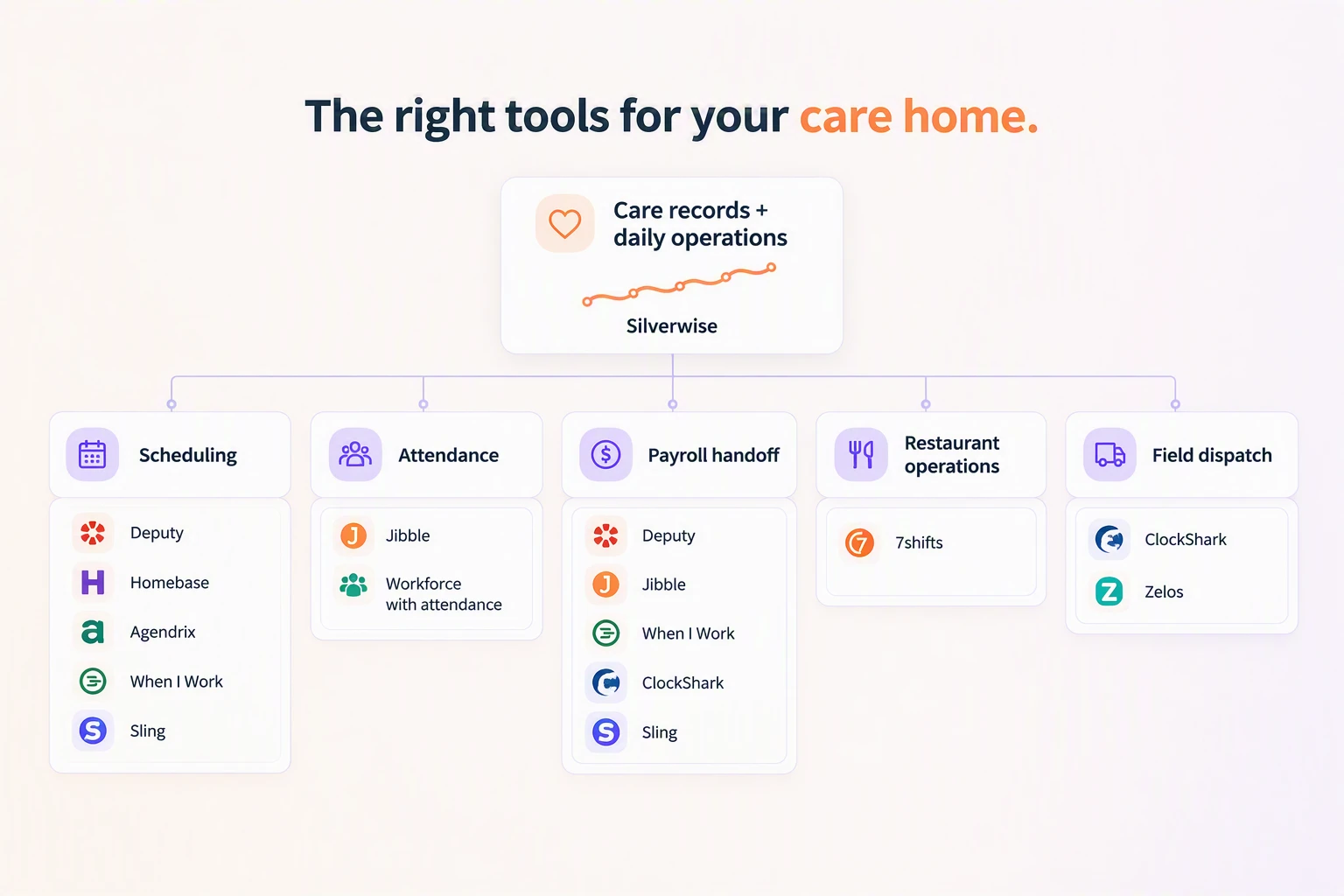
Start with Silverwise if resident records must connect with shifts and follow-up. If the need is workforce-only, shortlist by geography, billing model, attendance method, and payroll route.
What to check before choosing a tool for care operations
Silverwise is a shared care operations tool for providers that need daily records connected to the work around each resident or client.
Check the care workflow and the workforce workflow separately. A rota may fit the team while resident actions remain in another record.
Use one routine care action to test the Silverwise record chain:
Create the action from the resident assessment.
Ask the staff member to confirm completion and check the recorded time.
Find the action in resident history and summaries.
Check how an overdue action reaches the appropriate role.
Compare any medication workflow with applicable eMAR standards. Care-action logging alone does not establish a full eMAR.
Reviewed voice drafts
Ask a caregiver to speak a normal shift update, then inspect the draft before saving. Silverwise should leave the wording editable and unsaved until a staff member confirms it.
After confirmation, verify that colleagues can find the entry in the shared history with the relevant department and shift context.
Surrounding operations
Test the connected workflows your provider uses:
Rota changes: Reassign a shift and confirm that authorized staff see the current schedule and recorded hours.
Residential room follow-up: Log a cleaning or maintenance issue, assign ownership, and check the timestamped history.
Home care visits: Change a route or visit, confirm the caregiver sees the update, and check that the field report reaches the office record.
Stock use: Record a linked care action and verify that the expected supply quantity changes.
Management view: Confirm that staff updates, planned work, and open follow-up are visible. Residential providers can add occupancy and room status to the same check.
Implementation and governance
Implementation requires provider decisions before setup:
Data and devices: Prepare suitable internet-connected devices and the client or resident, employee, service, and document data Silverwise will use. Add room data where the provider manages residential accommodation.
Access: Agree departments, role permissions, and ownership before staff begin entering records.
Configuration: Set care actions, shift patterns, reminders, services, and stock rules around current routines.
AI review: Define who checks voice drafts, how corrections are made, and when an entry can be confirmed.
Local obligations: Review privacy, retention, audit, medication, billing, and employment requirements for every operating location.
UK providers can use the ICO DPIA guidance to assess higher-risk processing. Software configuration alone does not establish compliance.
Choose the tool only after frontline staff can complete and find a normal shift record, managers can see open follow-up, and local privacy, medication, payroll, and retention checks are complete.
Map one care workflow with Silverwise
Map one normal workflow before changing the whole organization. Residential teams can trace a care action into the next shift, home care teams can follow a service from visit to draft invoice, and special care teams can test a custom action with the right permissions.
Ask the person who owns that workflow to bring the current steps, workarounds, and places where staff repeat information.
Does Connecteam offer a free plan?
Yes. Connecteam’s Small Business Plan is a free-for-life tier for up to 10 users.
The free tier has product limits, and moving beyond 10 users requires a paid plan. Check current hub pricing and inclusions on the official Connecteam pricing page before budgeting.
Can I migrate my data from Connecteam to another platform?
Common Connecteam records can be exported, but migration is not a one-click transfer of the entire account.
Before moving, check each module for its available export format, whether attachments and history are included, and which workflows must be rebuilt in the new platform.
Do these alternatives integrate with payroll and other tools?
Payroll support depends on the platform and country. Deputy connects with payroll services, Homebase offers native US payroll, and 7shifts has a paid payroll option for US restaurants.
The Deputy integrations directory lists ADP, Gusto, QuickBooks, Xero, MYOB, NetSuite, Reckon, and WageEasy for payroll workflows.
:no_upscale())