:no_upscale())
:no_upscale())
:no_upscale())
SafetyCulture Competitors: 8 Alternatives for Care Teams
:no_upscale())
On this page
A completed inspection can leave a damaged grab rail open until the next handover. The next shift needs to know who owns the repair.
The practical question is whether Mitti's inspection workflow fits your care operation or whether findings must enter the services, visits, handovers, and follow-up your team already coordinates.
SafetyCulture rebranded as Mitti on 11 August 2026. This guide compares eight alternatives through a care-operations lens, including field use, workflow fit, and access costs for carers, coordinators, and managers.
Why look for a SafetyCulture alternative
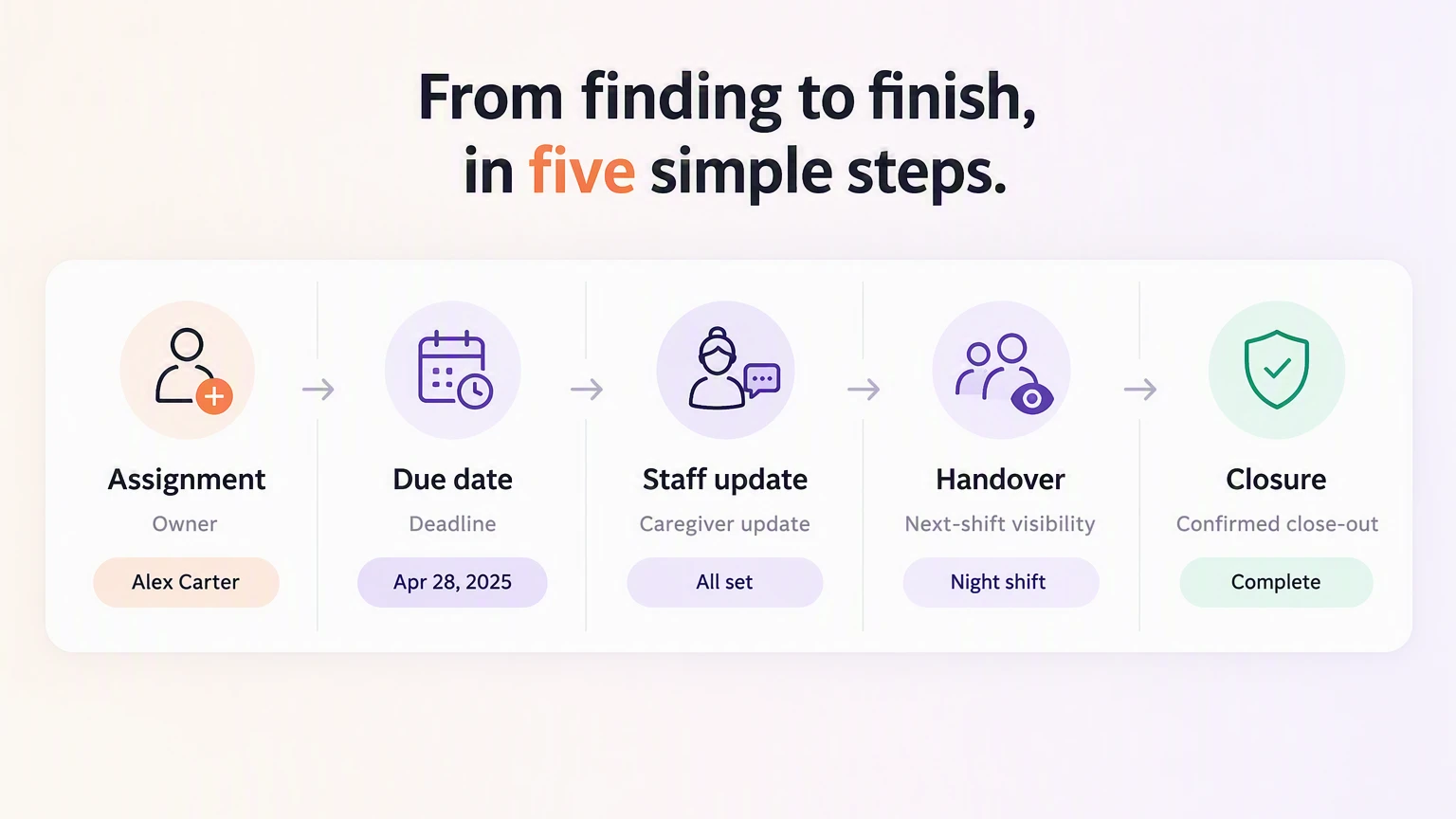
Look for a Mitti alternative when inspection findings must become assigned work inside the handovers and daily tasks your team already uses. Staff should see the next action and carry its update into the next shift.
Test each platform against a normal care shift, from a finding being logged to the work being closed:
Visible follow-up: Check that each issue has a named owner and due date, then confirm staff can see its status without a spreadsheet.
Useful reporting: Confirm a manager can see overdue visits, care actions, and residential room checks without exporting findings to a spreadsheet.
Care-work connection: Trace a finding into the related service, visit, handover, or task list so the responsible staff member can act.
Field reliability: Test what staff can complete on a phone where signal is weak, including whether offline work syncs after the connection returns.
Migration fit: Test the export of templates, history, attachments, and corrective actions, then map users, roles, permissions, APIs, and integrations.
Cost by role and scope: Price access for carers, coordinators, managers, accountants, and maintenance staff. Include customisation, implementation, training, support, add-ons, and hardware.
1. Silverwise
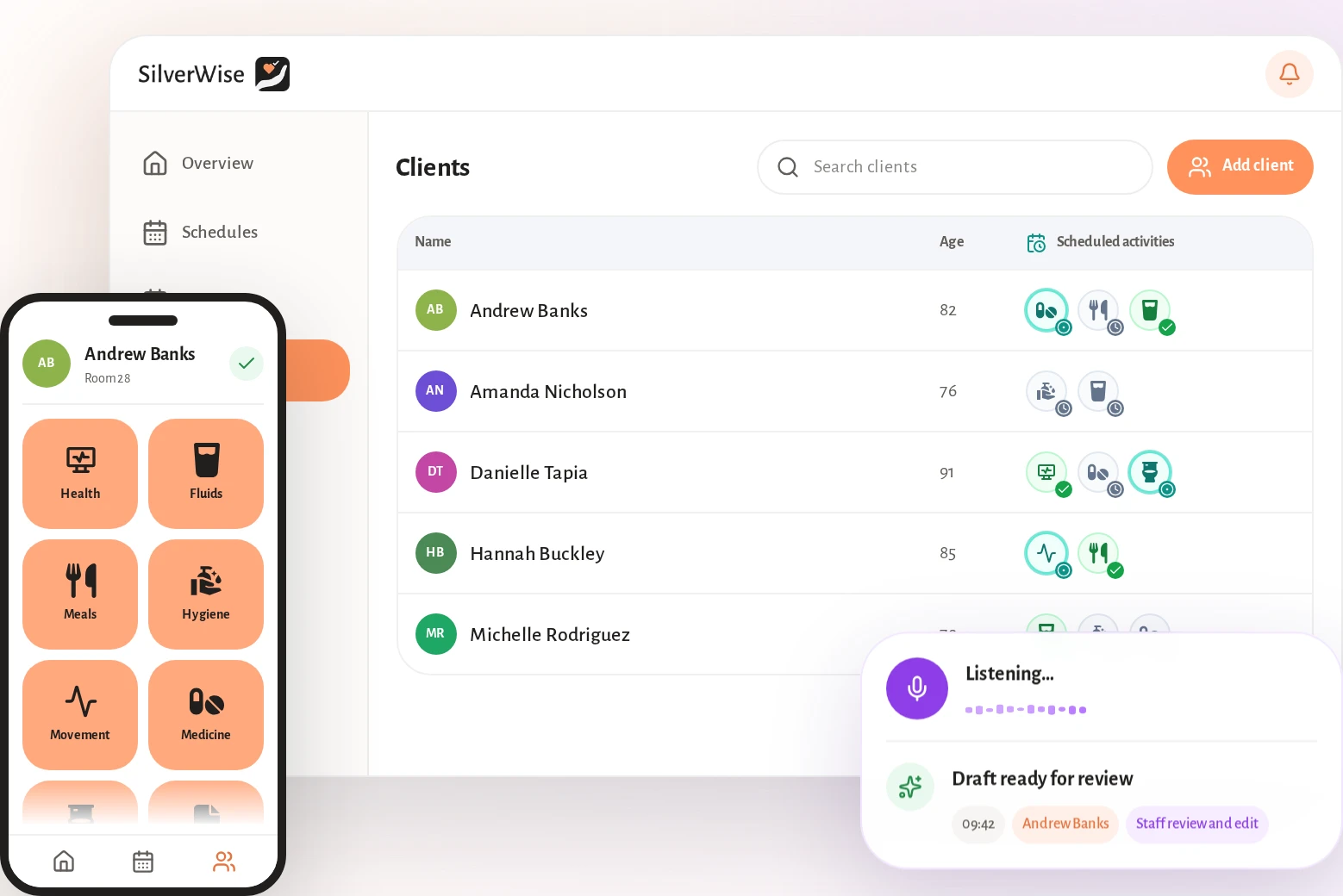
Silverwise is a care management platform for residential and home care teams, including special care services. It links service setup and care plans with schedules and field records.
Completed work can support billing preparation. Silverwise keeps each confirmed visit or shift record connected to the scheduled service.
Silverwise is not a like-for-like inspection platform. It belongs here when follow-up must continue through services, visits, routes, reviewed field updates, handovers, and invoice preparation, while separate inspection evidence stays in its existing system.
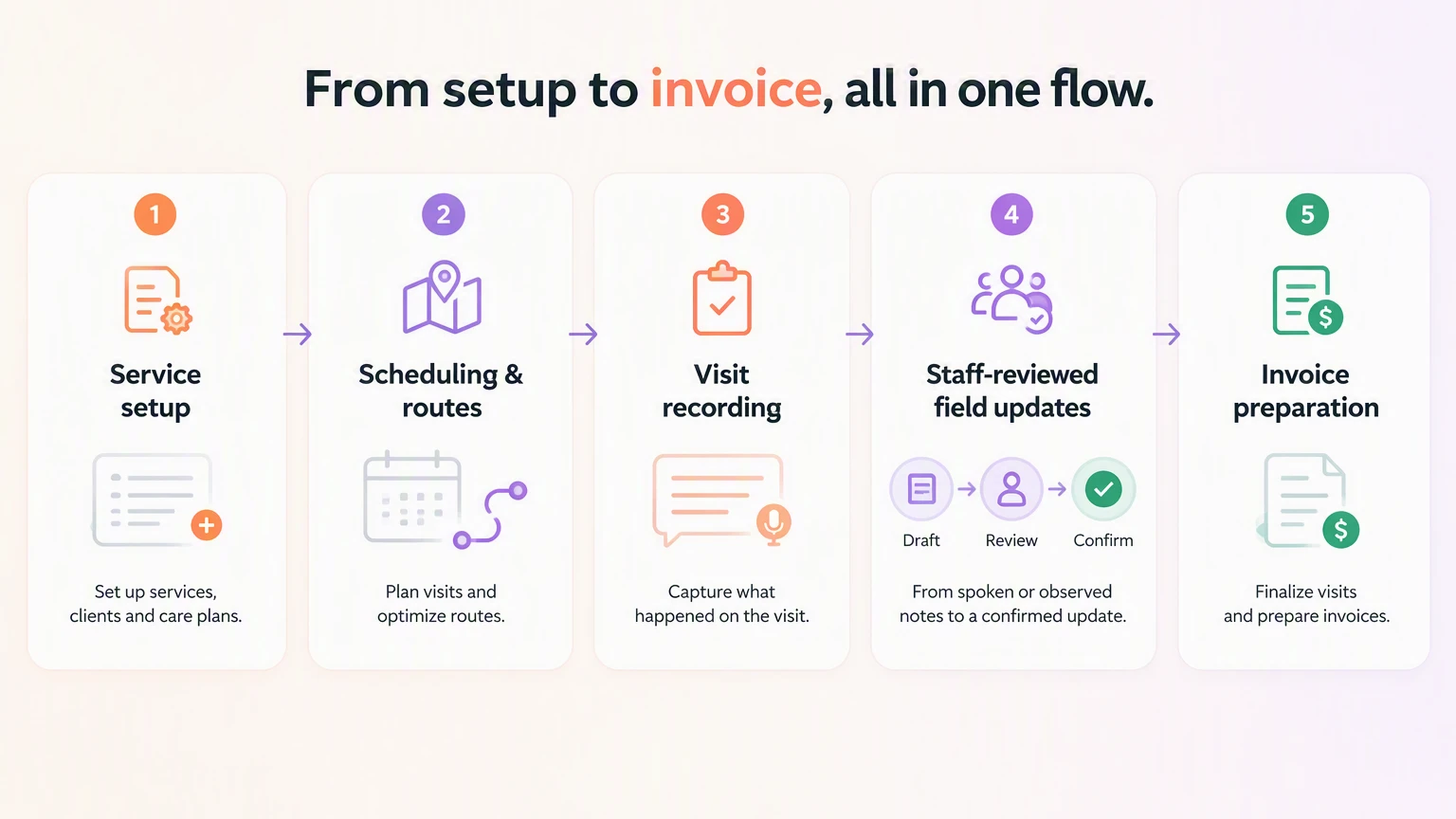
Set up services and individual care
For home care, you define each service's terms and provider-set price before assigning it to a client. Signed service details remain connected to the work that staff later record.
Residential teams begin with structured assessments and individual care plans. Recurring needs become daily actions, while each confirmed action enters the resident timeline with its time and responsible user.
Connect schedules, routes, and staff access
Once services and care actions are set, schedules connect the plan to available staff. Home care coordinators can also see routes and open work as visits change.
Use the shared schedule to:
Build rotas from templates and recurring rules.
Edit times or reassign shifts after a callout.
Track working hours, leave, night work, and overtime for payroll review.
Share current schedules and routes with authorised staff, coordinators, and accountants.
Set client-record permissions by role and department so each staff member can reach the information needed for their work.
Record visits and review spoken field updates
Caregivers record visit time and completed care from the field. The office can then see what happened and what needs follow-up.
Spoken updates follow a controlled four-step process:
The caregiver speaks the observation in natural language.
Silverwise prepares an editable draft linked to the relevant department or recent shift.
A staff member reads the wording and corrects it where needed.
The staff member confirms the entry; only then is it saved.
Confirmed observations remain in the shared log history. The same reviewed workflow supports residential handovers, where the next shift needs current, searchable context.
Prepare invoices and keep follow-up visible
Recorded time and completed services can become invoice lines for office review. This keeps the billing input connected to the visit record.
Managers can review:
Planned, completed, and overdue care actions.
Route status and open home care work.
Documents approaching their expiry date.
Care activity across weekly or monthly periods.
During a pilot, compare documentation time and missed visits against the current process. Review schedule preparation and invoice corrections as separate measures.
Add residential operations when they fit
Residential providers can add optional operational modules after the core care workflow works for staff:
Rooms: Track occupancy, available capacity, cleaning status, and maintenance history.
Stock: Monitor item levels and deduct linked supplies when staff record the related care action.
Files: Keep resident and employee documents searchable with permission-based access and expiry reminders.
Organisation overview: Bring current care activity, staffing updates, capacity, and critical follow-up into one management view.
Silverwise does not publish software plans or subscription prices. Prices shown inside the home care interface are examples of a provider’s own service charges.
Software scope and pricing are discussed in a personalized consultation based on your setting and required modules.
2. MaintainX
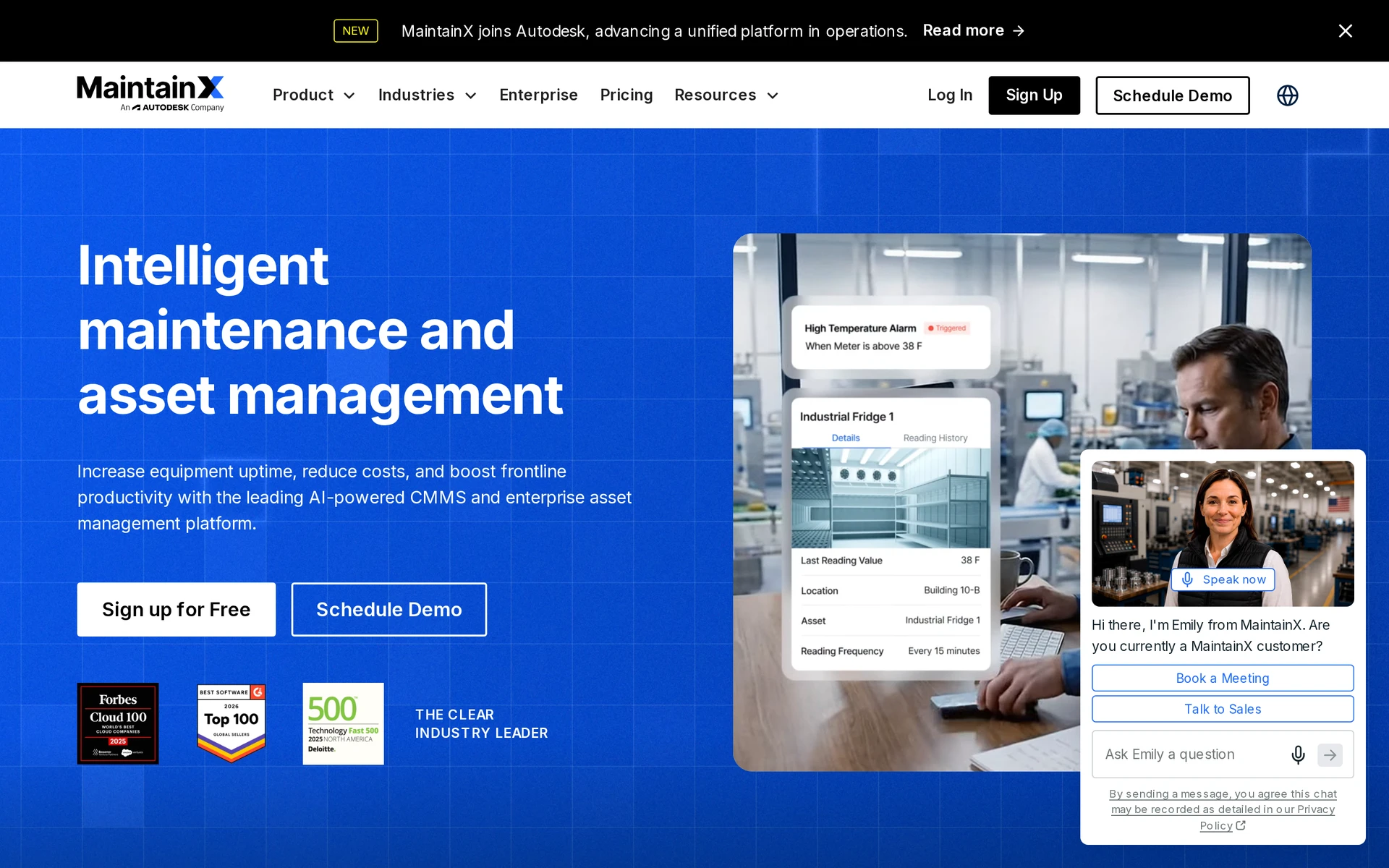
MaintainX is a mobile CMMS and EAM platform that links inspections to work orders, assets, parts, and technician labour.
MaintainX fits facilities, manufacturing, and maintenance teams that need inspection findings to become tracked repair or preventive-maintenance work.
For care use, confirm where a maintenance work order links to the relevant room or client record.
Maintenance work orders and follow-through
A failed check can create an asset-linked work order with operational details such as:
Assignment: Named users and a work description.
Evidence: Supporting documents and time tracking.
Resources: Parts, labour, and recorded costs.
Impact: Downtime data.
Teams can follow each work order from To Do to Done.
The work-order record links asset history to parts consumption, purchase orders, technician labour, and downtime. Preventive and predictive maintenance use the same record.
Mobile use and pricing
MaintainX starts at $0 on the Basic plan.
Paid plans add recurring work-order and analytics capabilities.
Technicians can use the mobile product for field work:
Work orders and preventive maintenance: Available in the mobile product.
Procedures and checklists: Available in the mobile product.
Inspections: Available in the mobile product.
Plan | Annual price | Monthly price | Notes |
|---|---|---|---|
Basic | $0 | $0 | Limited repeating work orders; 1 month analytics |
Essential | $20/user/month | $25/user/month | Paid mid tier |
Premium | $65/user/month | $75/user/month | Higher paid tier |
Enterprise | Custom | Custom | Quoted |
3. GoAudits
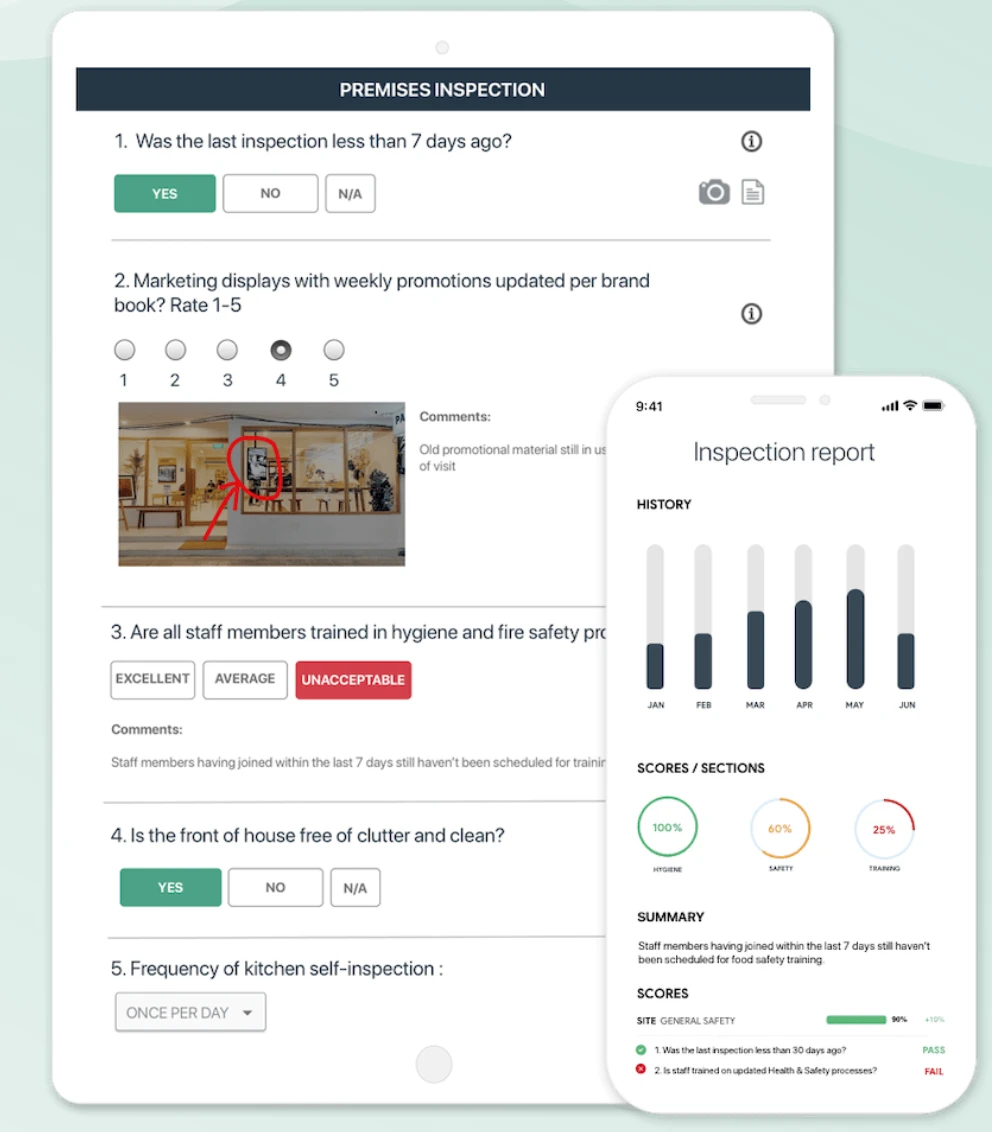
GoAudits is a mobile inspection and auditing platform for multi-site teams.
It supports scoring and corrective actions alongside mobile audits.
GoAudits keeps audit reports and corrective actions together. For care use, map each action to its work order or the relevant care record.
Mobile audits and branded PDF reports
GoAudits runs configurable checklists on its web interface and iOS or Android apps, including offline capture.
Each completed checklist produces a scored PDF report with the team's branding. The branded PDF supports audit distribution, while follow-up depends on assigning and closing each action.
Corrective actions and pricing
GoAudits starts at $10 per user per month on annual Starter billing.
GoAudits action plans include assignees, due dates, priorities, and notifications. Confirm which external participants need a licence to receive reports or close actions.
Model the inspectors who need licences separately from external people who only receive reports or close actions.
4. Cority EHS Cloud Platform
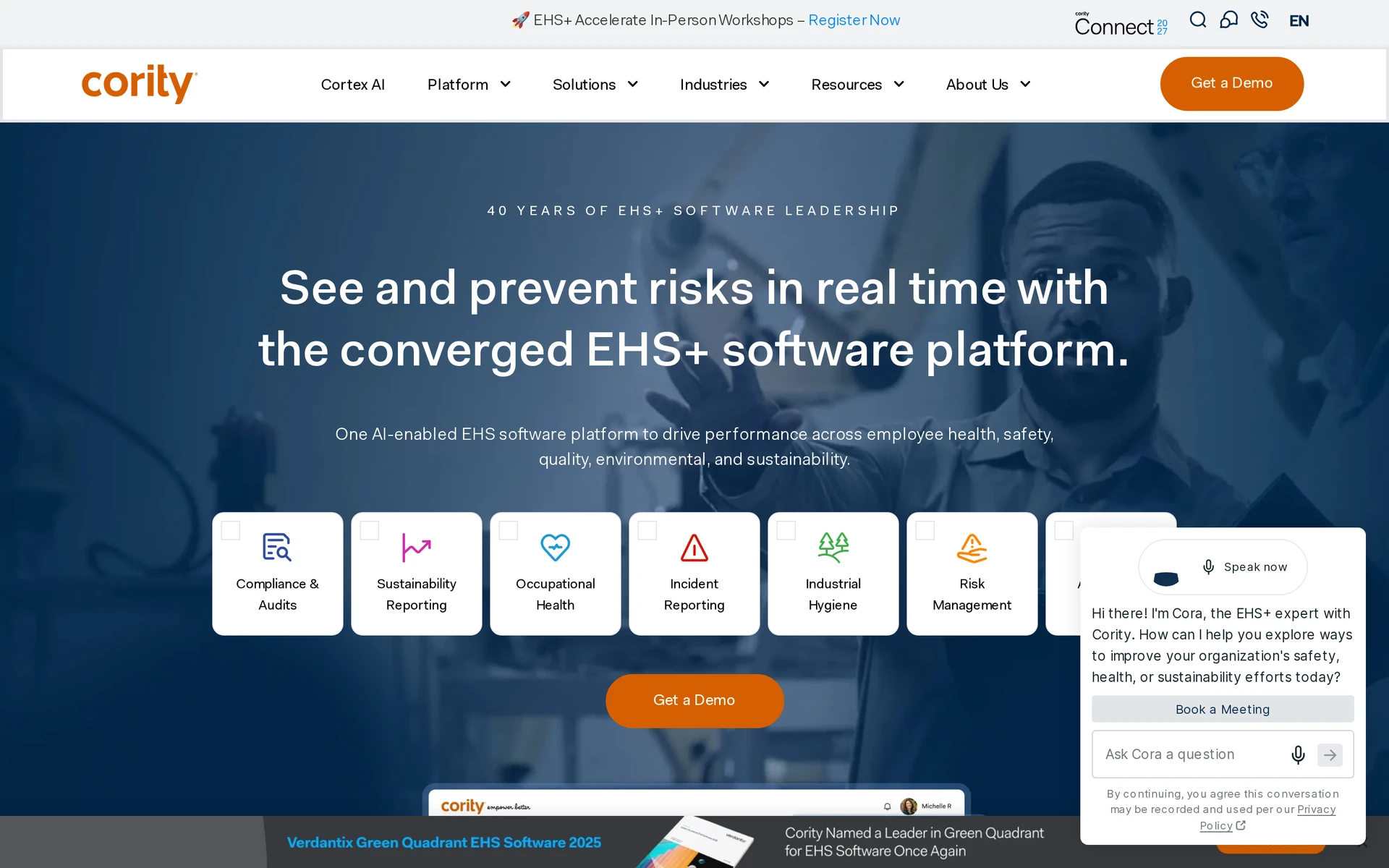
Cority EHS Cloud Platform is an EHS system that links audits and inspections to risk and CAPA records.
Enterprise EHS and incident management scope
Cority connects inspections to these record areas:
Occupational health records
Industrial hygiene records
Environmental compliance records
CAPA records
Formal risk methods within Cority include:
JSA: Job safety analysis.
HAZOP: Hazard and operability study.
FMEA: Failure mode and effects analysis.
What-If: A structured risk-question method.
SIF: Serious injury and fatality risk.
Cortex agents can transcribe handwritten inspections and analyse inspection images to suggest possible causes for staff review.
Implementation scope and pricing
Cority does not publish pricing; plans are quoted on request.
Request a quote that itemises the configured scope and related contract costs:
Modules: The selected modules.
Access: User and site requirements.
Deployment: Sites and rollout scope.
Implementation: Onboarding and training requirements.
Ongoing costs: Support, renewal, and contract terms.
Compare Cority's configured EHS scope only after matching modules, users, implementation, and support. For care use, confirm how a CAPA item reaches the staff responsible during a shift and how the close-out returns to Cority.
5. Intelex EHSQ
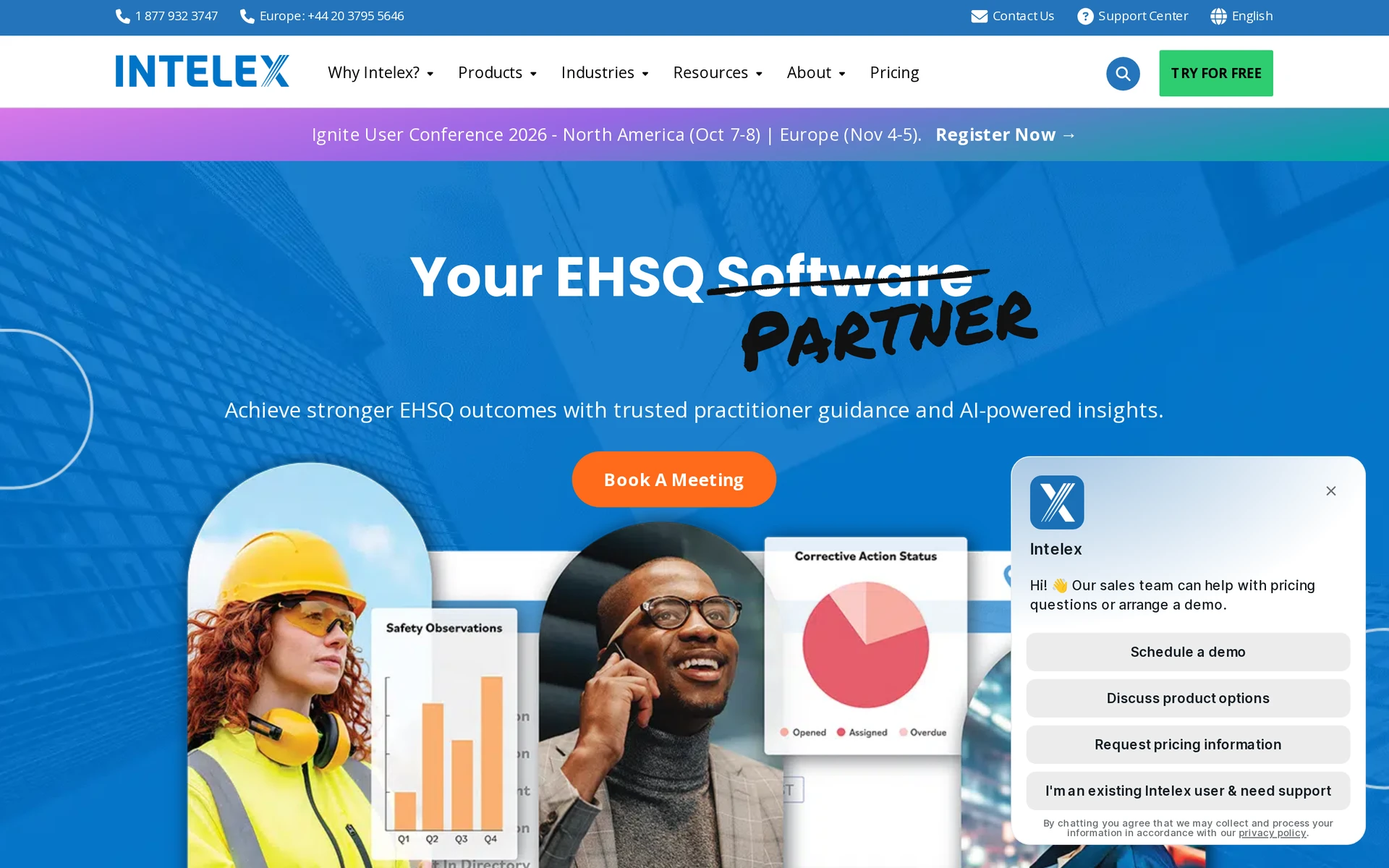
Intelex EHSQ is an enterprise platform that links inspections with incident follow-up and compliance records.
EHSQ module breadth and buyer fit
Connected records can support:
Formal follow-up: Incidents and formal CAPA workflows can use the same inspection record.
Compliance work: Quality, environmental, ESG, and regulatory workflows can share documentation.
Corporate governance: Configurable workflows route findings through required processes.
Version control can support ISO or OSHA reviews where those standards apply. Confirm jurisdiction-specific requirements separately.
Intelex is for organisations that use inspection findings in CAPA and regulatory workflows. The published Safety Essentials plan requires at least 25 users.
Pricing
Published Safety Essentials pricing can be summarised as:
Safety Essentials: $44 per user per month, billed annually, with a 25-user minimum.
Annual base commitment: $13,200 at the minimum.
Other plans: Quoted on request.
Before comparing costs, confirm how an Intelex finding reaches the care team and how the close-out returns to the EHSQ record.
6. SiteDocs
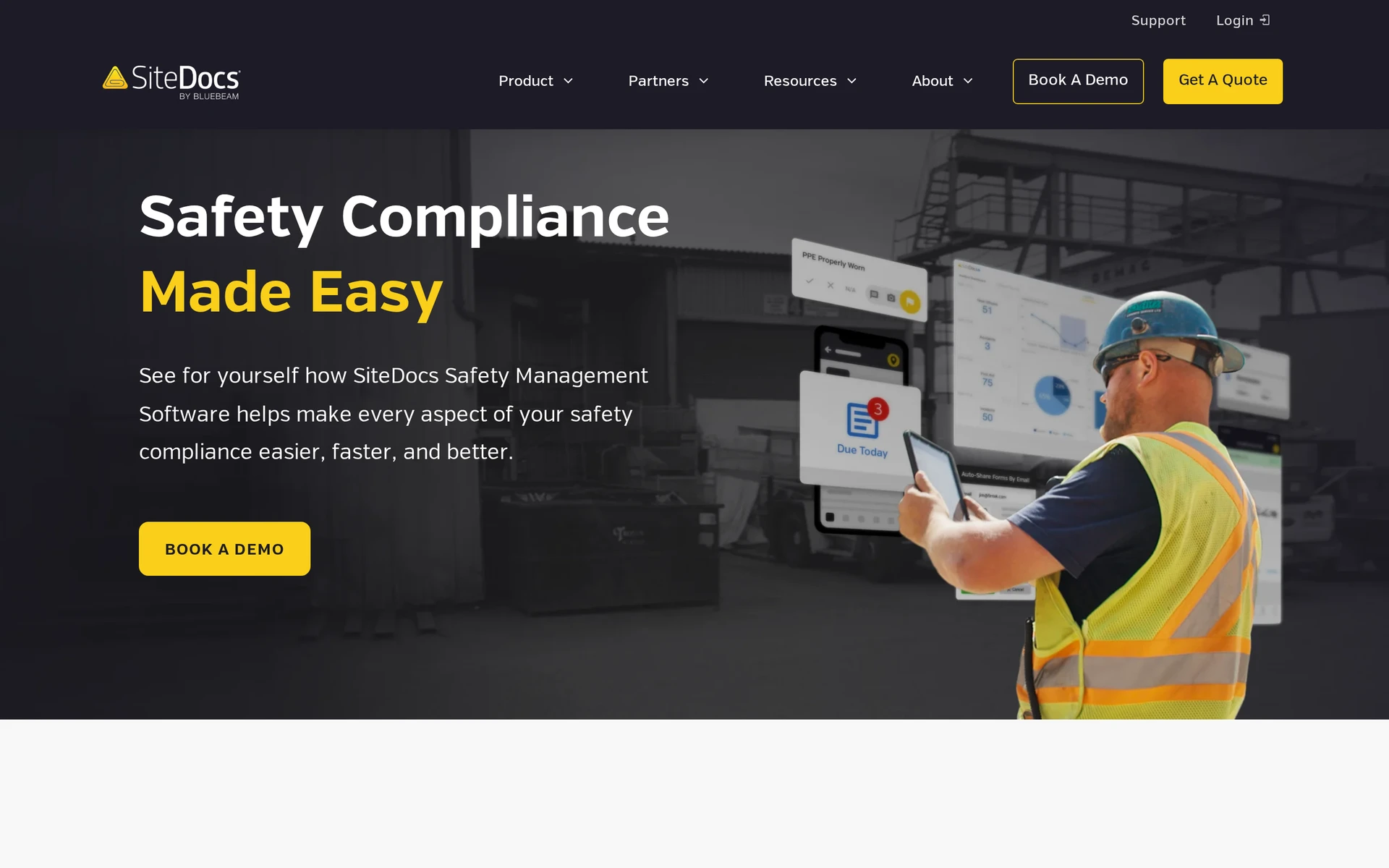
SiteDocs is a construction safety platform for jobsite forms and worker qualifications. It keeps construction safety records for crews and subcontractors.
Construction safety compliance and offline use
SiteDocs supports field safety logging when connectivity is limited. Its workflows include:
Job hazard records: Crews complete job safety analyses and field-level risk assessments at the worksite.
Toolbox talks: Supervisors document talks and retain the resulting attendance or safety record with the project.
Corrective actions: Teams assign follow-up from identified hazards and keep the resolution attached to the jobsite record.
Subcontractor oversight: Project-level records keep subcontractor safety activity within the same reporting structure.
Worker qualifications: Profiles hold trade licences, equipment tickets, first-aid certificates, and, where relevant, OSHA credentials, with alerts before expiry.
SiteDocs focuses on construction jobsite safety records. Care providers should map those records to the system holding resident or client care.
Pricing
SiteDocs does not publish list pricing. Its annual subscription is quoted according to company size and needs.
Ask SiteDocs to confirm the commercial terms in writing:
Subscription: The total for your company size and required scope.
Access: Which workers need paid access.
Additional costs: Whether setup, training, or support adds charges.
Terms: The contract length and renewal conditions.
7. Fluix
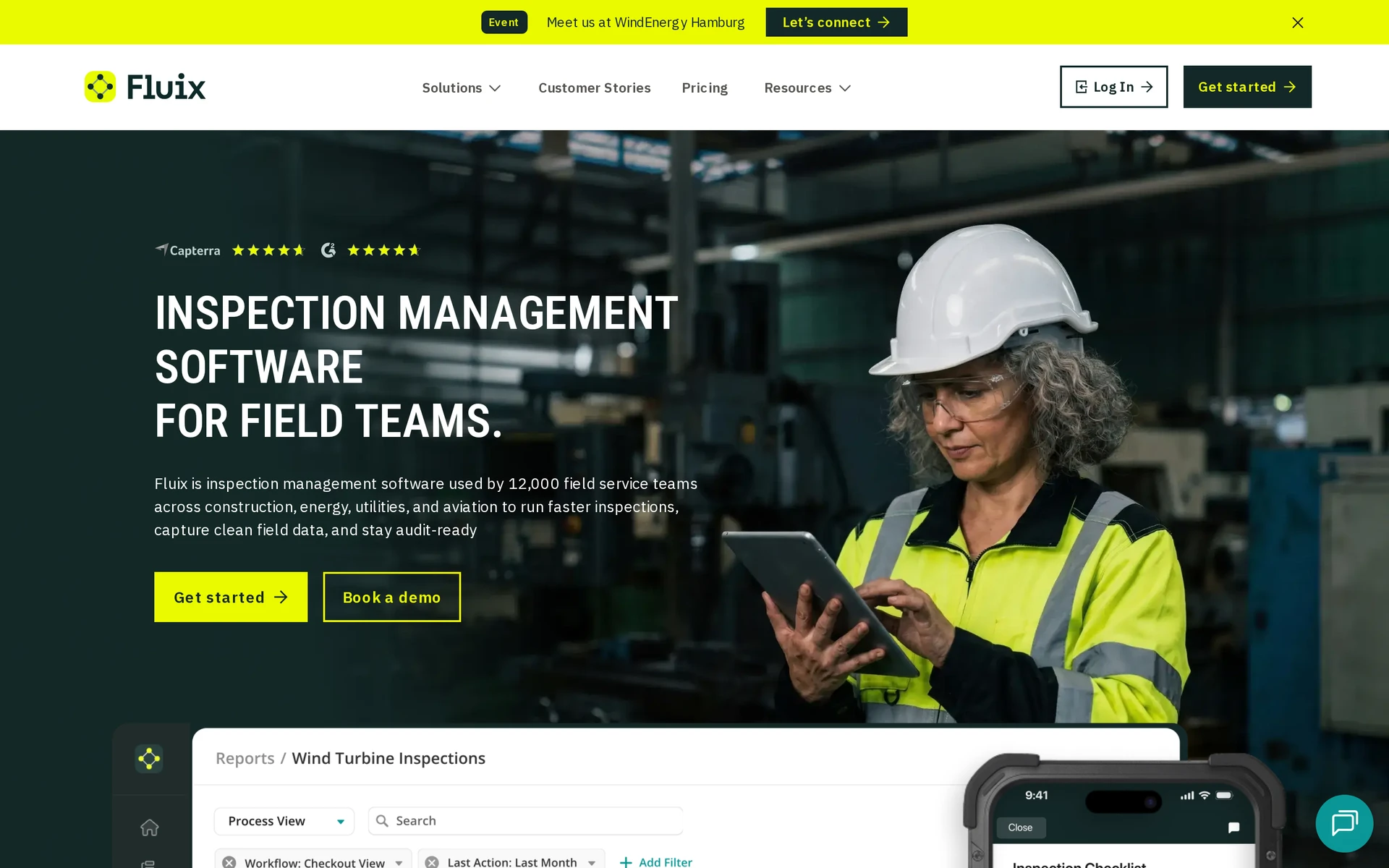
Fluix is a field workflow platform that routes documents from mobile capture to approval and storage. It is for distributed technical teams with document-heavy field work.
Field inspection workflow automation
Fluix moves a field form through the people and systems that need it after completion. Its workflow tools include:
Mobile capture: Staff complete forms and inspections offline, then continue the workflow when a connection is available.
Form creation: Teams can build forms without code and use the AI form builder to prepare a starting structure.
Scheduled work: Managers can assign recurring tasks and track issues or corrective actions. Automated notifications can support follow-up.
Approval routing: Drag-and-drop rules send documents through multiple review stages, including external approvals.
Repository sync: Completed documents return to existing storage systems, while reports and live dashboards summarize field activity.
Fluix centres on document movement. It links field capture to approval and filing, instead of focusing on construction credentials or food-safety hardware.
For care use, map each approved document to the relevant care record, such as a resident or visit record.
Pricing
Fluix's Crews plan starts at $29 per user per month with a five-user minimum. That puts the monthly floor at $145.
Plan | Listed price | Minimum users | Monthly floor |
|---|---|---|---|
Crews | $29 per user per month | 5+ | $145 |
Operations | $49 per user per month | 15+ | $735 |
Enterprise | Quote on request | 25+ | Custom quote |
Confirm which workflows, storage connections, onboarding services, support, and contract terms are included in the proposal.
8. Operandio
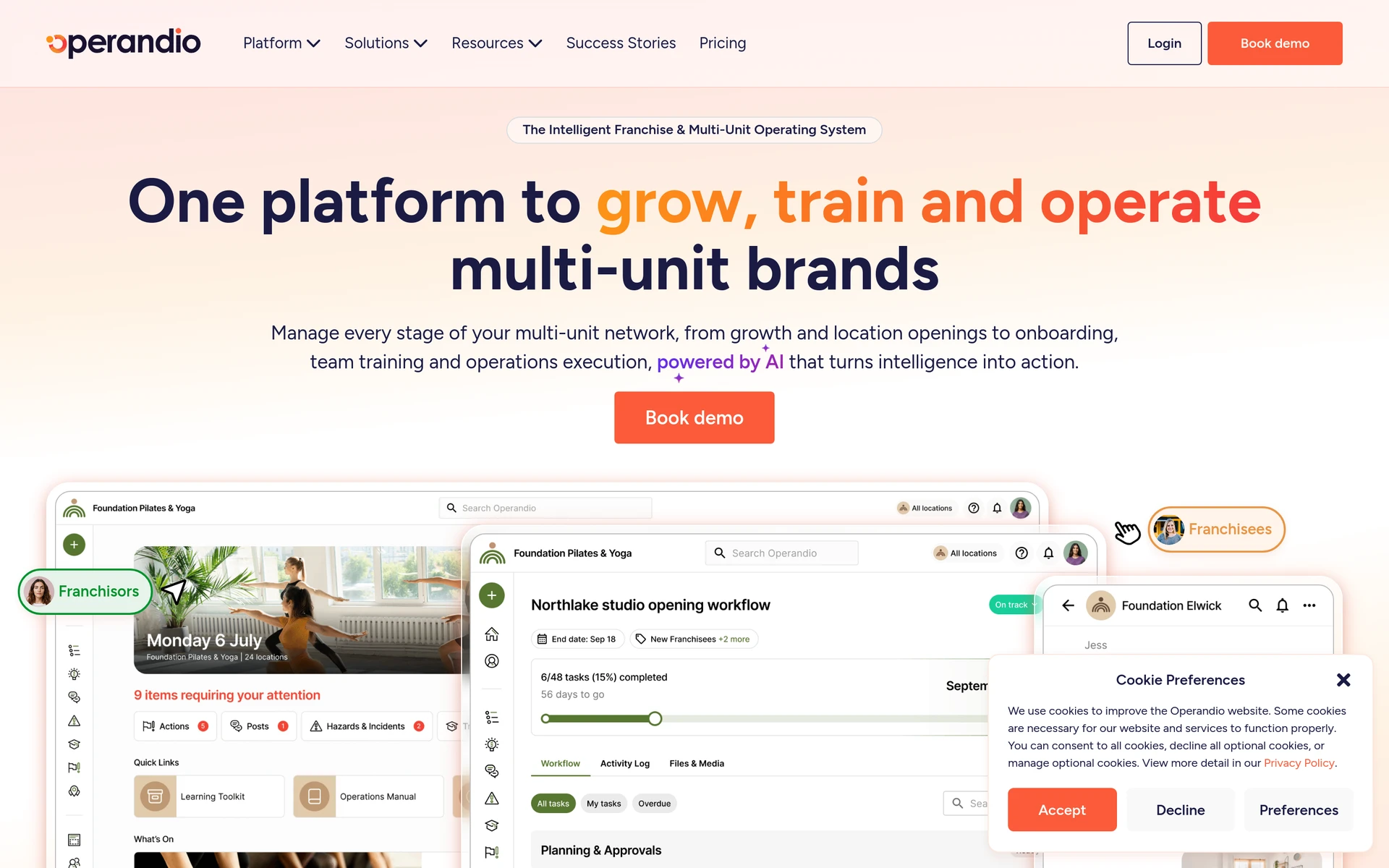
Operandio is a platform for recurring site work and food-safety tasks across locations. Service businesses use it to run shared routines at multiple sites.
Multi-location audits and food safety compliance
Operandio uses shared inspection templates across locations. Its audit and food-safety workflow includes:
Corrective actions: A failed inspection creates an action with an owner and deadline. The action retains a resolution record.
Photo checks: AI compares frontline photos with reference images and can prepare an action plan for a discrepancy. Confirm who reviews it before assignment.
Environmental monitoring: Wireless temperature and humidity sensors issue alerts for outages or readings outside the set range.
HACCP checks: Bluetooth food probes feed temperature checks into HACCP workflows.
Preparation labels: Automated date labelling supports food-preparation routines across locations.
Operandio also includes staff training and internal communication. Its food-safety tools may fit kitchens across care locations, while person-level care records and visits need a separate workflow assessment.
Pricing
Operandio does not publish standard prices. Quotes begin with the selected modules and then scale with location count and user numbers.
Request a proposal that separates these cost drivers:
Locations and modules: The locations and modules covered by the subscription.
Users: Included users and access limits for each account role.
Hardware: Whether sensors, probes, and labelling equipment are included.
Services and terms: Implementation, integrations, support, and renewal conditions.
Without a public base rate, compare the total quoted scope rather than a per-user headline.
Mitti alternatives compared side by side
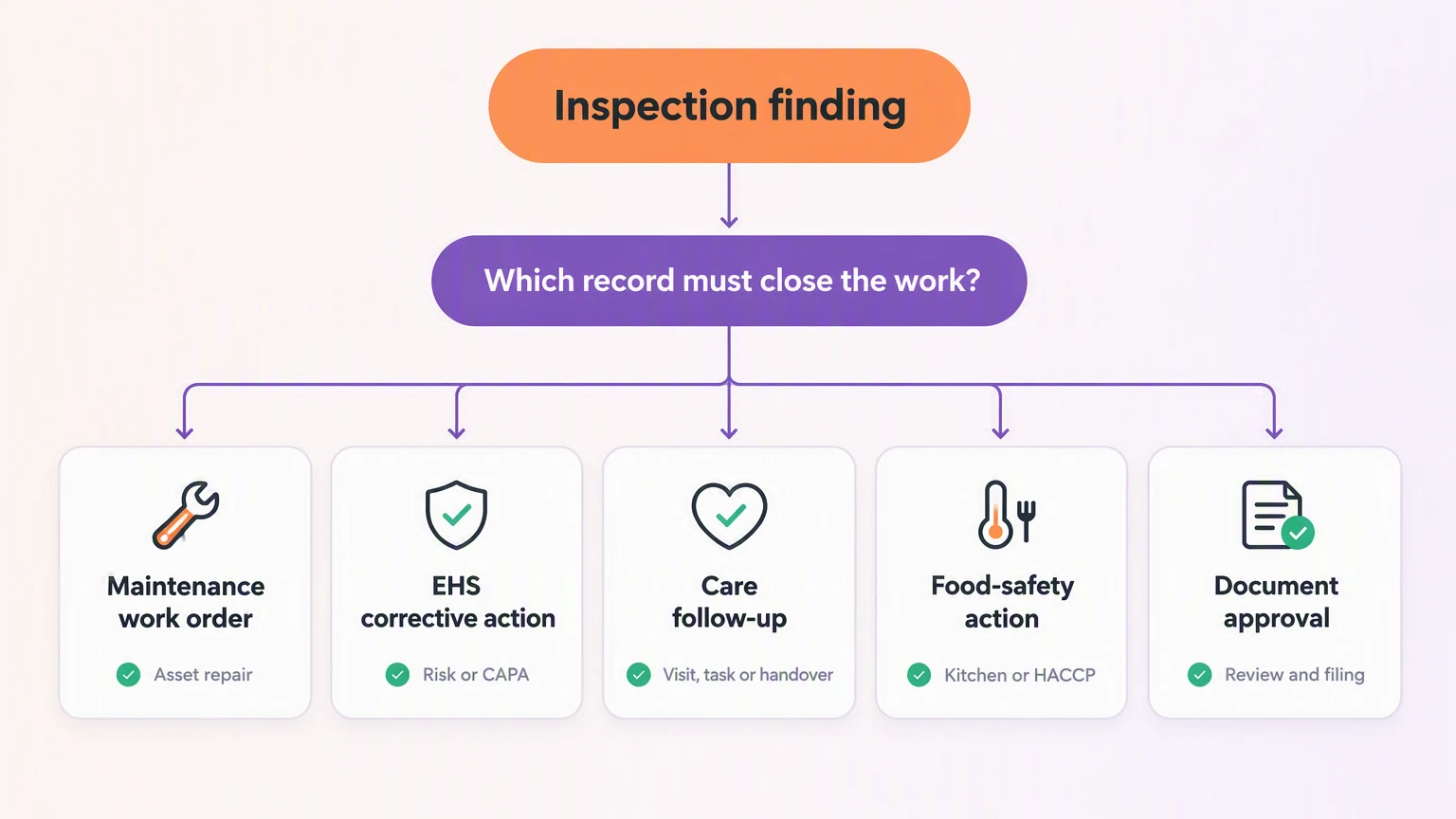
Match the tool to the work that follows an inspection. Maintenance teams need work orders; EHS and audit teams need corrective actions and a close-out record.
Test offline saving during a normal shift where connectivity is unreliable. Ask each shortlisted vendor how synchronization conflicts are handled, then confirm pricing and contract terms.
Tool | Primary job | Inspection follow-through | Published entry price |
|---|---|---|---|
Silverwise | Care management | Care records through billing preparation | Personalized quote |
MaintainX | Mobile CMMS and EAM | Failed checks become asset work orders | Free Basic; Essential $20/user/mo annual |
GoAudits | Mobile audits and scoring | Actions with owners and deadlines | $10/user/mo annual Starter |
Cority EHS Cloud Platform | Enterprise EHS and compliance | CAPA and root-cause support | Custom quote |
Intelex EHSQ | Modular enterprise EHSQ | CAPA and regulatory records | $44/user/mo, 25-user minimum |
SiteDocs | Construction safety records | Corrective actions and credential alerts | Custom by employee band |
Fluix | Offline field forms and approvals | Approval routing and repository sync | $29/user/mo, 5-user minimum |
Operandio | Multi-site frontline operations | Corrective actions and work orders | Custom by locations and modules |
The key split is whether a finding should enter maintenance, EHS, audit, food-safety, document, or care work. Confirm contract currency, taxes, regional availability, implementation, support, add-ons, and hardware.
What to check before switching from Mitti
Before switching from Mitti, formerly SafetyCulture, test the full care workflow and identify which inspection processes need separate handling. Use a real shift or visit instead of a prepared demo.
Home care: Move from service setup to routing and visit recording, then review the field update before preparing the invoice.
Residential care: Start with an assessment and care plan. Then complete a daily action and check that the handover and follow-up record are visible.
Check whether the entry can be finished at the point of care.
Confirm that the next shift can find the update without checking another channel.
Note any step that sends staff back to paper or duplicate entry.
Include resident or client records and the service details needed during the pilot. Add employee data and relevant documents.
Check the devices staff use and the connection they rely on. Then map department access and set permissions for each shift role.
Migration test: Export templates, inspection history, attachments, and corrective-action records. Then map users, roles, permissions, APIs, and existing integrations.
Check whether occupancy remains current after a room change.
Test a linked stock deduction against the recorded care action.
Confirm local requirements for privacy and record retention.
Ask the responsible specialist to review medication and billing obligations. Use the same step for employment and audit requirements.
Keep a separate requirements list for inspection forms and evidence that Silverwise is not expected to replace.
Home care: Track missed visits, route changes, schedule preparation, and invoice corrections.
Residential care: Track overdue care actions, handover gaps, and documents caught before expiry.
Software choice alone does not establish compliance. UK adult social care providers can use CQC guidance; pricing, payroll, privacy, employment, and audit obligations vary by market.
Discuss your care workflow fit with Silverwise
Choose the system by the record that must close the work. Maintenance and EHS tools own repair or CAPA records, while audit, food-safety, and document platforms keep specialist evidence.
Silverwise fits when the next action belongs in care operations, from service setup and scheduling to visits, reviewed field updates, handovers, and invoice preparation. Map one normal shift or visit before the consultation.
Did SafetyCulture change its name to Mitti?
Yes. SafetyCulture rebranded as Mitti on 11 August 2026.
Are SafetyCulture and iAuditor the same thing?
iAuditor was the earlier inspection-app name. It became SafetyCulture in 2022, and SafetyCulture became Mitti on 11 August 2026.
Who founded SafetyCulture, now Mitti?
Where can I check verified SafetyCulture reviews?
Gartner Peer Insights currently lists SafetyCulture reviews. Other platforms may index the product under SafetyCulture, iAuditor, or Mitti, so check each listing's verification method.
Is there a free SafetyCulture alternative?
MaintainX Basic is a verified free option for maintenance work orders and limited recurring work. Care teams should still assess resident records, visits, handovers, billing, and offline behaviour separately.
:no_upscale())