:no_upscale())
:no_upscale())
:no_upscale())
Best Nursing Home Software: Which Platform Fits Your Workflow?
:no_upscale())
On this page
US skilled nursing facilities and UK residential care homes need different mandatory criteria within the same software checklist.
A US skilled nursing facility (SNF) may prioritise the Minimum Data Set (MDS) and Patient-Driven Payment Model (PDPM). A UK care home may start with digital care records and Care Quality Commission (CQC) expectations.
This guide compares 10 platforms across two paths: daily care and operational coordination, or native US clinical and reimbursement workflows. It follows each path from planned care through recording and follow-up.
How we ranked these nursing home software platforms
This ranking is an editorial assessment of publicly available product information, not a hands-on test of every platform. Care-setting fit came first because US and UK operators often need different workflows.
Each platform was assessed in this order:
Classify its main country, care setting, and resident population.
Trace a shift from planned care through recording, handover, and follow-up.
Check specialist requirements, including medication workflows and US SNF reimbursement where relevant.
Review rollout factors such as mobile access, permissions, integrations, data movement, and pricing transparency.
“Best” means the clearest fit for the stated care setting, not one universal winner. When platforms served different settings, the tie-breaker was how completely each supported its core workflow with fewer disconnected systems.
10 nursing home software platforms compared
The verdict under each platform identifies its clearest setting and decision boundary. UK “care home” usually means residential or nursing care, while US “SNF” signals skilled clinical and reimbursement requirements.
Use each verdict to narrow the list, then compare the remaining platforms against your mandatory workflows and local rules.
1. Silverwise
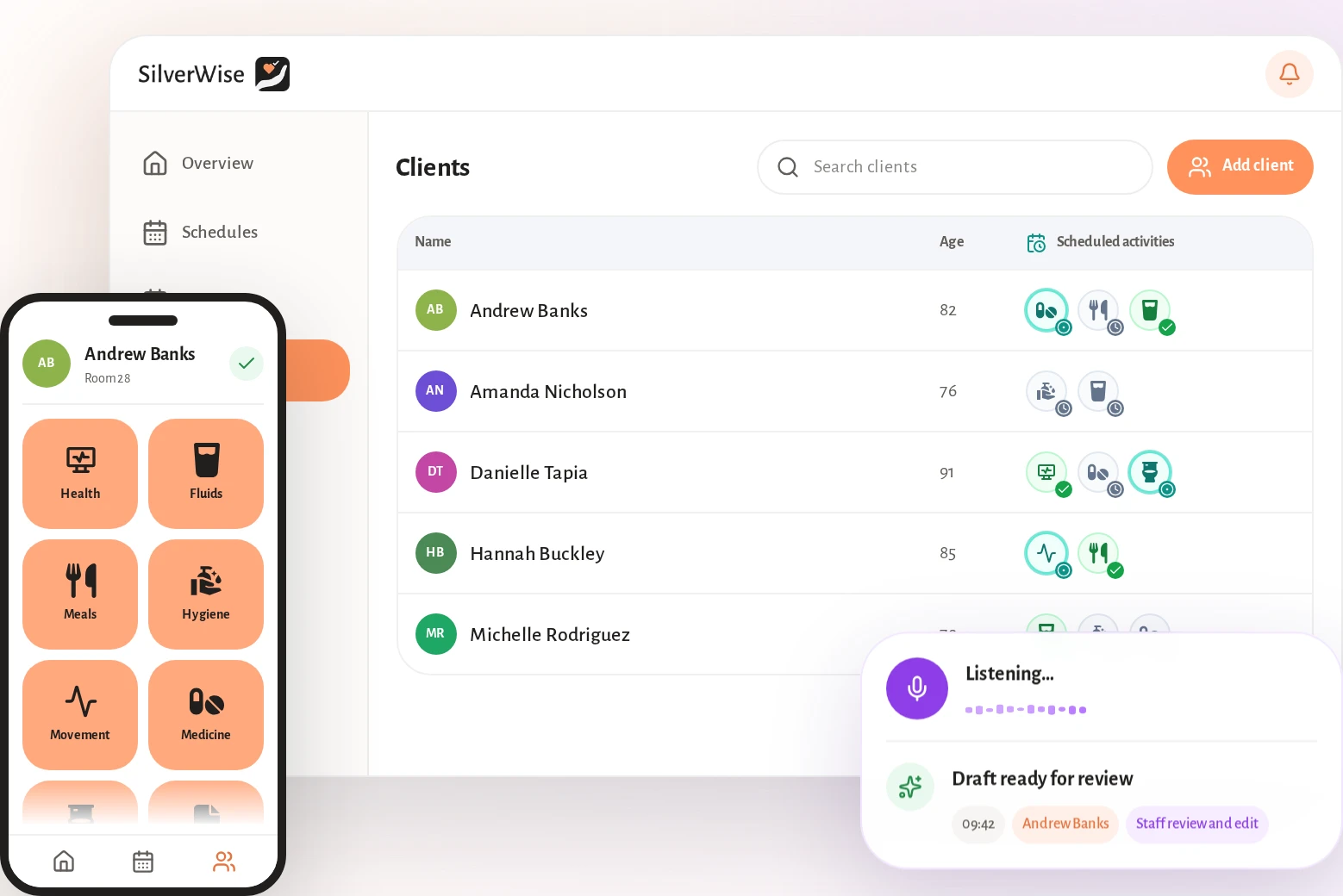
Best for: Residential, home care, and special care teams that want daily care and operational work in one shared system.
Silverwise is our number-one choice for nursing homes that want resident care and daily operations in one shared system. Care plans become shift actions, confirmed notes carry handover context, and follow-up stays visible.
Silverwise supports residential care homes, home care providers, and special care facilities. Shared records keep remaining work visible and give managers one view of schedules, care activity, and follow-up.
For US skilled nursing facilities, Silverwise fits the daily-care and operational side of the decision. Verify native MDS, PDPM, and complex US SNF billing requirements separately before shortlisting any platform.
For home care teams, the shared workflow follows the work from service setup to invoice preparation:
Service setup: Define services, prices, required signatures, visit information, and client assignments in one place.
Scheduling and routes: Build assigned visits, coordinate times, and keep routes aligned with the current schedule.
Visit recording: Caregivers record delivered services and time during or after the visit.
Field updates: A caregiver can dictate a visit update, then review, edit, and confirm the draft before saving it.
Invoice preparation: Completed services and recorded time provide the invoice lines and follow-up information the office team needs.

Silverwise home care workflow for mobile and office teams.
Digitized care plans and daily actions
Digital care plans turn each resident’s assessed needs into daily actions your team can complete and review during the shift.
The resident record keeps the care baseline beside its daily execution:
Resident record: Medical history sits beside the current care plan, while daily entries build a timestamped care timeline.
Assessment: Staff can record health and nutrition needs, mobility, mental state, and medication requirements from admission.
Daily actions: Recurring plans generate time-blocked checklists for the provider’s configured routines, including custom care actions.
Fast recording: Icon-based entries and bulk actions reduce repeated input when the same care activity applies to more than one resident.
Review: Planned, completed, and overdue actions remain visible at resident and organization level, with weekly and monthly summaries available for review.
Voice-to-text shift log and AI documentation
Silverwise Log Book turns a spoken shift update into a structured draft without saving it automatically.
Each note follows a clear review path:
A caregiver dictates observations and care updates in natural speech.
Silverwise prepares an editable draft for the caregiver.
The entry is assigned to the relevant department and can be linked to a recent shift.
A staff member reviews the wording, makes corrections, and confirms the note before it enters the Log Book.
The confirmed history gives the next shift one place to find recent context and required follow-up. Professional judgement stays with your care team.
Automatic reminders for overdue care and expiring documents
Automatic reminders bring overdue care and approaching document dates into view before staff need to search for them.
Administrators can configure the follow-up around local responsibilities:
Care actions: Silverwise alerts assigned staff when scheduled work, such as meals, washing, or medication administration, remains incomplete.
Staff documents: Expiry tracking can cover IDs, work permits, and certifications.
Resident documents: Care agreements, consent forms, identity cards, and medication plans can carry an expiry date.
Timing and recipients: Renewal reminders can be set for 30 days, 7 days, and 1 day before expiry, then directed to the relevant roles.
The alert remains tied to the care action or document that needs attention, giving staff a clear place to follow up.
Worker scheduling and hours tracking
Silverwise keeps the current rota and recorded hours together, so managers can adjust staffing without creating another schedule version.
The worker module supports the full schedule cycle:
Build and share: Administrators create schedules, publish them, and share the current shifts with relevant workers.
Repeat and adjust: Recurring rules represent established shift patterns, while managers can reassign work when availability changes.
Review hours: Working time, holidays, night hours, and overtime remain available when managers prepare payroll inputs or investigate corrections.
Control access: Permissions can follow roles, departments, and active shifts, while personal calendars and facility notices remain available outside a shift.
Room, stock, and file management
Silverwise connects facility work with the resident record, giving managers a current view of open tasks and the operational history behind them.
Rooms: Room status and work history help managers assign cleaning or maintenance tasks and confirm completion.
Stock: Quantities, minimum levels, and item use stay visible, with linked supplies deducted from configured care actions.
Belongings and files: Resident items, photos, notes, employee records, and document status remain searchable through role-based access.
This connected view is why Silverwise leads our ranking for daily care and operational coordination. Pricing is available through a personalised consultation based on the care setting and relevant modules.
2. PointClickCare
Best for: US skilled nursing and post-acute operators that prioritise clinical, reimbursement, and financial workflows.
PointClickCare is a cloud electronic health record (EHR) centred on US skilled nursing and post-acute care. Its scope covers the clinical, reimbursement, and financial workflows that shape an SNF software decision.
For a skilled nursing operator, the relevant capabilities include:
Clinical and reimbursement: MDS workflows, PDPM support, care documentation, and resident-level reporting.
Financial management: Multi-payer billing and business intelligence connect clinical records with revenue-cycle work.
Care transitions: Hospital connectivity and cross-continuum data exchange support admissions and transfers.
Extended product set: Add-on modules and technology partners expand the base platform for larger or multi-facility organizations.
That SNF depth also defines the fit boundary. An assisted-living-only operator should test daily documentation, medication work, and pricing against its own routines rather than assuming an SNF workflow will transfer cleanly.
Reported friction and pricing
One Capterra review said the facility cancelled Nursing Advantage and Insights because staff did not use them. Treat this as an adoption question for the proposed modules, not a platform-wide conclusion.
Included scope: Name the base platform, selected modules, interfaces, implementation, and support.
Adoption: Identify add-ons that need separate training and decide how usage will be reviewed.
Contract: Separate recurring charges from migration and implementation costs.
3. MatrixCare
Best for: Multi-site or enterprise post-acute organisations evaluating SNF clinical, reimbursement, medication, and exchange workflows together.
MatrixCare is an enterprise EHR spanning skilled nursing and other post-acute settings. Its SNF scope combines clinical documentation, reimbursement support, revenue-cycle work, and electronic exchange.
The product areas most relevant to an SNF evaluation are:
Clinical workflow: MDS documentation, Centers for Medicare & Medicaid Services (CMS) quality checks, regulatory alerts, and mobile point-of-care charting.
Reimbursement and billing: PDPM support and multi-payer revenue-cycle tools connect assessment data with financial work.
Medication workflow: electronic medication administration records (eMAR), nursing orders, medication charting, and pharmacy connections sit within the product and partner ecosystem.
Exchange and intake: MatrixCare Exchange supports cross-setting record sharing and electronic hospital-to-SNF intake.
MatrixCare also spans senior living, home health, and hospice. A multi-site group can assess those service lines together, while an SNF-only buyer can keep the evaluation focused on MDS, PDPM, billing, and intake.
Fit boundary and reported friction
If workforce scheduling depends on a partner module, confirm ownership, support, data synchronisation, and fees before contract signature.
Ask for documented uptime, recovery, and synchronisation procedures, then test how staff continue essential work during an outage.
Modules: Confirm what the enterprise quote includes.
Partners: Identify which scheduling, pharmacy, or other functions have separate requirements.
Migration: Define how MDS history, orders, resident records, and billing data will move.
Downtime: Assign support, recovery, and data-synchronisation responsibilities.
4. myUnity by Netsmart
Best for: Multi-service post-acute and senior-care organisations that want one resident record across care transitions.
myUnity by Netsmart is a cloud post-acute EHR centred on one resident record across care transitions. Its operating model is oriented toward organizations with more than one post-acute or senior-care service line.
Use these checks to see how that model affects the evaluation:
Resident continuity: Test whether clinical and financial history follows the resident without duplicate readmission work.
Service lines: Confirm the licensed modules for independent living, assisted living, skilled nursing, rehabilitation, home health, and hospice.
Interfaces: Name the exchanged data, support owner, and fee for each hospital, pharmacy, or payer connection.
The model is relevant to CCRCs and multi-service post-acute networks managing transitions inside one organization. An SNF-only operator should separately verify MDS, PDPM, pharmacy, and complex billing depth against dedicated SNF requirements.
Rollout friction and pricing
A multi-service rollout should define these items before contract signature:
Data conversion: Define how each setting and resident history will move.
Permissions: Set role access across clinical and financial teams.
Interfaces: Test connections with hospitals, pharmacies, and payer systems.
Training: Name the owner of training and launch support for each service line.
myUnity uses custom pricing rather than a public list price. Ask the proposal to separate licensed software, implementation, data conversion, integrations, training, and ongoing support.
5. ECP
Best for: Assisted living and residential operators evaluating care records, medication workflows, and service-based billing.
ECP is a cloud EHR and eMAR platform centred on assisted living and residential care.
Its documented workflow connects these parts of daily work:
Settings: ECP names assisted living and memory care alongside independent living, group homes, and facilities serving people with intellectual and developmental disabilities.
Pharmacy connection: ECP connects with long-term-care pharmacies through supported pharmacy systems.
eMAR: Staff can chart offline and use medication checks. The electronic medication administration record includes duplicate detection and as-needed medication alerts.
Duplicate detection and PRN alerts are also included.
Medication record: Pharmacy-initiated orders build the resident medication record without manual transcription.
Care planning: State-specific assessments feed an EHR engine that builds care plans from recorded answers.
Follow-up: Late or missed care and medication entries can trigger alerts for caregivers and supervisors.
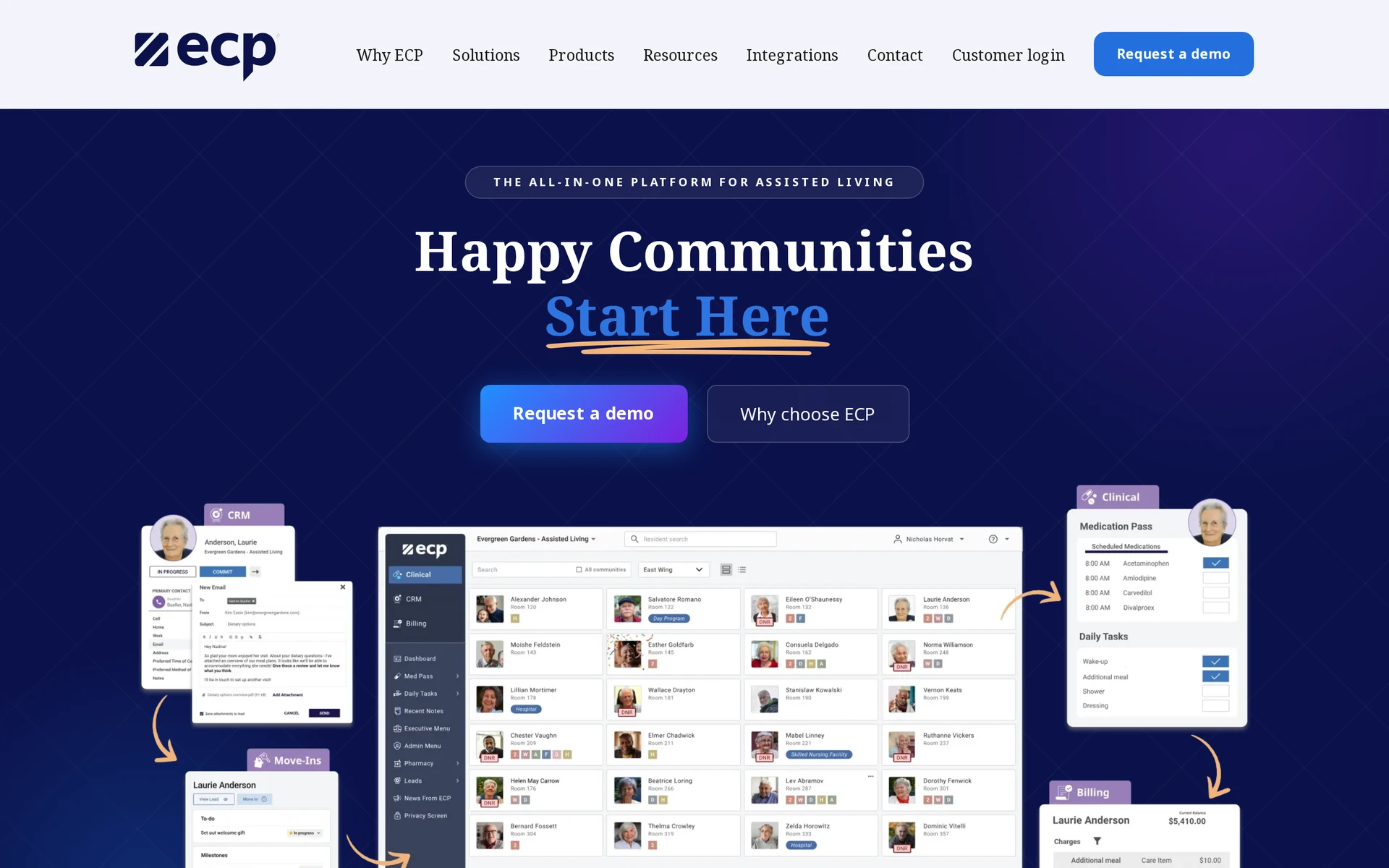
ECP’s published positioning centres on assisted living and residential care. A skilled nursing facility should separately verify MDS, Medicare reimbursement, and complex claims requirements.
Implementation signal: Setup needs to reflect the pharmacy connection and local assessment workflow. Module selection also shapes the rollout.
Pricing: ECP has no public list price. Ask how census, modules, implementation, and pharmacy connections affect the quote.
6. WellSky Senior Care
Best for: Skilled nursing operators evaluating clinical documentation, acuity follow-up, PDPM, and revenue-cycle work together.
WellSky Senior Care is an EHR and revenue-cycle platform centred on skilled nursing.
Its documented workflow follows SNF clinical work into reimbursement:
Area | Documented function |
|---|---|
Named settings | Skilled nursing, CCRCs, assisted living, and intermediate care |
Clinical documentation | EHR and point-of-care charting |
SNF reimbursement | MDS 3.0 and five-component PDPM calculations |
Acuity follow-up | CareQueue turns resident acuity changes into prioritized work queues |
Financial workflow | Multi-payer revenue cycle and hospital referral intake |
Use a normal shift to verify the workflows that matter outside reimbursement:
Test resident-level daily care planning from assignment to completion.
Confirm who owns workforce scheduling and recorded hours.
Check how shift context and open follow-up move between teams.
The table shows why implementation may extend beyond the clinical record. Define ownership for clinical, intake, and revenue-cycle work before launch.
Pricing: WellSky publishes no list price. Ask the quote to separate clinical, financial, implementation, and managed-service scope.
7. Yardi Senior Living Suite
Best for: Senior living operators that want property, occupancy, finance, sales, and care workflows in one suite.
Yardi Senior Living Suite is a cloud ERP for senior living operators that manage property and care workflows together.
One database connects the following work:
Settings: The suite covers independent and assisted living communities, including memory care and CCRCs.
Property and occupancy: Voyager Senior Housing links property records with census and occupancy.
Finance: Resident trust accounting and the general ledger connect with billing.
Sales and move-in: Customer relationship management (CRM) activity joins the resident record from the prospect stage.
Care: Automated assessments feed care workflows. Staff can use mobile charting and medication management with pharmacy-network access.
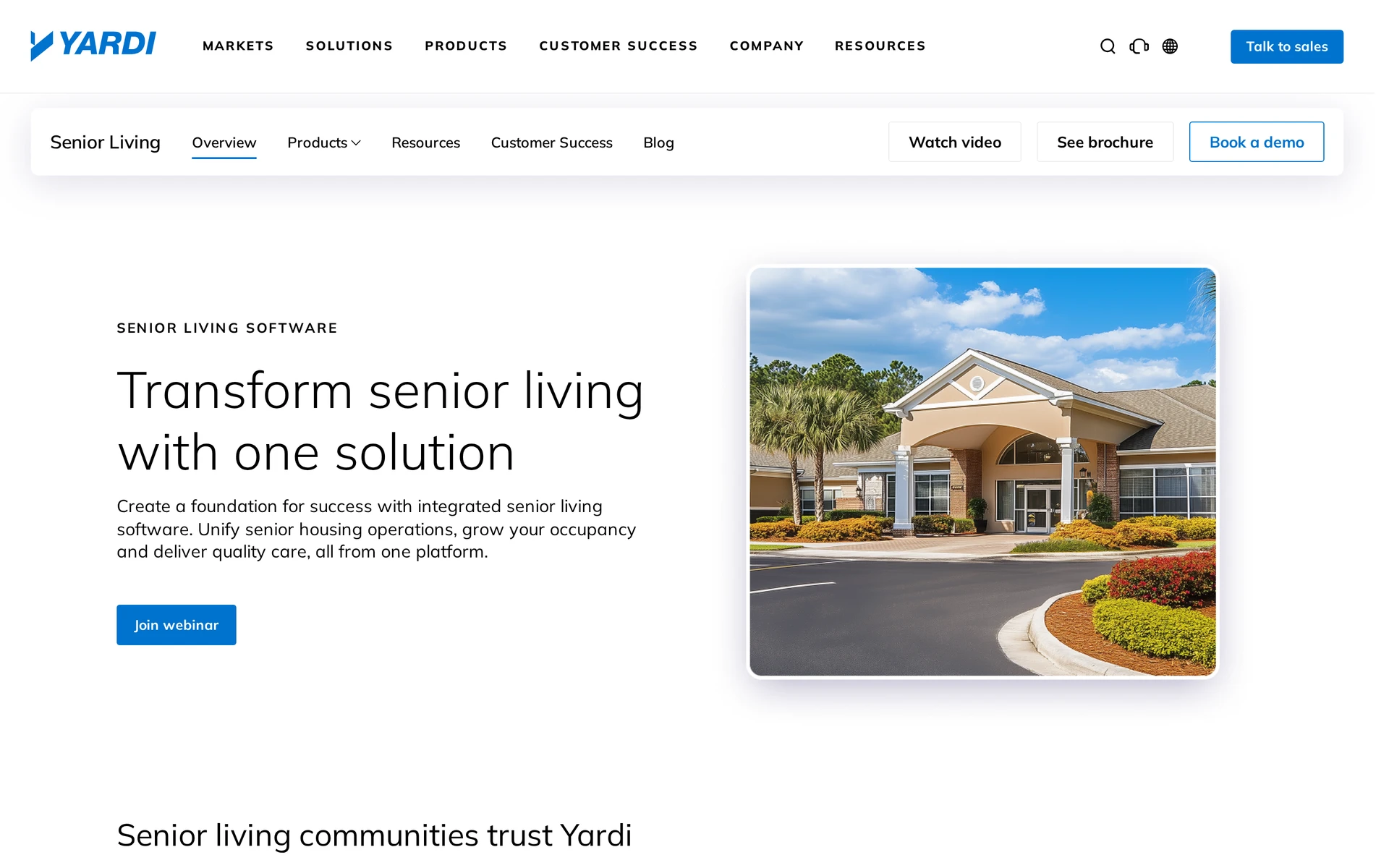
Clinical tools extend a property and accounting core. Skilled nursing buyers should verify native MDS, PDPM, and payer workflows, while frontline teams test care plans and medication charting during a normal shift.
A rollout can span property and accounting work as well as CRM and care records. Implementation scope therefore depends on the modules and communities included.
Pricing: Yardi does not publish a list price. Ask the proposal to name the communities, modules, implementation work, and recurring services included.
8. American HealthTech
Legacy fit: Existing American HealthTech customers documenting current workflows and planning a supported transition.
American HealthTech is a legacy skilled nursing and post-acute platform with clinical and financial functions. PointClickCare owns AHT and directs existing customers towards a transition path, making it a transition consideration for installed customers rather than a current shortlist option.
Existing AHT installations may still support established workflows such as:
MDS: Assessment documentation for US skilled nursing residents.
Medication: Administration records and related clinical documentation.
Resident accounting: Charges, balances, and trust-account activity.
Financial operations: Billing and enterprise finance functions.
This scope reflects US skilled nursing and reimbursement work. Residential care operators should check whether those MDS and accounting processes match their service model or add complexity they do not need.
AHT has no published price. Existing customers evaluating its future should request a written migration plan covering:
Data: Define how records will transfer and how staff will access retained history.
Daily work: Document every change to established workflows.
Integrations: List the connections that must continue after migration.
Training: Set out the training required for each staff role.
PointClickCare modules: Name the modules needed after the transition.
9. Eldermark
Best for: Senior living operators evaluating care records, medication administration, occupancy, and service-to-billing workflows.
Eldermark supports assisted living, memory care, independent living, and continuing care retirement communities.
The workflow connects frontline records with community revenue operations:
Point of care: The POC 2 mobile app records activities of daily living and delivered services.
eMAR: Scheduled and PRN medication administration includes documentation controls and bidirectional long-term-care pharmacy feeds.
Billing: Recorded services connect with resident charges and payment collection. Separate tools support rate modeling and service-to-billing reconciliation.
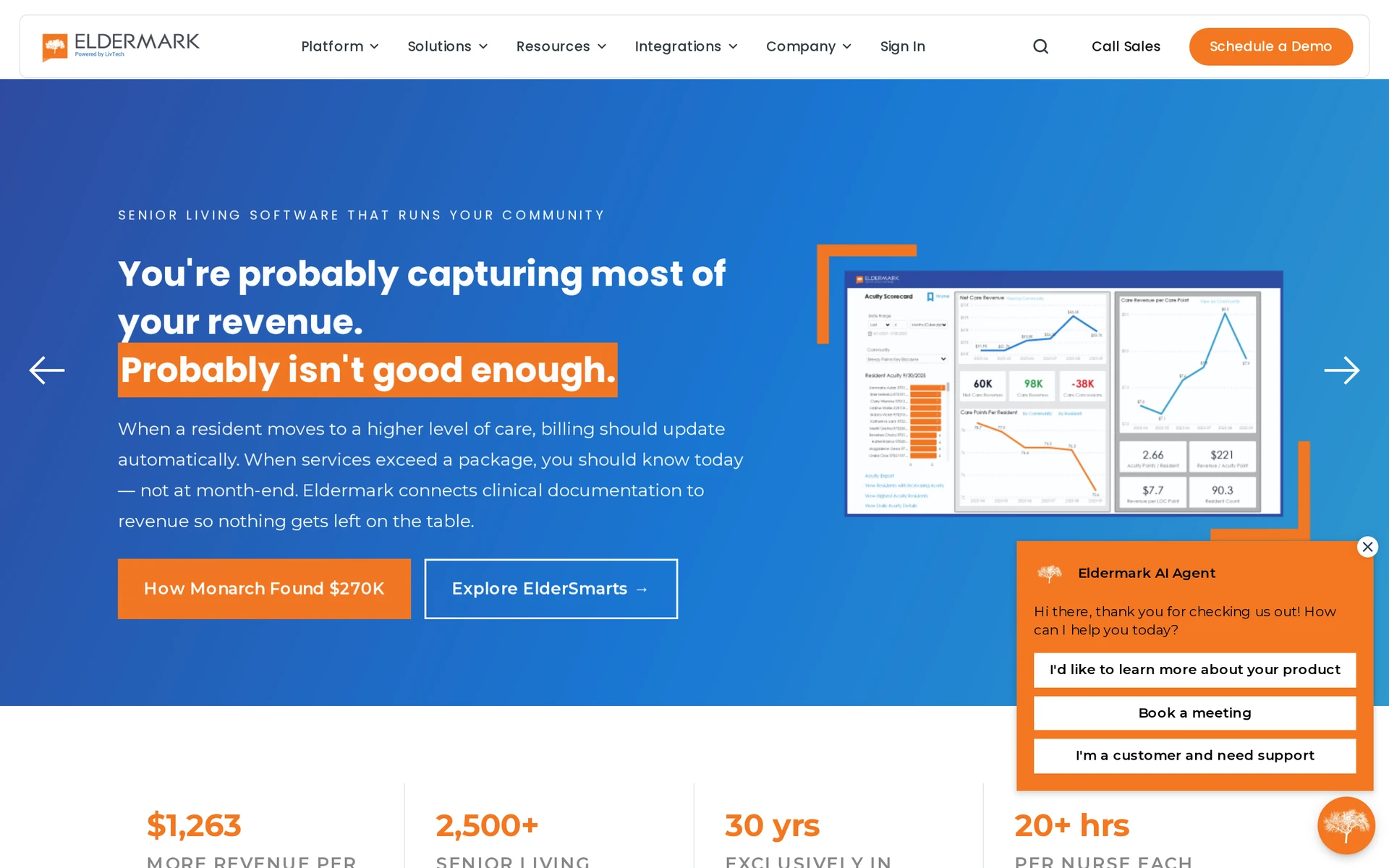
Operations: customer relationship management (CRM) and occupancy forecasting support admissions, while ElderSmarts analyzes care and revenue data.
!Eldermark senior living software interface <!-- ai-generated image -->
!Eldermark senior living software interface <!-- ai-generated image -->
Published partner connections include eMenuCHOICE and ServiceTrac. Confirm whether workforce scheduling is native, partner-provided, or handled in a separate system.
Eldermark centres state-regulated senior living agreements and level-of-care billing. Skilled nursing operators should verify MDS submission, PDPM calculations, and Medicare, Medicaid, and commercial claims support.
Pricing: Confirm current package pricing directly with Eldermark and ask which broader configurations require a custom quote.
10. StoriiCare
Best for: Residential, adult-day, and community-care services that value care records, activities, and family communication.
StoriiCare is cloud care-management software for residential and community services, including the Program of All-Inclusive Care for the Elderly (PACE). It combines the care record with activity programming and family communication.
Its documented scope includes:
Care delivery: Care plans and clinical notes share the record with medication administration. Attendance and electronic visit verification (EVV) capture participation and delivered visits.
Resident engagement: Activity scheduling and engagement scoring connect with resident life stories. Staff can also use Google Street View reminiscence.
Family access: Families can receive updates and share media alongside the resident record.
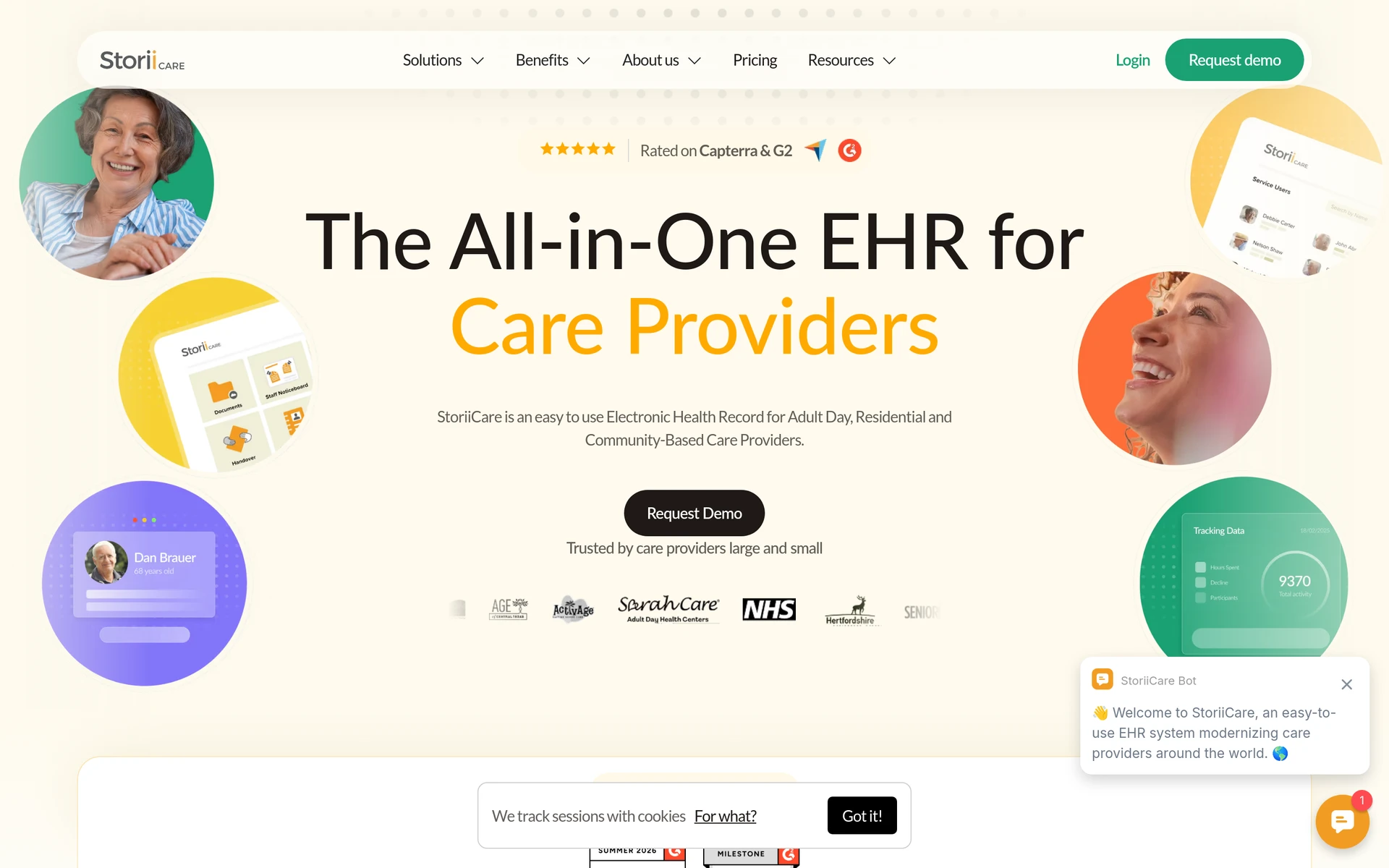
Administration: CRM and billing connect service information with office work.
!StoriiCare care management software interface <!-- ai-generated image -->
!StoriiCare care management software interface <!-- ai-generated image -->
StoriiCare also offers AI care-plan generation and the Skye conversational assistant. During a demonstration, inspect staff review, editing, approval, and source-record traceability.
The residential and community focus is distinct from a US skilled nursing reimbursement platform. An SNF should verify MDS submission, PDPM calculations, and Medicare, Medicaid, and commercial claims support.
Pricing: StoriiCare does not publish a base price. Ask the quote to separate census assumptions, selected modules, implementation, and integrations.
Nursing home software compared: focus area and best-fit setting
Start with setting and payer model. US skilled nursing facilities need native MDS 3.0 and PDPM workflows; UK and residential providers need daily-care operations matched to local rules.
The DHSC survey found that 73% of CQC-registered providers used digital social care records and 63% used digital rostering. Local rules and working routines still decide fit, even where digital records and rostering are already common.
Platform | Primary setting | Focus area |
|---|---|---|
Silverwise | Residential care, home care, special care | Daily care and operational coordination |
PointClickCare | Skilled nursing facilities, long-term care, senior living, hospital networks | Minimum Data Set, Patient-Driven Payment Model, multi-payer billing |
MatrixCare | Skilled nursing, life plan, senior living, home health, hospice | CMS documentation and revenue-cycle management |
myUnity by Netsmart | Independent living through skilled nursing, rehabilitation, hospice | One record across transitions |
ECP | Assisted living, memory care, independent living, group homes, intellectual and developmental disabilities | Electronic medication administration records, customer relationship management, level-of-care billing |
WellSky Senior Care | Skilled nursing, continuing care retirement communities, assisted living, intermediate care | Minimum Data Set, Patient-Driven Payment Model, acuity work queues |
Yardi Senior Living Suite | Independent living, assisted living, memory care, continuing care retirement communities | Property, occupancy, finance, care |
American HealthTech | Existing skilled nursing and post-acute AHT sites | Legacy Minimum Data Set, billing, trust accounting |
Eldermark | Assisted living, memory care, independent living, continuing care retirement communities | Electronic medication administration records, customer relationship management, service-to-billing |
StoriiCare | Adult day, residential, PACE, memory care | Care plans, activities, family engagement |
What to check before you choose a platform
Compare convenience and headline price only after a platform meets every mandatory local requirement. Then use the six checks below during one normal shift or visit.
Confirm mandatory requirements: Check local clinical, medication, billing, privacy, employment, and record-retention rules. US SNFs should include MDS and PDPM; UK providers should include data-protection and CQC expectations.
Trace normal work: Follow one shift or visit from care plan or service assignment through recording, handover, field updates, billing inputs, and follow-up.
Use real devices: Ask frontline staff to complete common tasks on the phones, tablets, or computers they will use.
Test medication continuity: Review pharmacy connections, medication administration records, downtime procedures, and any managed paper contingency without creating uncontrolled duplicate records.
Price the complete configuration: Include modules, implementation, migration, integrations, training, support, and partner services.
Run a limited pilot: Define data ownership, outage responsibilities, success measures, and staff feedback before wider rollout.
Explore Silverwise’s fit for your nursing home
Choose software that matches your care setting, local requirements, and normal working day. Test the shortlist against one shift or visit, then compare complete implementation costs.
Bring that workflow, including unresolved follow-up, to the discussion. Silverwise can map its modules to the records and operational work your team already handles.
Which nursing home software is best?
Residential and home care teams may prioritise daily care and operational coordination. US SNFs should prioritise native MDS, PDPM, medication, and payer workflows where required.
:no_upscale())